

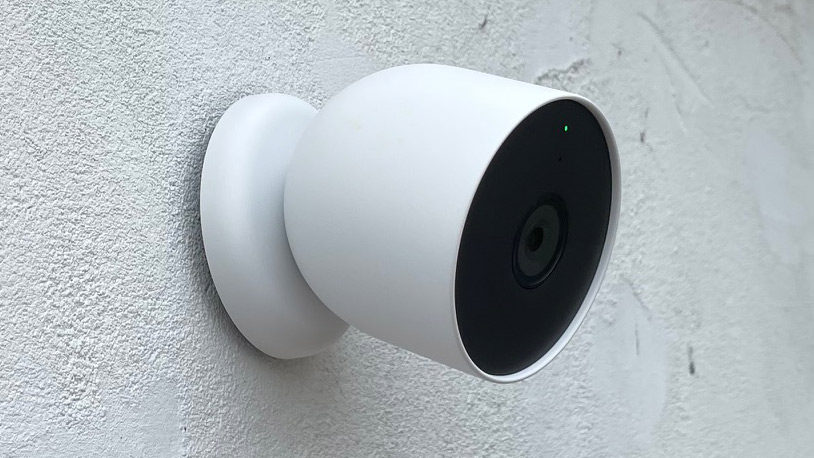
- Google Home’s spring update is rolling out to all users outside the early access program
- The Nest app has a refreshed interface and new navigation tools
- Google has also expanded its automations capabilities across security control, appliance control, and more
Google Home is supercharging its smart home experience with the rollout of its spring update, which includes upgraded Nest Cam app tools and enhanced automation functionalities — both of which are now available to all users after being locked in the early access program for a few months.
It’s a mighty update for the Nest app interface alone, which now allows you to view the live video player as you scroll through your video history, but its seamless navigation enhancements are the true stand-outs.
Have you ever been frustrated with the Nest app’s delays? That’s about to change. As well as the updated video player, Google has given its timeline a much-needed refresh with smoother camera-scrubbing frame rates and quick seek buttons allowing you to jump 10-seconds forward and backwards in video recordings.
Article continues below
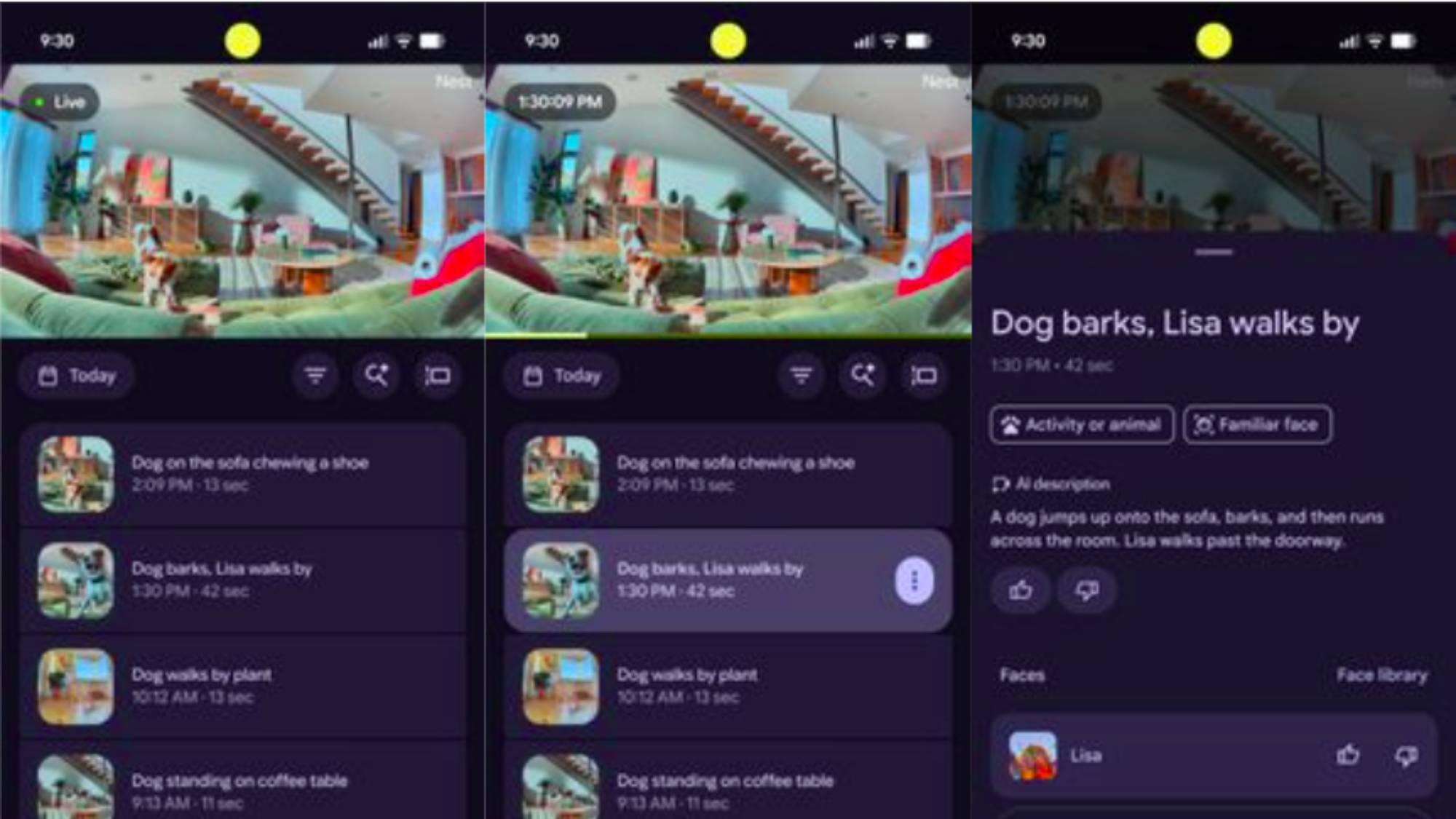
The company has also improved its insight features with new Gemini-powered upgrades to ensure a more efficient experience, starting with zoomed-in animated previews that let you view an action or movement at a quick glance.
Video filtering options have also been improved, meaning you can organize your video event list by specific categories such as Person seen, Package seen, Glass break heard, or Activity Zone, while the new timeline view gives you event descriptions, making it easier to identify specific events in your video history.
As for facial recognition capabilities, the Google Home app will automatically exclude low-quality footage examples to ‘maintain a clean and effective face library’, as it says in Google’s outline. Additionally, the company has rolled out feedback buttons for familiar face previews, allowing you to report back to Google to ensure more accurate facial detection over time.
However, it’s not just new Nest Cam devices that are getting the special treatment. Pre-2021 Nest camera models will also be getting Gemini event descriptions and zoomed-in previews.
It’s a big update to say the least, but you should note that you’ll need a Google Home Premium subscription to make the most of some of these tools. But this is just the tip of the iceberg: Google is also upgrading automations for a more convenient smart home experience.
‘Turn the coffee machine on at 8am’
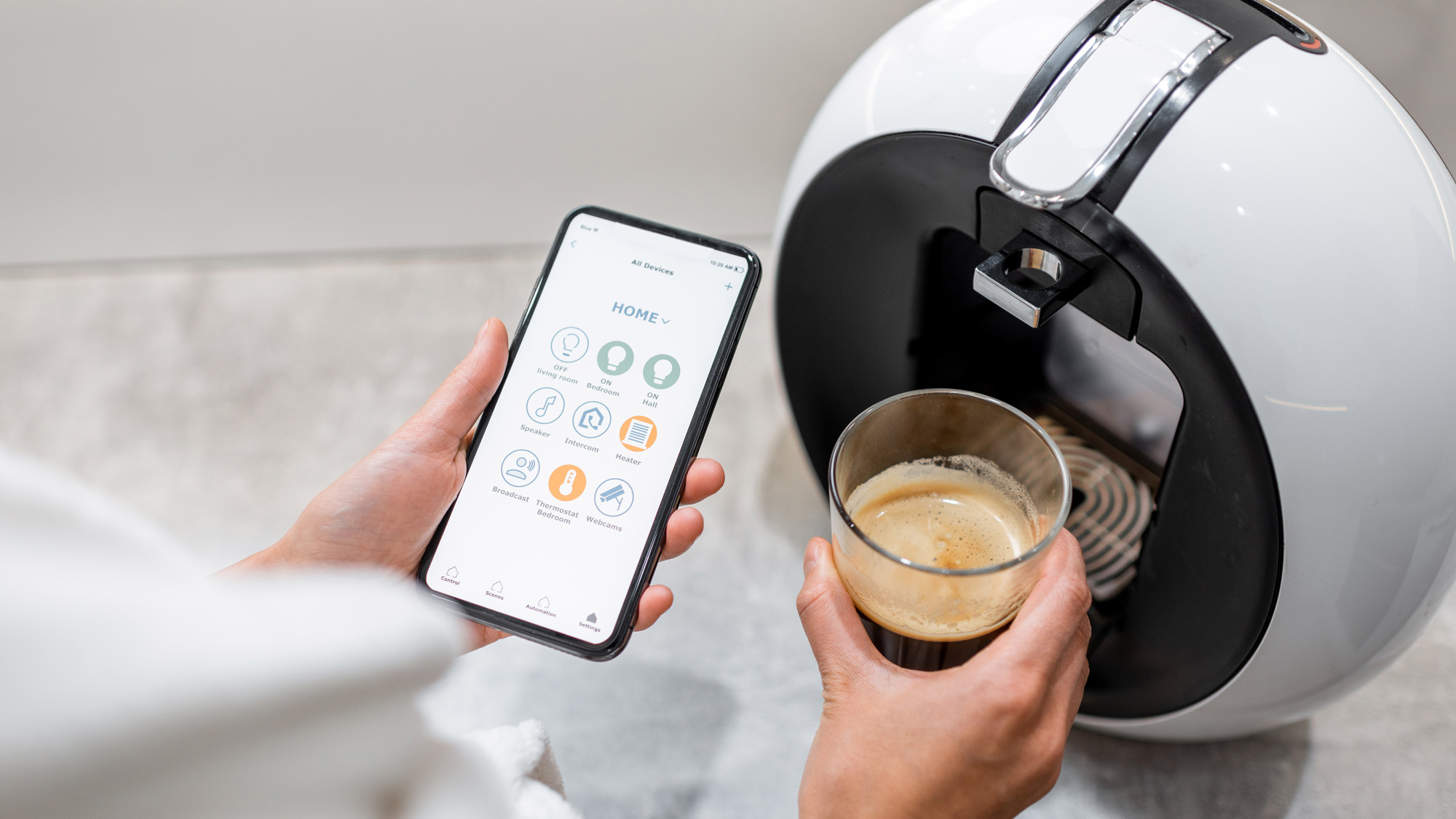
Automations in Google Home are designed to make your smart home ecosystem even more efficient, and after listening to user feedback, Google is rolling out even more customizable automations for security control, lighting control, cleaning and appliances, device health alerts, and media and entertainment.
For example, automations can now tell you what state your door is in, whether it’s locked, ajar, jammed, or forced open, giving you a more accurate view of your home even when you’re away, and the same applies to viewing the position percentage of your smart blinds.
If you have a plethora of devices in your setup, such as coffee machines, washers, or robot vacuums, you can now create automations that target specific operational controls to start, stop, pause, and resume activity. Not only that, you can be more precise with controlling your lighting setups by using On/ Off toggles for managing light effects and changing the color temperature of your devices.
Just like its Nest camera upgrades, there’s a lot to unpack with automation functions, and you can view the full list of what’s new on Google’s announcement page, along with sample prompts to help you get started with optimizing your smart home setup.

Follow TechRadar on Google News and add us as a preferred source to get our expert news, reviews, and opinion in your feeds.
