

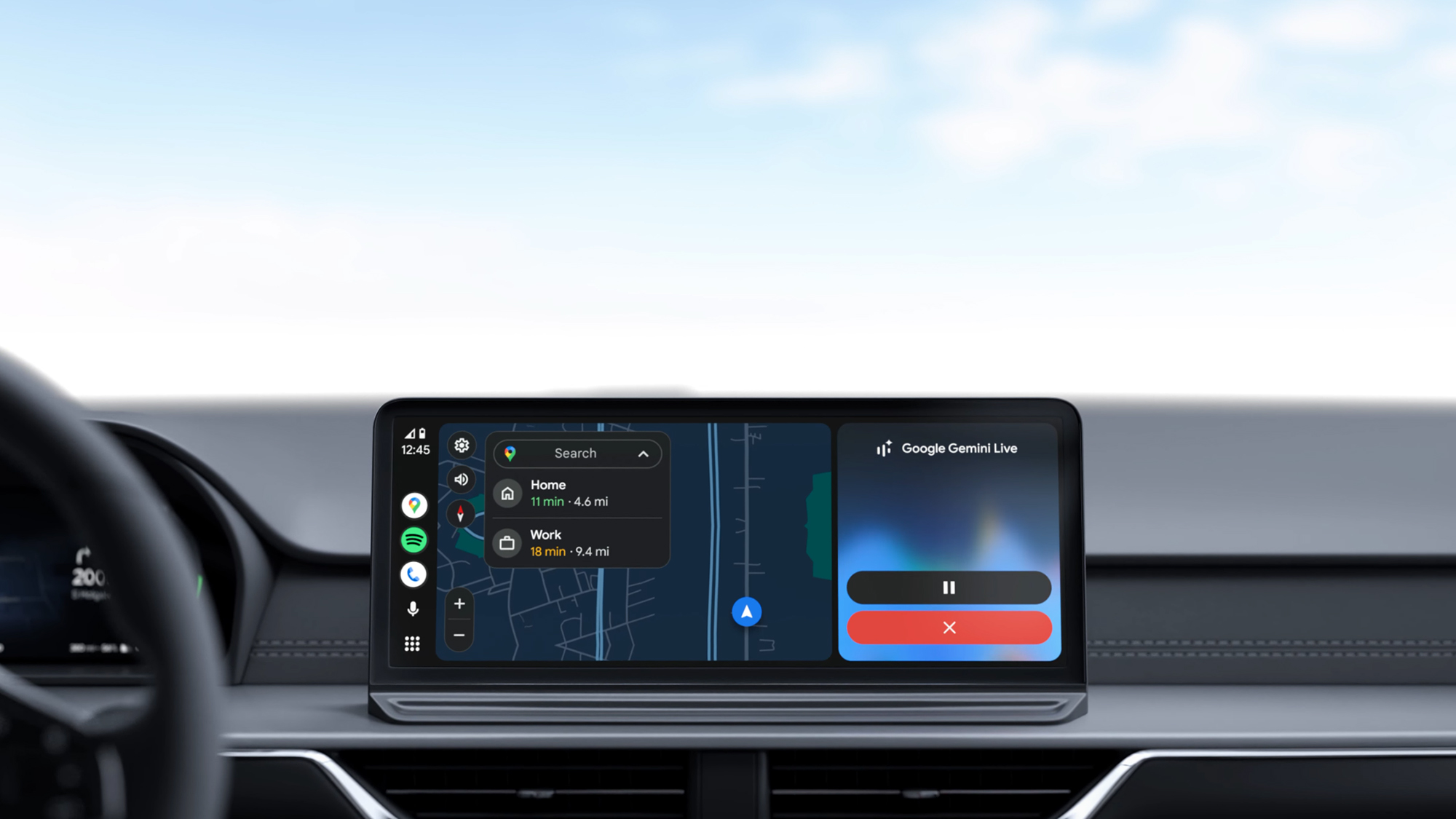
- Android Auto widgets look set to be arriving soon
- They’ve been spotted hidden in the latest Android Auto app
- The available widgets match the standard Android ones
With the Gemini AI upgrade now installed for Android Auto users worldwide, Google is turning its attention to another feature for the vehicle dashboard interface: widgets that match the ones on your phone home screen.
The first signs of this were actually spotted months ago, but in the latest version of the Android Auto app, the folks at Android Authority have spotted more hidden code that suggests support for widgets isn’t far off now.
When the feature does go live, there will be a new Car widgets option in the settings for Android Auto, based on the newly discovered screen images. From there, you get taken to a widget picker not unlike the one for a phone home screen.
Article continues below
It’s not clear when Google might decide to start rolling out this feature to users, but it looks pretty finished. The Google I/O 2026 event is happening later this month, on May 19-20, which would be a suitable time for an announcement like this.
Sign me up
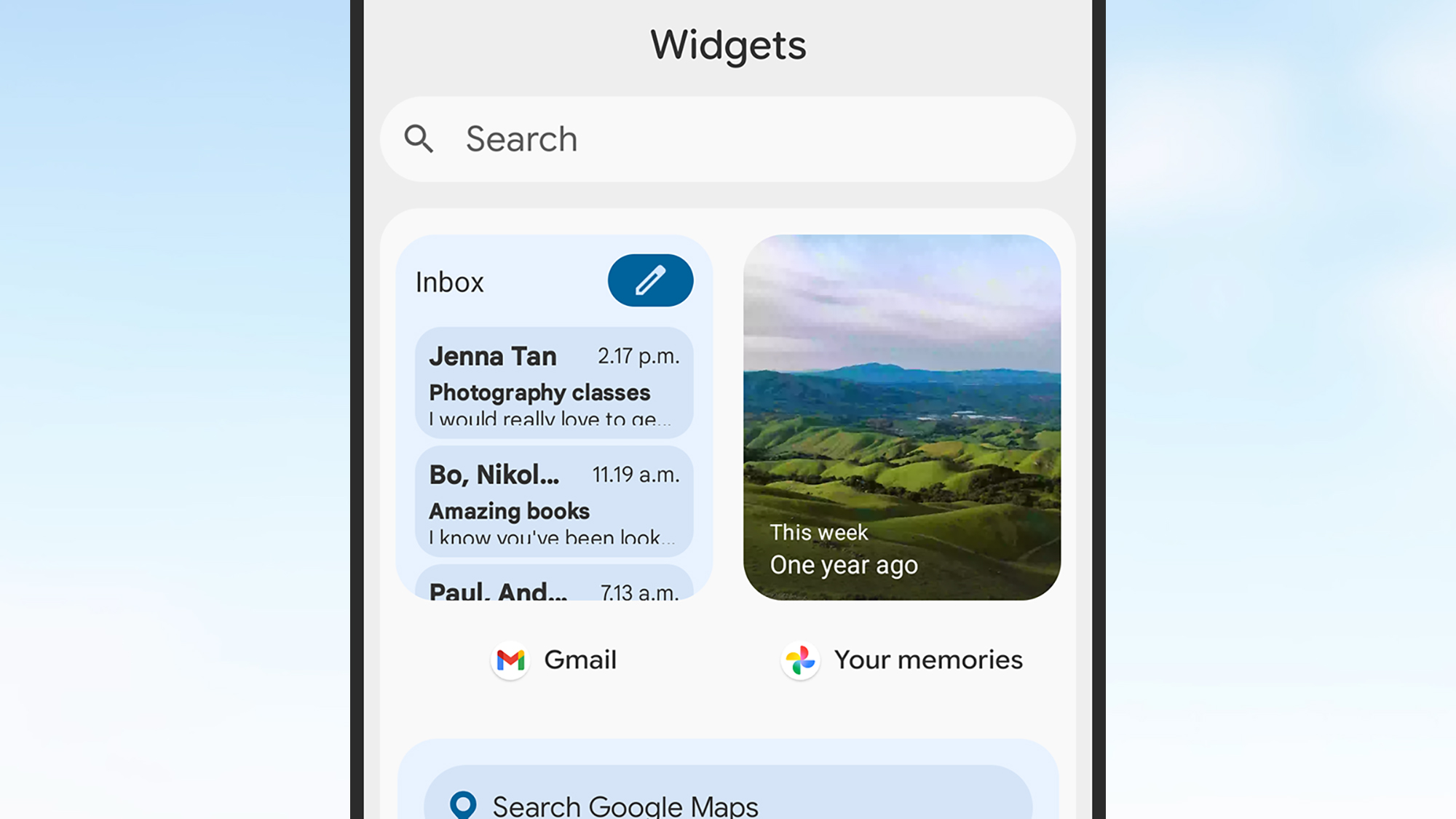
From the code and the screens dug up by Android Authority, it looks as though a lot of the same widgets available on Android itself will also be supported by the Android Auto interface — and I’m keen to give them a try.
From countdown starters to calendar previews, from battery charts to fitness info, I make extensive use of widgets on the home screen of my phone. Having them on my car dashboard too would be genuinely useful.
Space is restricted on an Android Auto display of course, so it’ll be interesting to see how Google actually implements this — especially if Google Maps is in navigation mode, which will necessarily have to take up a lot of the room on the display.
Hopefully Google manages to implement this in a way that isn’t overly clunky — and in a way which doesn’t require any subsequent updates to squash persistent bugs — and if so, I’ll be adding some widgets immediately.

Follow TechRadar on Google News and add us as a preferred source to get our expert news, reviews, and opinion in your feeds.
