


Parth is a technology analyst and writer specializing in the comprehensive review and feature exploration of the Android ecosystem. His work focus on productivity apps and flagship devices, particularly Google Pixel and Samsung mobile hardware and software.
He provides expert guidance on productivity software, system optimization, and the advanced functionalities that allow users to maximize their device’s potential. His analyses are crucial resources for readers seeking to master complex operating system features and streamline their digital workflows.
When he is not busy with technical analysis and software evaluation, Parth dedicates his time to watching K-dramas, studying mobile technology trends and the role of artificial intelligence.
Samsung’s One UI is packed with features, customization options, and useful tools.
However, despite all the bells and whistles, my Samsung Galaxy phone felt basic when I set it up.
So, I started exploring the Play Store for apps that could improve my daily workflow, add useful features, and make my Galaxy feel more personal.
After trying several options, I narrowed the list to six apps that noticeably improved how I use my Samsung phone.
Enpass
One vault for all my logins
Samsung Wallet’s built-in Samsung Pass does a decent job of saving and auto-filling passwords, but I found it too basic for my needs.
I wanted something more flexible, especially when it came to syncing credentials across devices.
Enpass checked that box immediately.
Unlike password managers that lock you into their cloud, Enpass lets me choose where my encrypted vault lives, including Google Drive, OneDrive, Dropbox, or a self-hosted option like Nextcloud.
It also offers a strong password generator, biometric unlock, autofill, passkey support, and built-in authentication codes.
I especially like its password audio and breach monitoring tools, which help me spot weak or compromised credentials.
It’s a practical upgrade that puts me in control of my passwords.
Poweramp
My offline music never sounded better
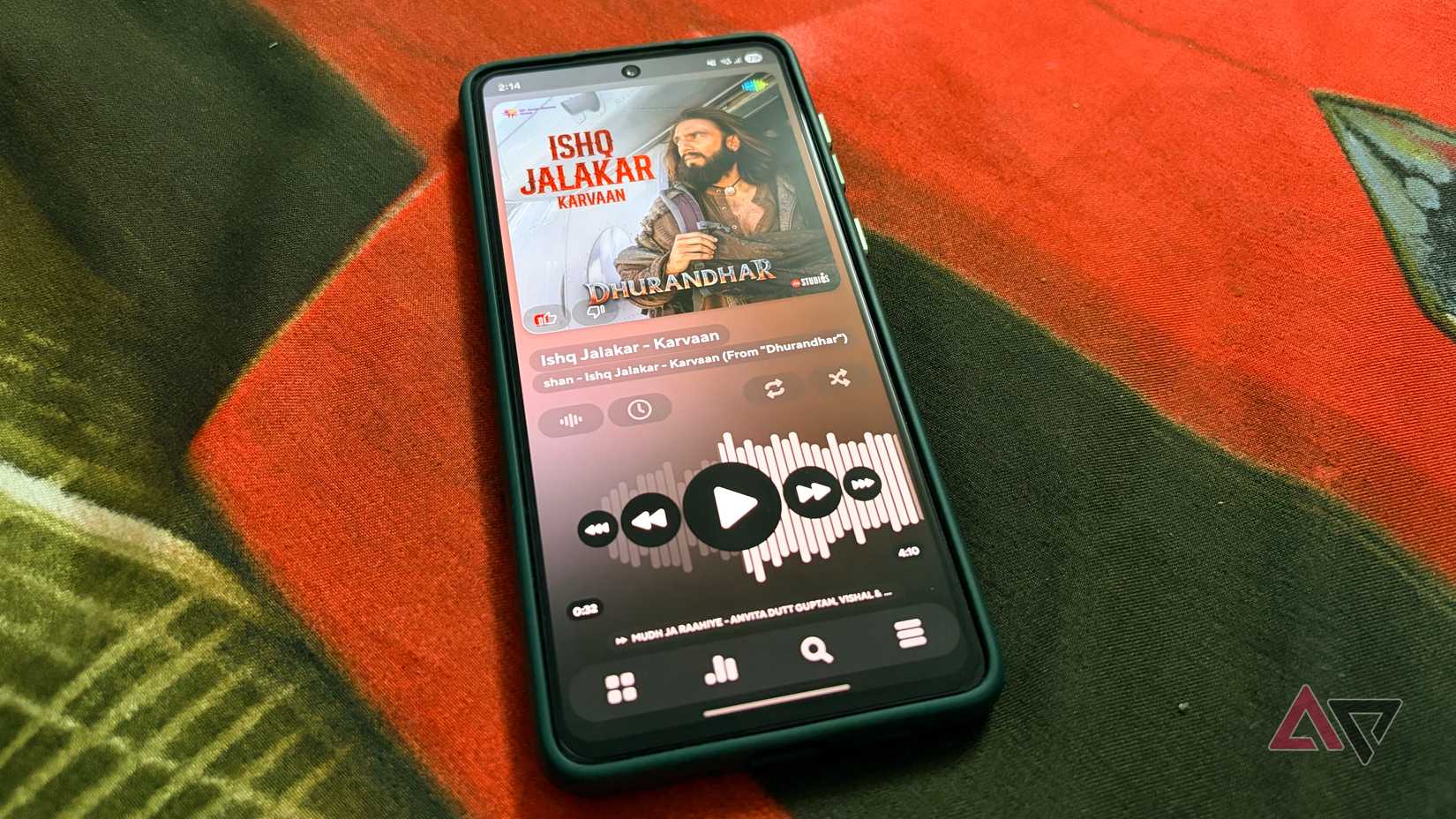
Samsung offers Samsung Music, and it’s perfectly capable of playing songs stored on my Galaxy.
But after spending time with Poweramp, I don’t see myself going back.
Its interface feels more polished, and the control it gives me over playback is in another league.
The built-in equalizer lets me fine-tune the sound for my headphones, while gapless playback, crossfade, and ReplayGain make albums and playlists more enjoyable.
I also like browsing music by folders, customizing the player with skins, and playing lossless audio files.
Samsung Music covers the basics, but Poweramp is better for how I enjoy my offline music collection.
Spendee
The reality check my wallet needed
Tracking my expenses is important, but I have never enjoyed dealing with spreadsheets or reviewing bank statements.
Spendee makes the process more convenient.
I can record my daily expenses, organize transactions into categories, create separate wallets, and set monthly budgets to keep my spending in check.
The app also got a major UI makeover with the recent Spendee 6 updates.
I especially appreciate the colorful charts and visual breakdowns, which help me see exactly where my money goes each month.
LocalSend
No cables, no cloud, no fuss
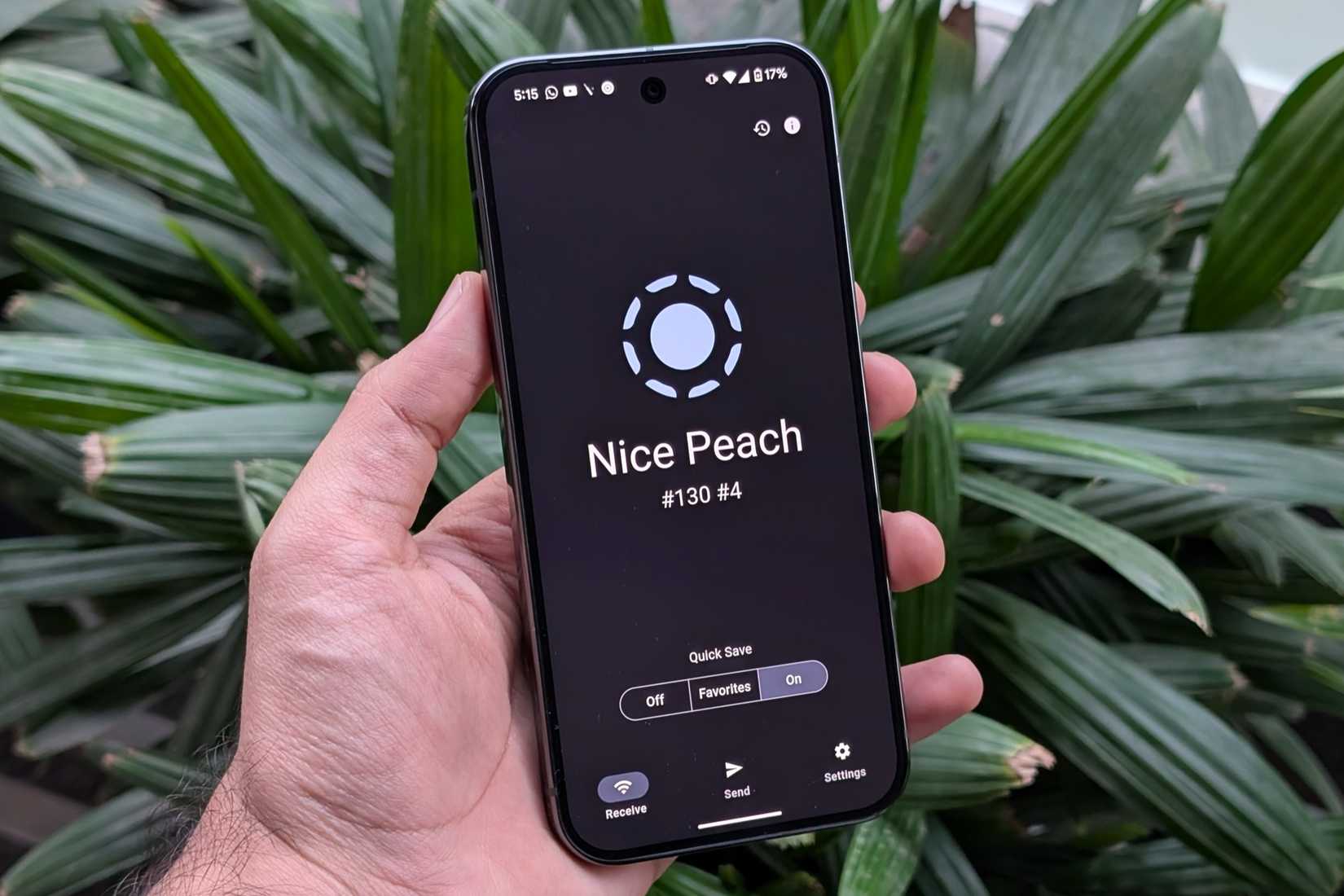
Samsung’s Quick Share is handy, but it doesn’t always fit the mix of devices I use.
I regularly move screenshots, documents, and other files between my Galaxy and computers, and I don’t want to worry about which ecosystem each device belongs to.
LocalSend makes that process simple.
I install it on both devices, connect them to the same local network, and transfer files directly.
I don’t need USB cables, accounts, or cloud storage. It works across Android, Windows, macOS, Linux, and iOS, which is a major advantage for me.
Transfers are encrypted, and the app is open source.
It’s a simple utility that quietly saves me time and smooths out my workflow.
Journey
Giving fleeting thoughts somewhere to land
I tried regular note-taking apps to record my thoughts and memorable moments, but those entries often got buried under shopping lists and random reminders.
Journey gives me a dedicated space to document my daily experiences. I can write detailed entries, attach photos, track my mood, and make journaling feel more personal.
What I particularly enjoy is revisiting older entries through the calendar and timeline views.
It’s fascinating to look back and see how my thoughts and experiences have evolved over time.
Journey also offers daily reminders, cloud sync, and multi-platform support.
It has made journaling a much more enjoyable habit.
Good Lock
One UI, but on my terms
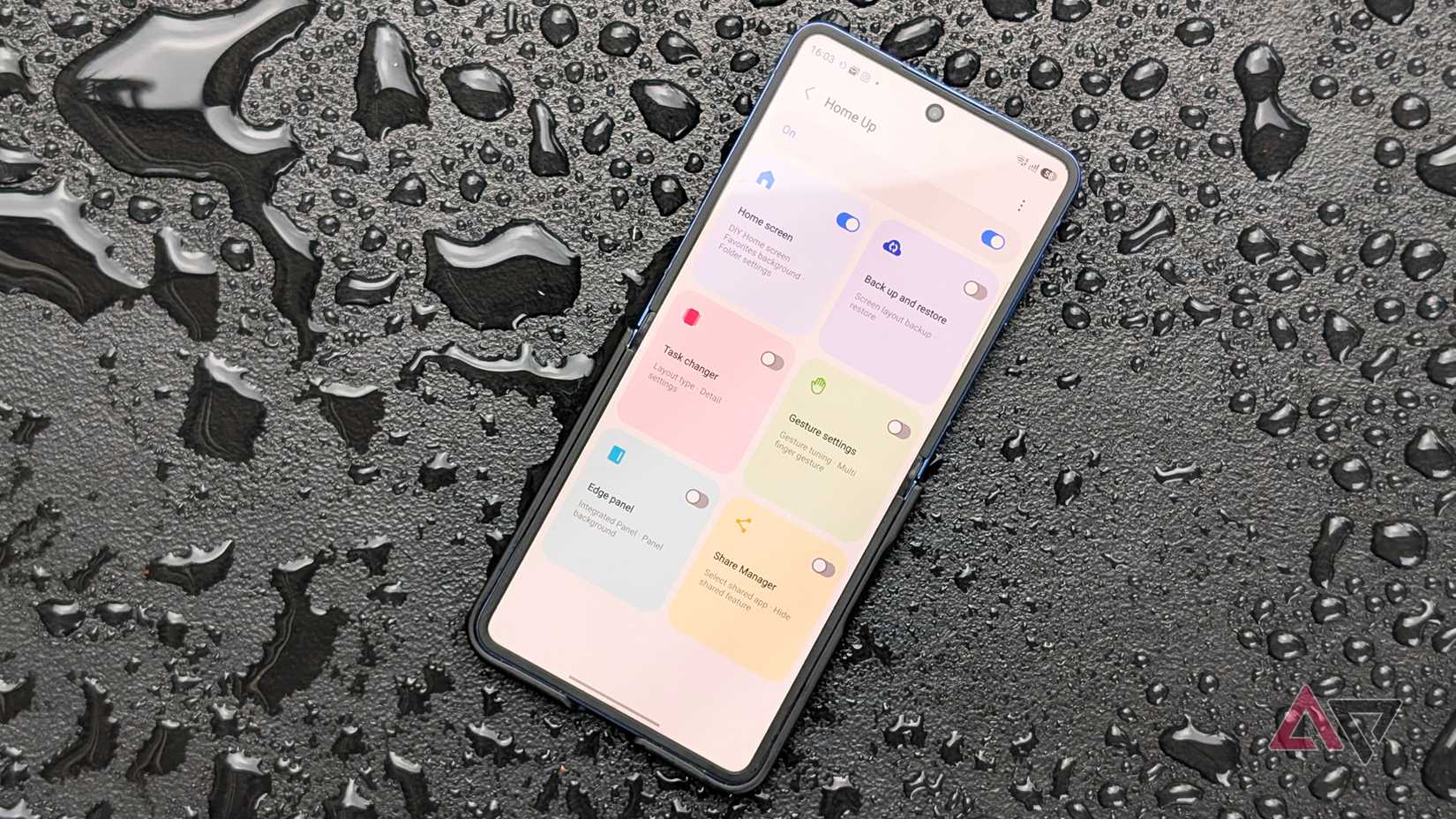
How can I end the list without mentioning Good Lock? One UI offers plenty of customization options, but Good Lock takes things to another level.
It’s Samsung’s customizable suite that unlocks features and settings you won’t find in the regular Settings app.
I use Theme Park to customize the interface colors and icons, while Home Up gives me more control over my home screen layout and app-opening gestures.
I can download only modules I need without cluttering my device with unnecessary features.
It’s easily one of the best additions to my Galaxy, and it makes an already flexible One UI experience even more powerful.
One UI was just the beginning
Samsung’s One UI delivers a feature-rich experience, but these six apps have shown me how much more I can get out of my Galaxy phone.
From managing passwords and tracking expenses to enjoying my music collection and transferring files, each app addresses a different part of my daily routine.
If your Galaxy phone feels a little too ordinary out of the box, exploring a few well-chosen apps might be exactly what it needs.
