


Jade Bryan is a Feature Author at Android Police with over a decade of tech reviews and news reporting experience, stretching back to the Symbian era and the early days of Android. He covers the breadth of the mobile industry, specializing in operating system deep-dives, app testing, and hardware analysis.
In his spare time, you can find him tinkering with his Android devices and wearables, seeking ways tech can improve daily life. He also enjoys playing MMORPGs, traveling, or feeding stray cats and dogs.
I’ve been in the Samsung ecosystem longer than I’ve been on my Google Pixel.
I’ve switched between multiple Samsung Galaxy devices, moving from foldables to mid-range slabs, and going back to a Galaxy flip and a tablet.
However, I moved to the Pixel as my main daily driver a year ago, and while I missed many Galaxy features, I realized that some of the tools I used overlap on my Pixel.
Even better, I found out that Google delivers a better implementation of these features on my Pixel than Samsung does on the Galaxy.
It’s one of those things that makes switching back to a Galaxy a lot harder.
One UI offers extensive customization
But I prefer tweaking my home screen on Pixel
One reason I was hooked on Galaxy devices before was the extended personalization through Good Lock.
The suite offers modules that add more custom features and controls. This includes a personalized home screen and lock screen complete with widgets and app icons.
While this has existed for years, I prefer the customization on my Pixel because it feels native rather than like an added layer.
Sure, I get more controls and options with One UI, but the Pixel Launcher has become so good, slowly adding more elements that feel fully baked.
One example is themed app icons through color palettes, where Google’s implementation looks cleaner and supports all apps.
By contrast, One UI feels half-baked, with some shortcuts still lacking proper support.
I also don’t need to download extra themes or icon packs to spice up my home screen.
The Pixel Launcher offers app icon theming and shape generation out of the box.
This reduces the friction and setup time compared to my Galaxy Z Flip, where tweaking the interface to look like a Pixel takes too much effort.
Adaptive battery is more reliable on Pixel
One UI’s power management can be too aggressive
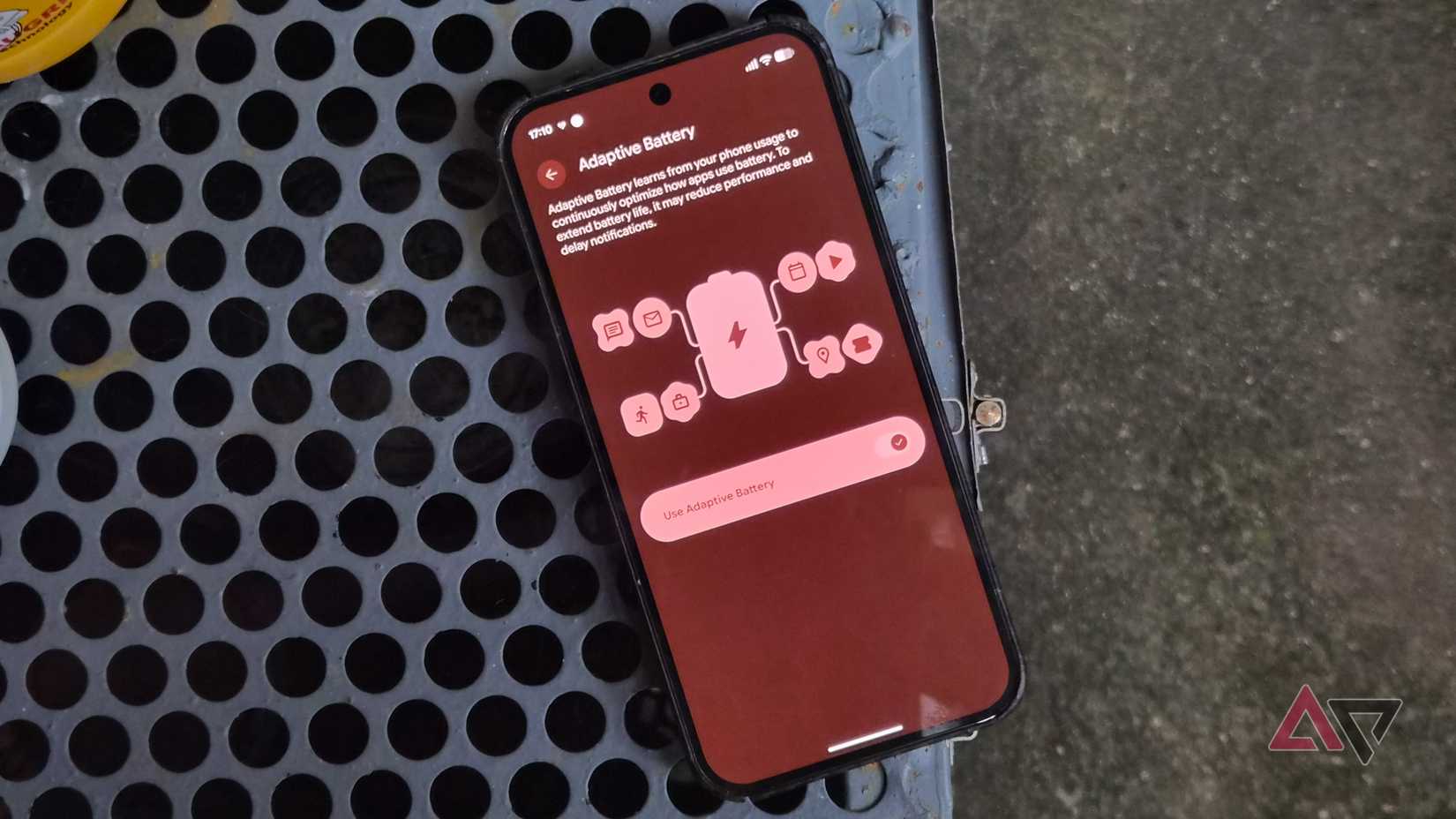
Samsung has long offered comprehensive power management tools, later adding Adaptive Battery as part of the broader Android feature set.
In One UI, Adaptive Battery is tucked inside Background usage limits, which also integrates strict app restrictions.
While Adaptive Battery on my Galaxy Z Flip 7 stretches my device’s runtime, it feels hit or miss at times.
Compared to Adaptive Battery on my Pixel, my battery life stays more stable and consistent, setting aside the occasional bug introduced after a monthly update.
I also find the Pixel’s optimization far more proactive than my Galaxy handset’s, which might be thanks to better machine learning algorithms on Google’s Tensor chip.
I can launch idle apps from the recent overview instantly, whereas on my Galaxy, jumping back to recent apps often brings a noticeable lag, especially for processes buried deep in the memory stack.
Although Samsung includes an automated way to put idle software to sleep, I find it too aggressive, leaving too many everyday apps shoved into deep sleep states.
Samsung Secure Folder is mature
But it’s not as intuitive as Private Space
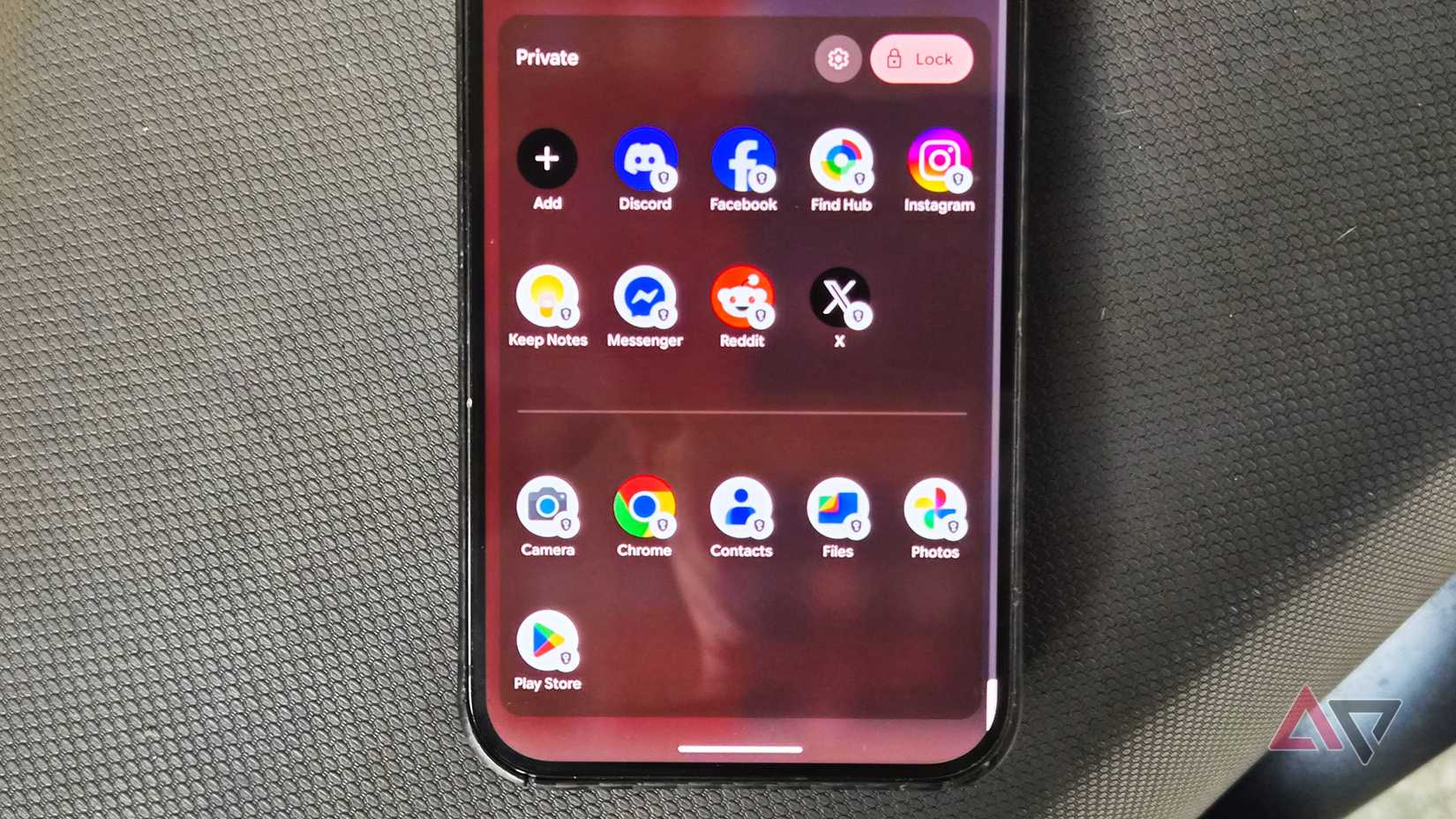
Before Private Space arrived on Android, Samsung devices used Secure Folder to isolate select apps and sensitive files.
It is also an effective utility for running multiple accounts on the same platform without relying on Dual Messenger.
I’ve run it on multiple devices, including my Galaxy Tab S10 FE and even my old Galaxy Z Fold 5.
I’ve also used it extensively on my Flip 7. The custom controls it brings are much broader than what Private Space currently offers on stock Android.
However, after using Private Space extensively on my Pixel, I realized Google’s cleaner approach wins for my workflow.
I prefer the simplicity of having it integrated directly into the app drawer.
Although I can place Secure Folder on my home screen or add it as a Quick Settings tile, Private Space feels more natural tucked at the bottom of the drawer.
The straightforward layout also makes navigation effortless, placing system utilities below and personalized apps on the top layer.
Moreover, Private Space is noticeably faster, opening with zero lag when I unlock it, compared to Secure Folder, which takes a full second or two to load my hidden container.
Pixel Camera is always faster
Samsung Galaxy Camera needs a serious overhaul
To be fair, Samsung has been making camera phones longer than Google.
They produce some of the best camera hardware in the industry, as seen in flagships like the Galaxy S Ultra lineup.
For years, however, I’ve loathed the Galaxy Camera app’s cluttered interface.
Although it’s received visual tweaks over time, the fundamental layout has stayed largely unchanged.
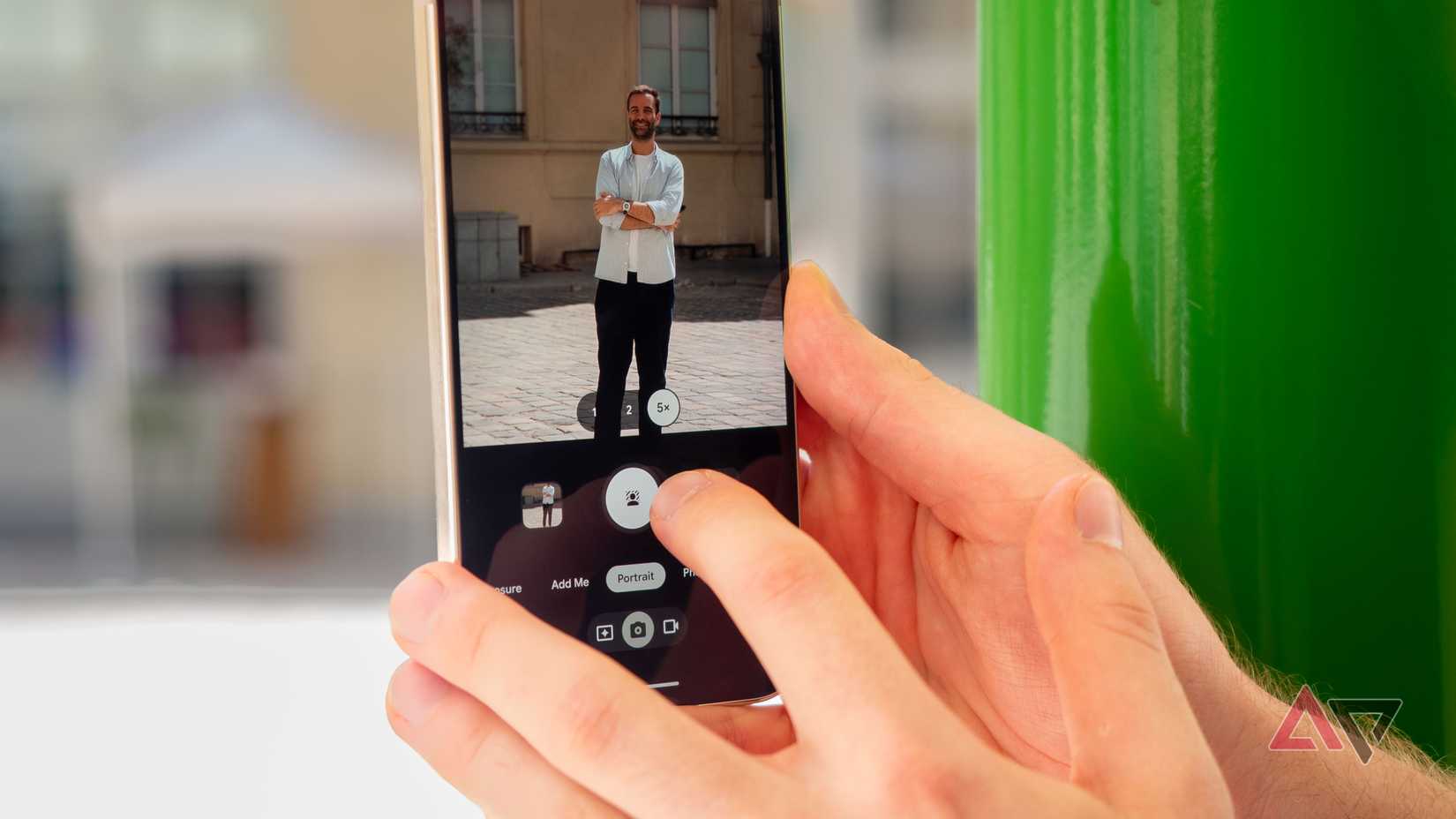
On my Pixel, the camera app is faster, and the viewfinder UI is easier to live with. Switching between capture modes and accessing common shortcuts feels effortless.
Samsung Camera has built-in manual Pro controls, and expanding it with Good Lock’s Camera Assistant can be useful for power users.
Yet after taking thousands of photos and hundreds of videos, I still prefer the Pixel Camera.
It’s not just about the viewfinder layout; the Pixel Camera feels truly instantaneous.
Snapping photos and switching lenses always feels stable, unlike on my Flip 7, which still stutters in focusing despite packing a more powerful processor.
It’s a shame that after so many software cycles, Samsung hasn’t rebuilt the Galaxy Camera app to make it feel genuinely snappy.
Magic Eraser is smarter at detection
Object Eraser struggles with generative fill
Magic Eraser has been my favorite editing tool in Google Photos for years, though Samsung introduced its own counterpart on Galaxy devices called Object Eraser.
Samsung made Object Eraser available well before Google rolled out its tool more widely.
While both AI utilities have improved over the years, I still reach for Magic Eraser when I need to remove photobombers and unwanted distractions from my shots.
Even though Samsung’s utility now integrates smarter generative AI, Object Eraser still lags behind in detection accuracy and in cleanly reconstructing missing backgrounds.
It often leaves behind noticeable smudges, whereas Magic Eraser filled the areas far more convincingly.
Bixby is only good at device controls
It needs to get much more conversational like Gemini
I admit Bixby has improved after its latest upgrade this year. However, it is still behind Gemini as a true digital assistant.
Bixby certainly edges out Gemini for offline hardware toggles, controlling smart home gear, and triggering complex system routines.
Yet it remains underwhelming at natural conversation, understanding context, or reasoning through on-screen content.
Beyond the assistant’s robotic cadence, it struggles with simple object identification and fails at lightly complex questions.
That is why I keep Gemini set as my default digital assistant, even across my Galaxy hardware.
The nice thing is that I can fall back on Bixby when I need specific hardware toggles or multistep controls.
Google makes these features enjoyable to use
I don’t need to completely purge these Samsung tools and apps from my Galaxy device.
I know they serve a practical purpose, and they can be genuinely effective depending on what you need to accomplish.
Yet it’s glaringly obvious that Google integrates these Samsung features much better into the Pixel, leaving Samsung’s versions feeling like unpolished utilities.
