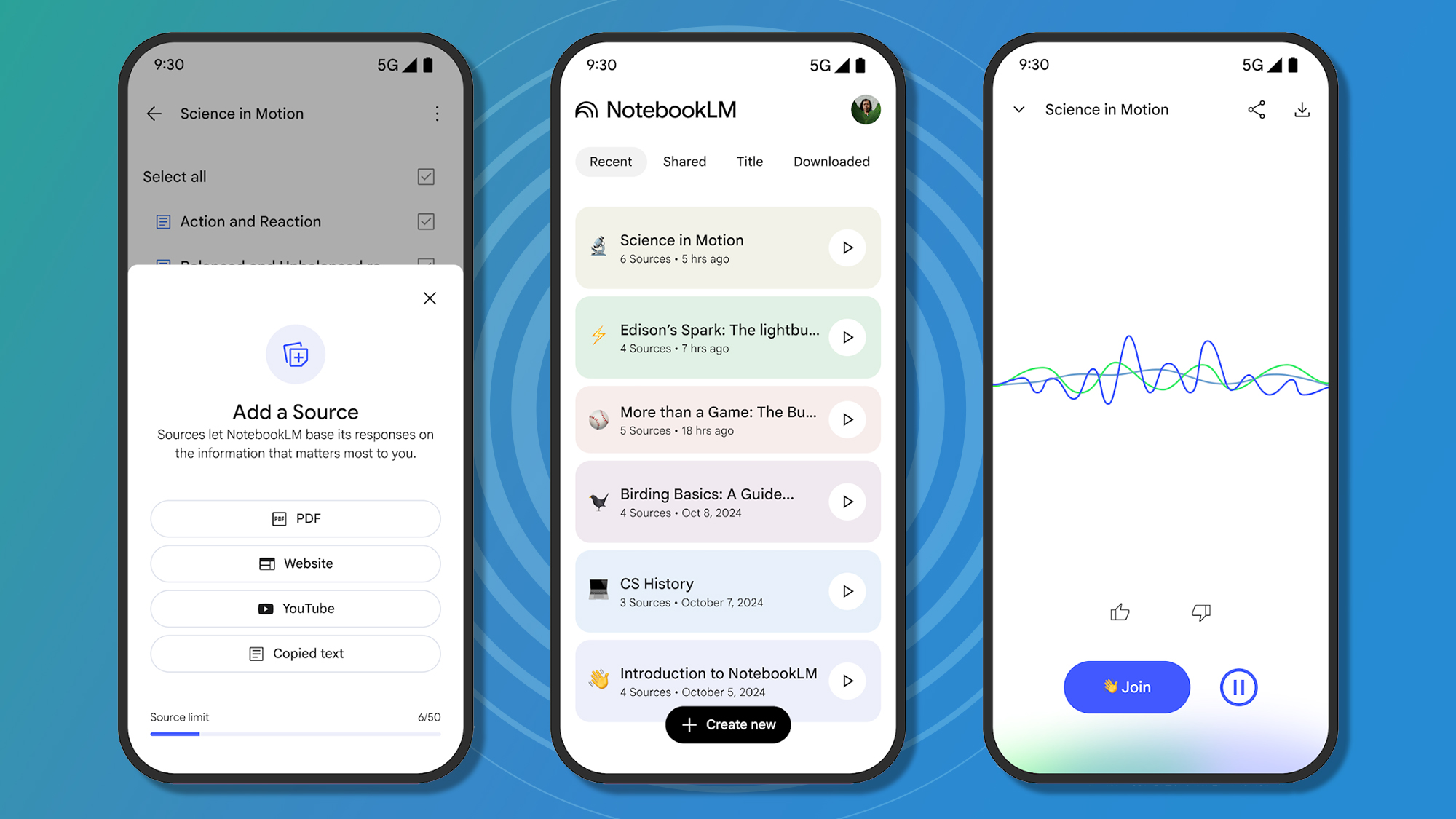
I originally thought Google’s NotebookLM was one of those impressive-but-slightly-pointless AI demos designed to show off what the company’s models could do. But somewhere along the way, it became one of the most genuinely useful AI tools I use every week.
What started as an experimental research notebook has quietly turned into an external brain for organizing appliance manuals, puppy training notes, travel plans, scattered ideas, and all the tiny pieces of information that normally disappear into forgotten folders and old emails.
I use it for managing my household appliances
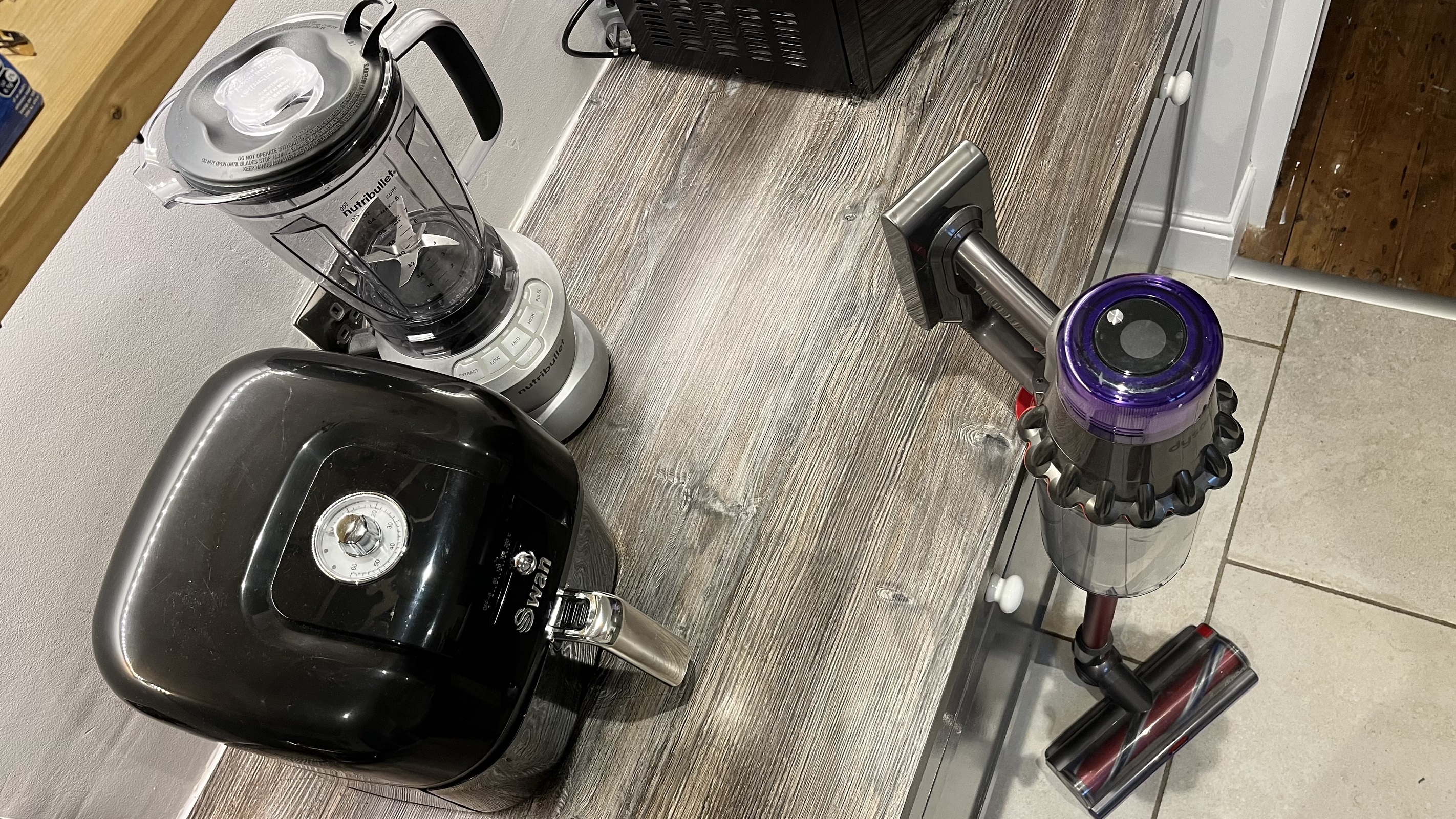
For instance, I recently realized I had somehow accumulated three separate folders filled with appliance manuals, warranty PDFs, installation instructions, and random notes about repairs. I felt like the curator of a very niche and boring museum. I wanted an easy solution for better organizing and cross-referencing them.
I uploaded the manuals for the refrigerator, dishwasher, washing machine, dryer, and air conditioner to NotebookLM, along with my handwritten shortcuts for them, including measurements for their locations and tips for replacing filters.
Now, instead of hunting through old emails while kneeling on the kitchen floor trying to remember what size filter I bought last time, I could just ask NotebookLM directly. When I replaced the fridge water filter or needed to see the suggested tips for defrosting the freezer, I could just consult the notebook. The answers were summarized the process in plain English and helped me keep track of which parts actually fit together.
The troubleshooting guides in NoteboookLM don’t magically fix the appliances, but they have sped up the process of resolving minor issues without resorting to the uncertainty of the helpline. It feels good to turn all those scattered documents into one searchable system. Appliance manuals are the sort of documents you never need until the exact second you desperately need them. NotebookLM turned the entire pile into something truly usable.
I even use it as a puppy training assistant
Another way NotebookLM has been very helpful is for puppy training. Training a puppy produces a surprising amount of information. Feeding schedules, crate training routines, commands, notes from training classes, reminders about vaccinations, and observations about behavior
I started uploading all of it into NotebookLM. Articles about leash training. Notes about recall practice. And anything else that seemed relevant. The notebook became very helpful at spotting patterns. I asked it when leash pulling seemed worst, and it pointed out that most of the difficult walks happened late in the afternoon near busy sidewalks. Apparently, the puppy was much calmer earlier in the day before the neighborhood became too exciting.
I also used NotebookLM to organize training sessions. Instead of trying to improvise every day, I could ask it to put together short practice routines balancing obedience work, leash training, recall, and play. The schedules felt manageable instead of overly ambitious, which is important because puppies are very good at exposing unrealistic expectations.
I use it as a visual memory
Notebooks made with NotebookLM don’t have to be so targeted to be worth experimenting with. I have one that’s just a catchall for everything else cluttering my brain. Travel plans, novel ideas, shopping lists, reminders, guitar notes, restaurant recommendations, screenshots, and random thoughts are all in there.
As an external memory, NotebookLM can work quite well. Before a recent trip, I uploaded hotel reservations, car information, maps, restaurant lists, and notes about places we wanted to visit. Instead of frantically searching through old emails while standing on a crowded sidewalk, I had one organized notebook containing everything.
Moments like that are probably why NotebookLM has stuck with me more than most AI tools. It is not trying to replace human creativity or automate my entire existence. It mostly just helps me keep track of life’s endless stream of tiny details before they disappear into the digital void. Right now, that feels useful enough.

Follow TechRadar on Google News and add us as a preferred source to get our expert news, reviews, and opinion in your feeds.