

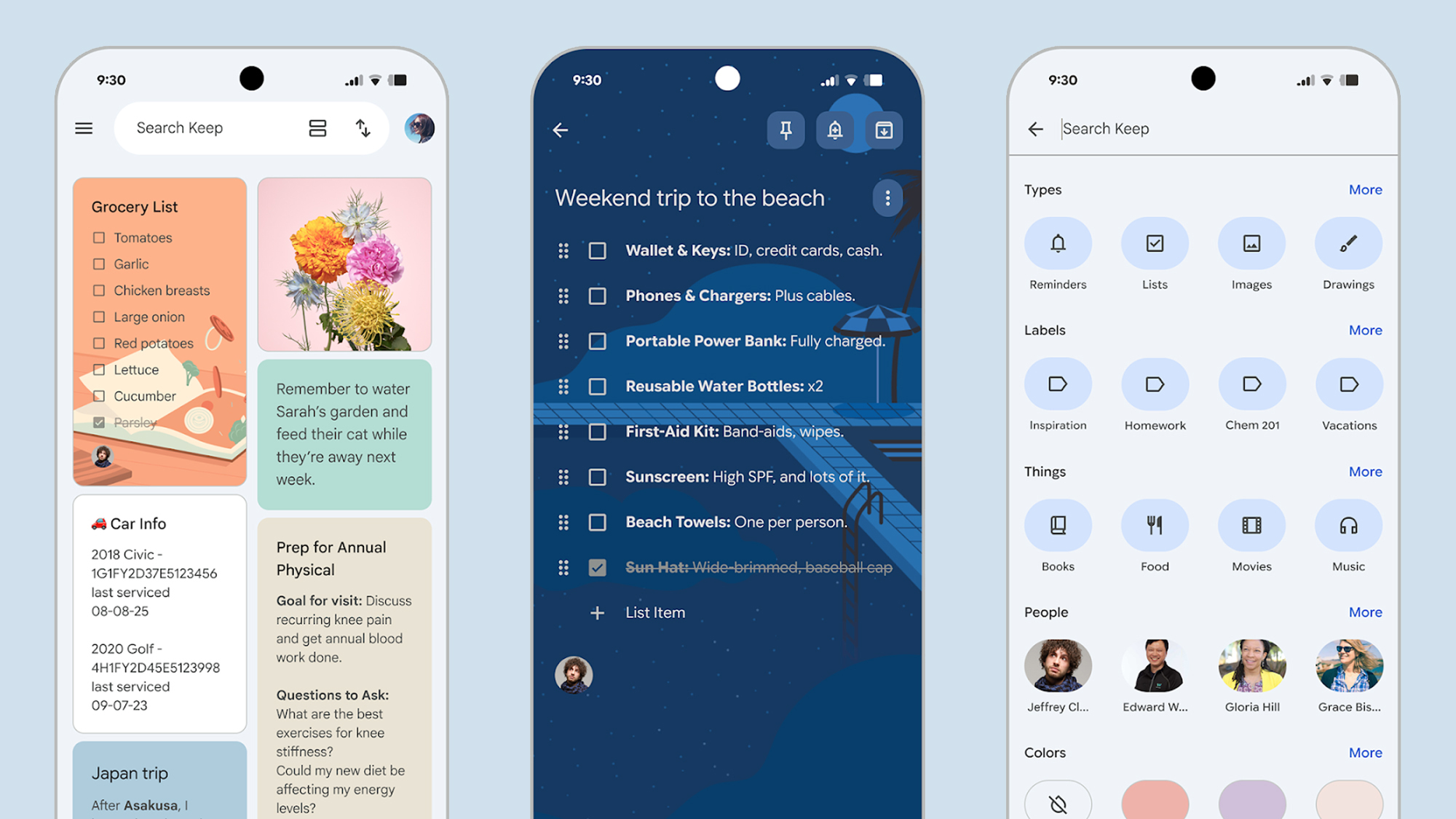
If you’ve never properly used Google Keep — or even glanced in its direction — you’re missing out: it’s flexible, snappy, and available everywhere. In fact, it’s an app I make use of pretty much every day.
At first glance Google Keep looks very simple, with its rows of colorful, virtual sticky notes, and that simplicity is part of its appeal. I use it to jot down ideas, keep track of money, manage my multiple to-do lists, remember films and shows I want to eventually get around to watching, and much more besides.
It’s actually one of Google’s best apps, in a crowded field, but that doesn’t mean it can’t be improved — and a newly leaked feature likely heading to Google Keep in the near future is an upgrade that I’ve been waiting a long time for.
An ode to Google Keep
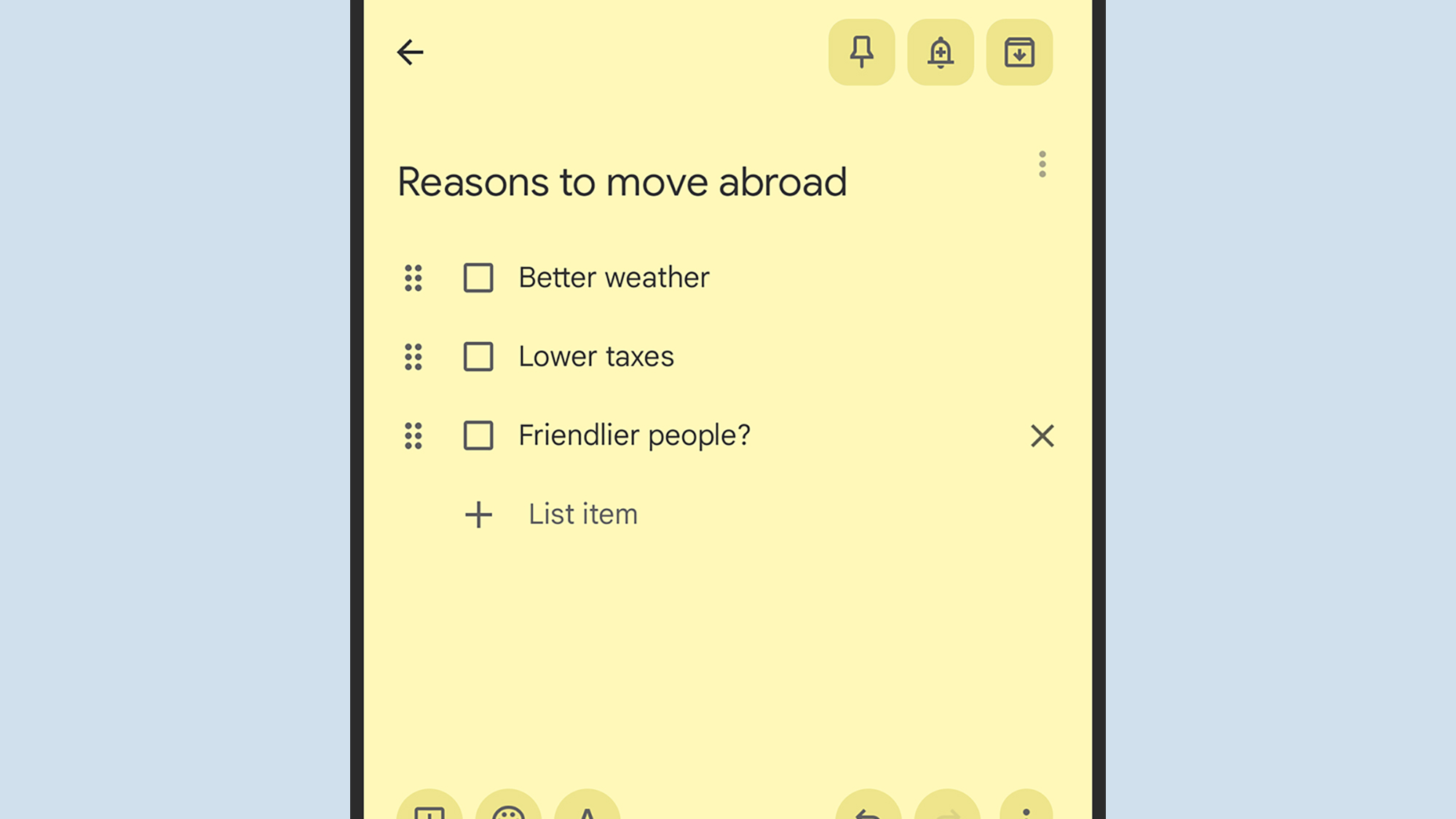
One of Google Keep’s many appealing characteristics is that it’s quick and easy to use: whether you’re on a phone or in a desktop web browser, you can create or edit a note in seconds.
Plus, it works and syncs seamlessly across Windows, macOS, Android, and iOS, which isn’t something you can say about every note-taking app (looking at you, Apple Notes).
You can even create notes through Google Gemini, which makes it even more useful to me. If I’m talking to my Nest Hub or my Android Auto dashboard, I can just dictate a note and then it’s ready and waiting for me the next time I open up the Google Keep app.
As simple and straightforward as the Google Keep experience is, though, there are plenty of useful features included in the app if you dig a little deeper. You can put all sorts inside a note, including text, images, check boxes, sketches, images, audio, and web links. Notes can have labels attached (such as “work” or “vacation”) for easier organization, too.
You can quickly convert notes to documents in Google Docs, you can pin important notes to the top of the pile, and you can even collaborate on notes with other people — which can come in very handy if you and the family are working on a grocery list, or you’re planning a road trip with a group of friends.
It’s always there whenever I need to remember anything, or work something out, and the notes that I’ve amassed over the years add up to a sort of historical journal. Fortunately, this being a Google app, the search feature is also very good.
Notes on the lock screen
Over to Android Authority, and the team there has discovered some rather interesting hidden code in the latest Google Keep app, which refers to “lock screen notes” — which is exactly what it sounds like, and which would make me love the app even more.
I’d no longer have to unlock my phone and find the Google Keep app to make a note of something. Instead, I could be creating notes right from the lock screen on my Android phone, speeding up the process even further. I’m a fan.
Android actually added the ability to take notes from the lock screen back in Android 14 at the end of 2023, but Google Keep has never supported the feature — which feels like something of an oversight. It’s not clear when this might go live, but if the code is already there, it shouldn’t be too long now.
Based on the options discovered by Android Authority, it looks as though you’ll be able to create a new note every time you access Google Keep from the lock screen, or add to an existing note perhaps. It’s good to have the choice, and I’ll be opting for the latter (I’ll add a title like “lock screen thoughts” or something).
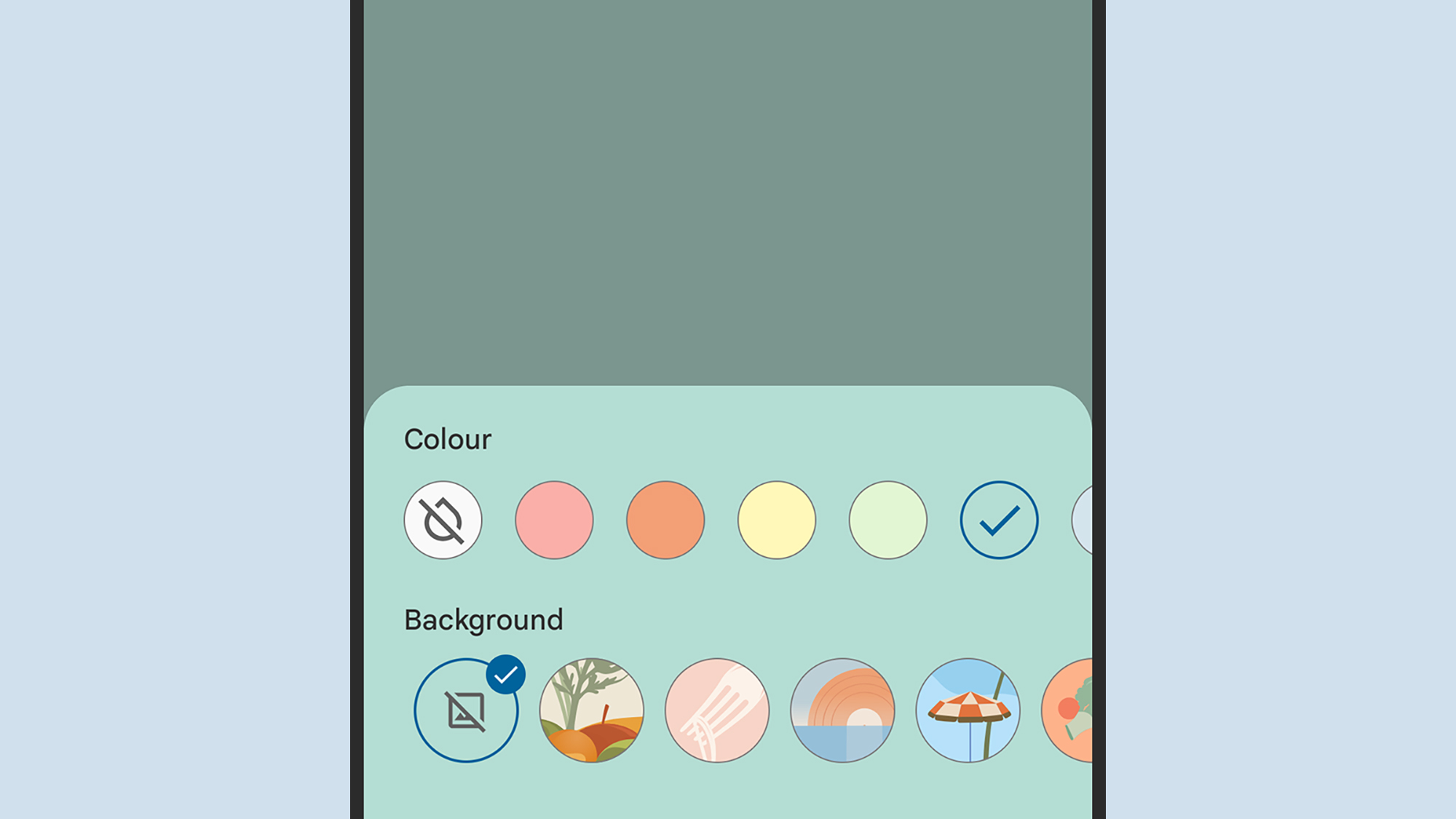
I’m hoping Google commits to this and makes lock screen notes in Google Keep a thing sooner rather than later. It can then get on to the other features I’d like to see added to the app — including note-to-note linking, and more background image options.

Follow TechRadar on Google News and add us as a preferred source to get our expert news, reviews, and opinion in your feeds.
