

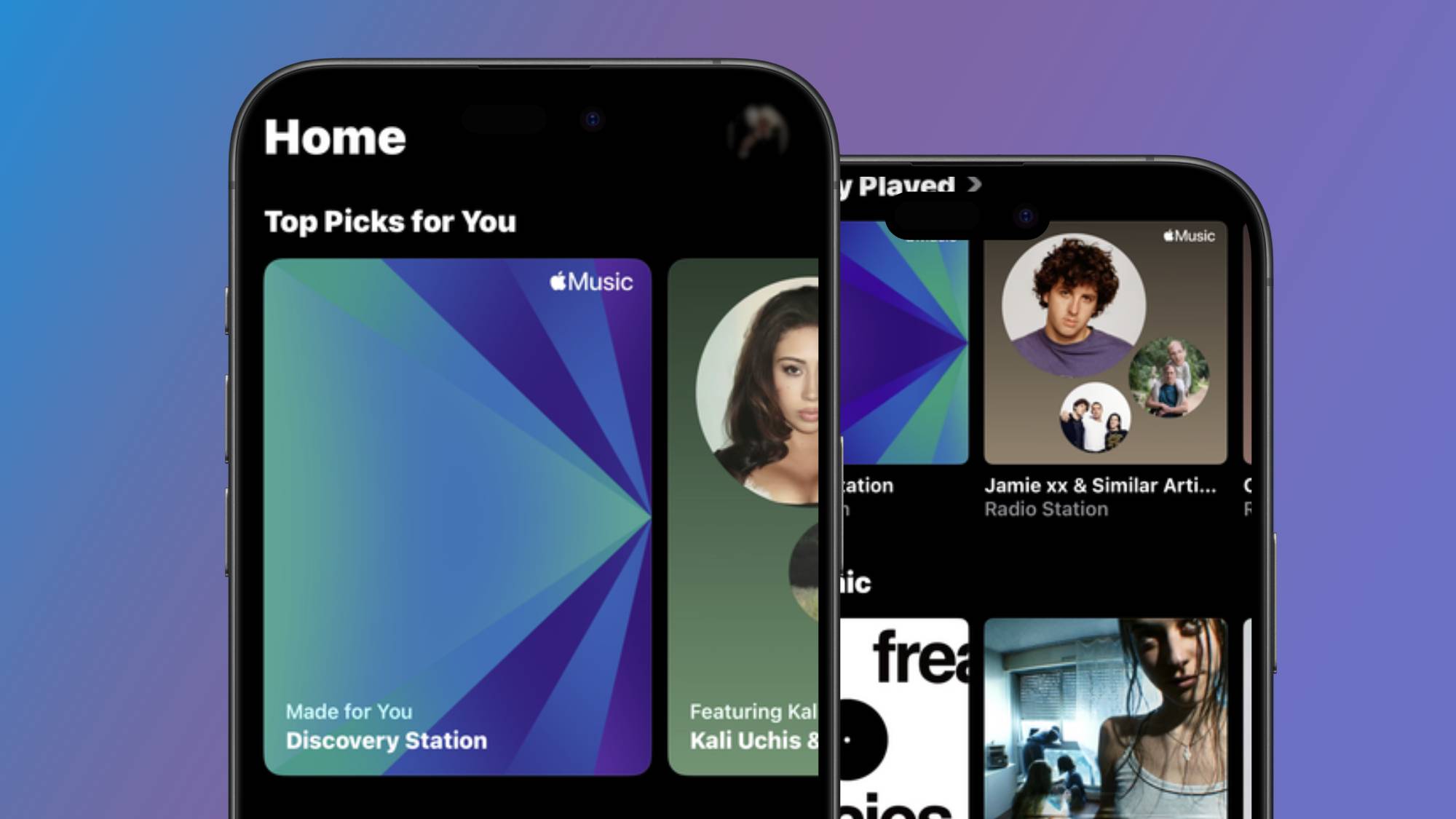
There are many reasons why music fans flock to Apple Music over the slew of other best music streaming services to pick from. For one, it offers lossless, hi-res, and Dolby Atmos-supported audio at no extra cost, and its interface isn’t clunky.
I’m currently using Apple Music and Spotify interchangeably, and I’m enjoying both of their offerings, but if there’s one thing rival platforms could take a note from Apple Music’s books, it’s the Discovery Station — my new favorite way to find new music and artists outside of my radar.
Although Spotify is still my main music platform of choice — I’ve been a subscriber for the best part of 10 years — Discovery Station has become integral to how I spend my time listening on Apple Music, and I’ve even made a playlist to bank all of the new songs and artists I come across.
For those who aren’t on Apple Music, your Discovery Station is a personal radio station that’s powered by your listening habits and the titles in your library, helping you find new music and artists. The best part is that it’s continuous and never-ending, so it doesn’t cap songs after a certain number like New Music Mix — meaning it never runs out of music suggestions.
Do you find yourself frustrated with the shuffle function repeating the same songs? You don’t get any of that with Discovery Station. Instead, it’s designed to spotlight artists and tracks that aren’t in your playlists or saved to your library, so it’s rare to get the same song suggested twice.
But when I compare it to other music discovery tools, it works in a way that’s reminiscent of Spotify’s Daylist.
I’ve pretty much trial-and-errored my way through finding what music discovery tools work best for me in Spotify, and Daylist is by far one of my favorites, which is why I think I’ve taken to Discovery Station so quickly.
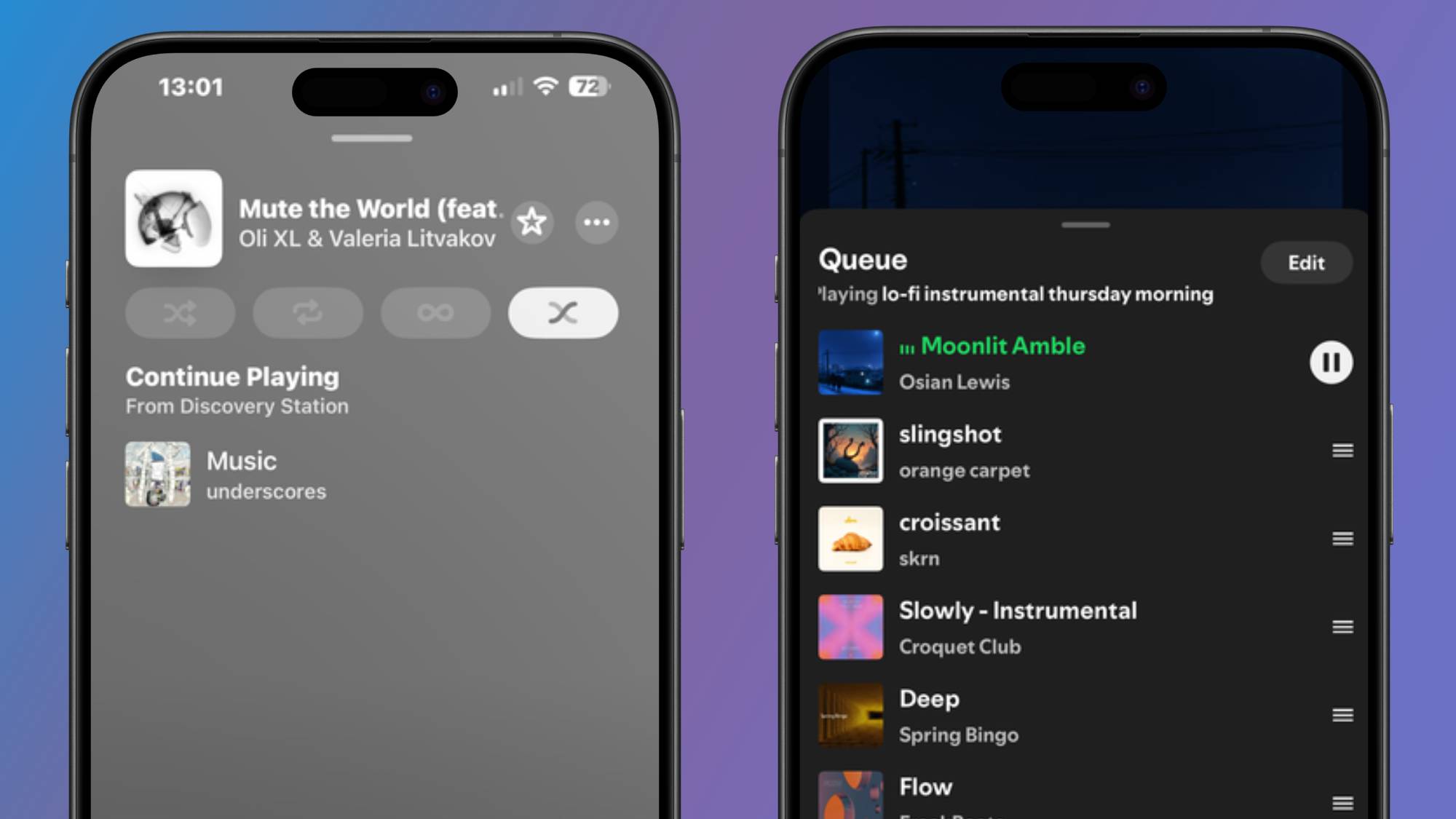
That said, Daylist doesn’t offer a continuous run of new music. Instead, it updates every few hours to reflect your listening habits at different times of the day, and the playlist only consists of around 50 songs. That’s in contrast to Discovery Station, which you can refresh by simply tapping on it to generate a new slew of songs. With Discovery Station, it doesn’t show you the full queue of songs, maintaining an element of surprise each time.
Although Discovery Station works pretty much instantly for new Apple Music subscribers, I still recommend dedicating some time to exploring and listening to music to develop your taste profile before giving it a shot. But be wary, it can be quite sensitive.
For example, if you devote a listening session to streaming electronic pop and then switch over to your Discover Station, it will focus on that genre. I don’t necessarily see this as a bad thing, but there are workarounds you can try, such as favoriting artists, frequently adding music to your library, and using the ‘Suggest less’ button to filter out artists and genres.

Follow TechRadar on Google News and add us as a preferred source to get our expert news, reviews, and opinion in your feeds.
