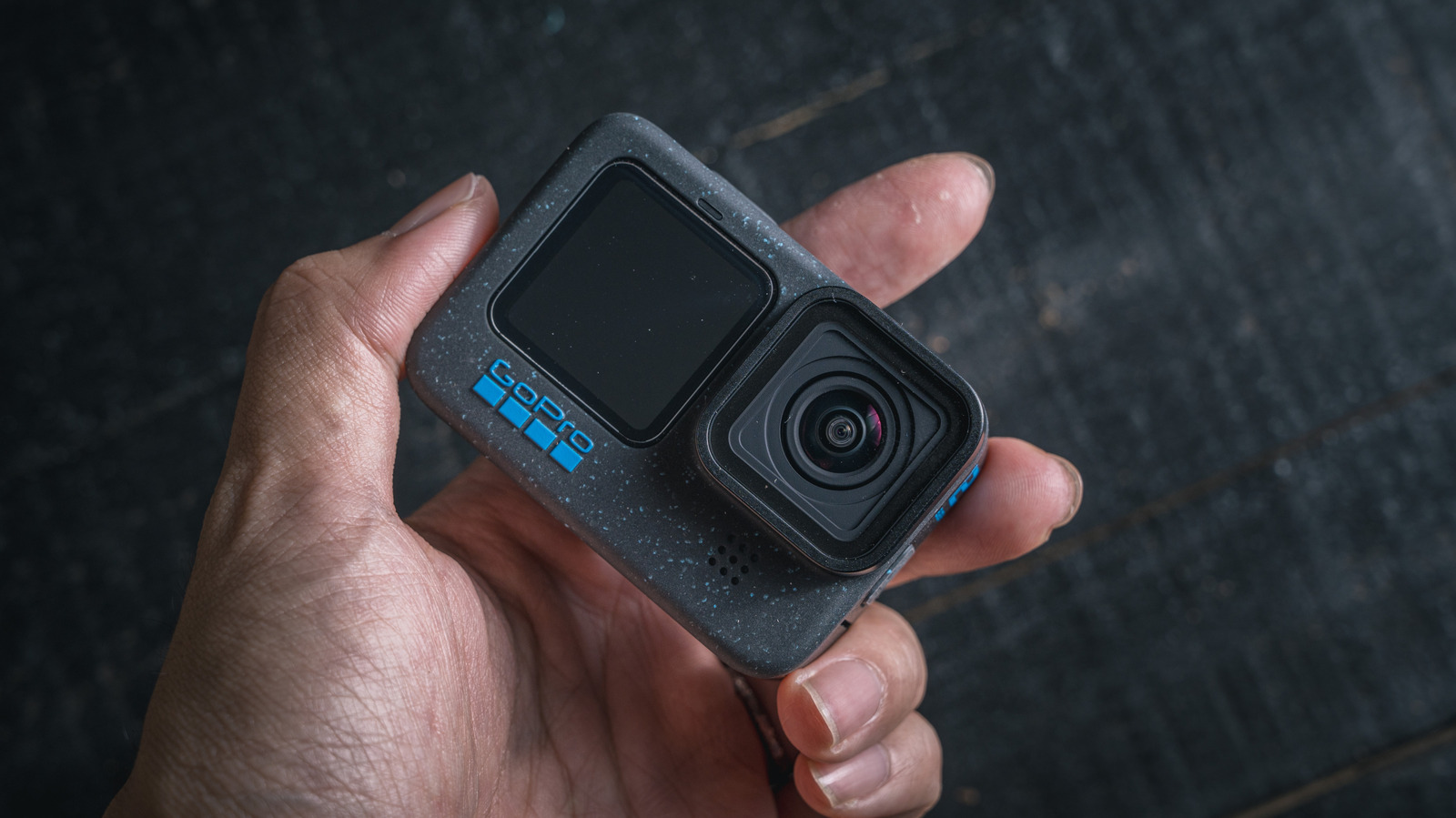
You can reuse your old GoPro in a couple different ways
You can reuse your old GoPro in a couple different ways
Turn your old GoPro can be turned into a dash cam or webcam with little to no effort.
We may receive a commission on purchases made from links.
GoPros are made to withstand challenging conditions, but one thing they often can't survive is the upgrade cycle. As users upgrade to newer models, their old GoPros often end up forgotten and gathering dust in a drawer. Selling an old GoPro is always an option, but a used action camera with a worn-out battery usually isn't worth much.
The thing is, even older GoPro models usually have decent specs, so you can repurpose them for other uses. With 1080p or even 4K sensors, they still work great as webcams or dash cams, and in both cases, the battery won't matter much since you can keep it plugged in. If you have a GoPro you no longer use, here are a couple of ways to repurpose it.
Turn your old GoPro into a dash cam
One of the best ways to reuse an old GoPro is to turn it into a dash cam, especially since it already works much like one. Just attach it to a suction-cup mount on the windshield or dashboard, connect it to a USB port or charger and angle it to capture a wide view of the road ahead. Of course, you'll also want to configure it properly.
Set the camera resolution to at least 1080p at 30 fps or higher, so you'll have clear footage of everything that happens. Also enable loop recording in the GoPro's settings — you can set recording cycles of 20, 60 or 120 minutes, so that it automatically deletes old footage to make room for new footage. You can also set it to use the maximum storage capacity before overwriting. A good-quality 64GB microSD card is usually enough for hours of 1080p video; just remember to stop recording immediately after an accident, otherwise your GoPro will keep recording until it overwrites everything.
Similarly, remember to press the shutter button every time you start the car to start recording. If that's too much hassle, there's an experimental feature available through GoPro Labs that makes your GoPro automatically turn on and start recording whenever it receives USB power. This feature, however, is only available for models starting with the Hero 7 Black.
Use your GoPro as a webcam
If you don't need a dashcam, there's another great way to repurpose your old GoPro: use it as a webcam. Many laptops still have poor-quality, low-resolution webcams that struggle in low-light conditions, and a GoPro beats most of them. Depending on the model, your GoPro may already have a built-in webcam mode, too: If you have a GoPro Hero 8 Black or newer, download the GoPro Webcam app on your computer and connect your GoPro via USB. You'll see your GoPro listed as a webcam option in apps like Zoom or FaceTime. Battery life won't be an issue either, since it will draw power over USB.
You can still use older GoPro models as a webcam, but it requires a bit more effort. The Hero 4, 5, 6, and 7 Black have micro-HDMI ports you can use to feed a USB capture device like Elgato's Cam Link 4K, which usually costs around $100. These adapters will make your computer see the GoPro as a webcam, though you'll need a separate power supply if your GoPro's battery has degraded. No matter how you connect your GoPro to your computer, though, mount it on a mini tripod and use a dedicated microphone, as the GoPro's built-in microphones aren't really designed for video conferencing.
Source: Read original article


Comments ()