Why it's important to use a microSD Express card with your Nintendo Switch 2
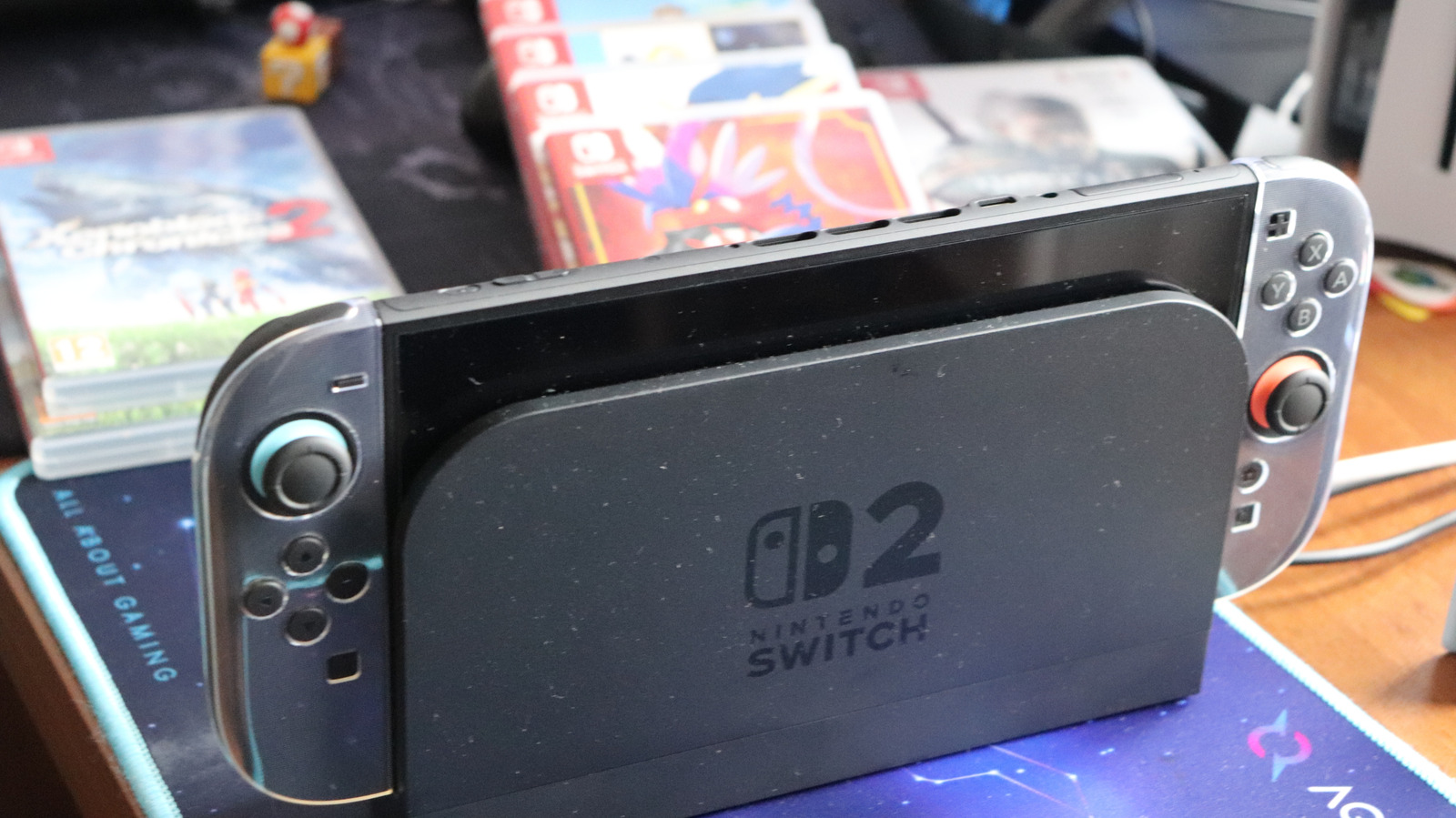
Why it's important to use a microSD Express card with your Nintendo Switch 2
The Switch 2 has a lot more space than the original Switch, but that won't go as far in today's world.
The Nintendo Switch 2 comes with 256GB of storage, where ~249GB is usable after accounting for system software. That's more than enough to start playing games immediately, but considering today's standards, 256GB is pretty slim. Physical Switch 2 games now cost more than digital releases for first-party games, a frustrating foil to their benefit of not using as much internal space.
Updates and downloadable content also take up space, while some Switch 2 releases use Game-Key Cards, which require downloading the game to the console instead of running it from the cartridge. Most indie games are relatively small, and Nintendo-made games are generally well-optimized, but AAA games are a different story. For instance, Final Fantasy VII Remake Intergrade comes in at 90.4GB, while Resident Evil Requiem is nearly 29GB and Assassin's Creed Shadows needs 69GB.
Tossing a microSD Express card into the mix gives the console some relief, especially for those who are all-in on digital games and don't want to juggle their storage constantly. Expanding the system's space isn't necessary for everybody, however. If you primarily stick with indie games or a small handful of titles, you're probably fine without the extra storage (at least for a while).
Choose a capacity for your library, instead of the largest number
The size you should choose for your microSD Express card depends on what you play, since that's the main element that gobbles up storage. Say you order a 128GB card and then purchase Split Fiction (69.2GB). That's more than half of your shiny new microSD card gone from one title. It's no fun (and not cost-efficient) to purchase another one down the road and move everything over, so you should start with more storage than you'll need for a while.
If you opt for a 256GB card, you get another Switch 2 console's worth of storage, which is a good middle ground for most people. You can go higher for more breathing room; while 2TB is the maximum card size for the Switch 2, 1TB is the highest size of microSD Express card you'll currently see on sale.
The purchase can get pretty expensive, especially during the RAM shortage. Expect to pay around $60 for a 256GB card and several hundred for 1TB. Thankfully, the best Switch 2 memory cards from SanDisk, Lexar, Samsung and other brands show very little difference in performance. The outcome you're looking for is keeping more games installed, not necessarily making them load faster than internal storage.
Can I use any microSD card in my Nintendo Switch 2?
Unfortunately, no. While you might have thought to pull the microSD card out of your original Switch, your Nintendo Switch 2 won't work with it. What you need is a microSD Express card. Look for the word "Express" and/or the "EX" logo on the card. Don't confuse this with SanDisk's "Extreme" branding, as it's not the same.
The only use for your old Switch microSD card is importing screenshots and video clips recorded on the original system to the Switch 2's internal memory. You can't do anything else with it, including storing games or save data.
Note that game save data stays in the Switch 2's internal memory and can't be copied or saved to a microSD Express card. Nintendo also recommends using one card, because software stored on several cards can't be combined on a single one later. You can move all data from one card to a larger one in the future, but Nintendo doesn't intend for you to swap memory cards around regularly.
Source: Read original article


Comments ()