What is the average lifespan of recordable Blu-ray discs?
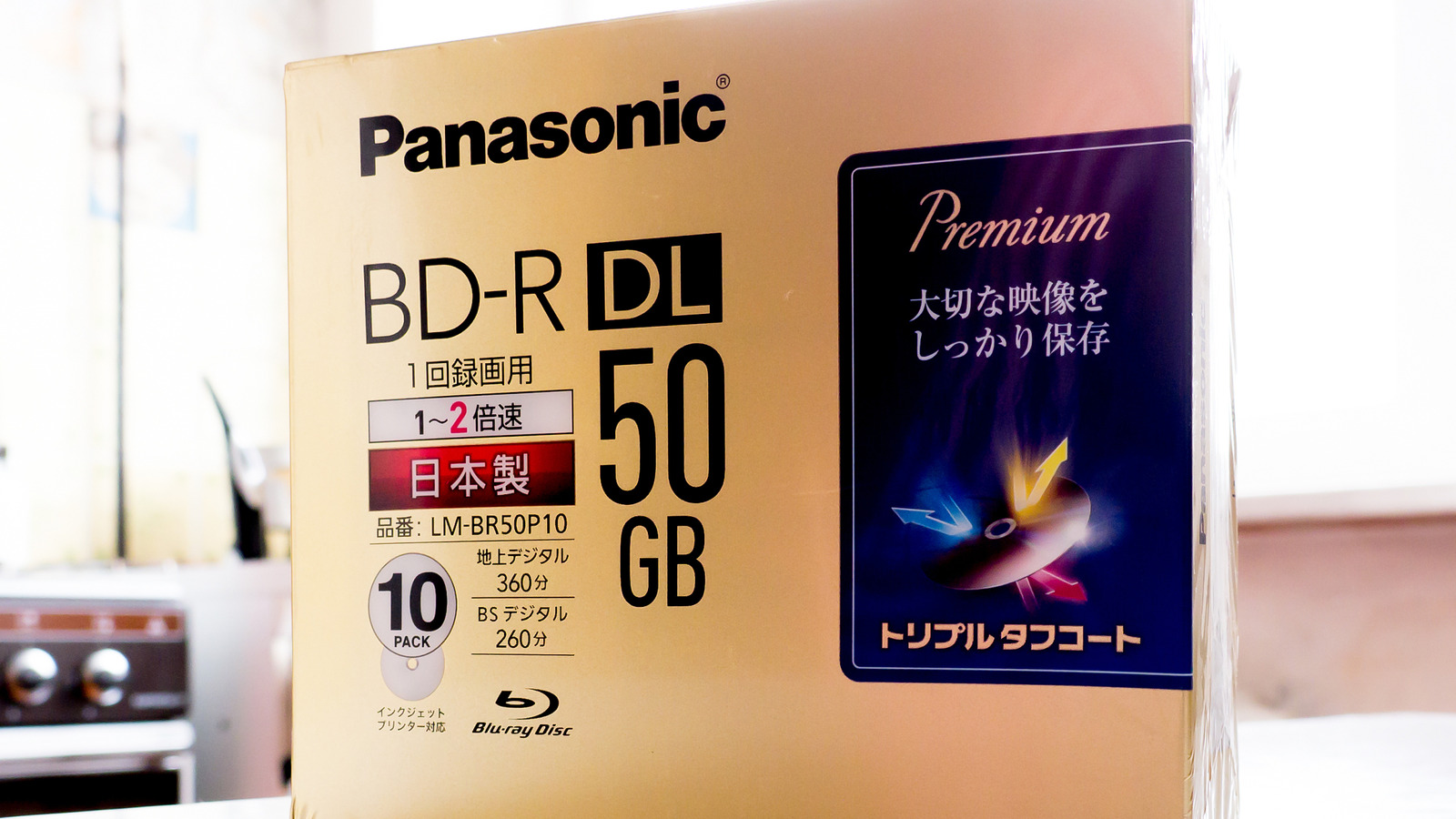
What is the average lifespan of recordable Blu-ray discs?
They can last you quite a while, but there are several factors to consider.
At this point, Blu-ray is a niche format, having mostly been supplanted by downloads, streaming and flash storage. But it's easily the format of choice for cinephiles, owing to higher ceilings on picture and audio quality. And if you want to archive files for a long time, Blu-ray may be more affordable, what with flash memory prices spiraling out of control.
How much can you trust recordable Blu-ray discs (BD-R), though? It's not an academic question if the files you're stashing are irreplaceable. If you make a bad decision, you could potentially lose your only digital copies of home videos, say, or a history of all your artistic projects.
Generally speaking, the news here is positive. BD-R may legitimately be your best option. There can be mitigating factors though, such as manufacturing quality, or simply having something to access the content on several years down the road.
How long can recordable Blu-ray discs last?
Short of accidents, the main threat to Blu-ray discs is something called disc rot. This is actually an umbrella term for various forms of decay. The reflective layer can gradually become oxidized, for example. Moisture might attract mold, or cause the layers of a disc to separate. Then there's the matter of exposure to UV (ultraviolet) light, though that's more likely to cause labeling to fade than harm your data. You can potentially notice rot before popping in a disc — look for signs like discoloration or spots.
According to Canadian Conservation Institute data, the cheapest BD-R discs will last five to 10 years on average. These should be avoided for any kind of archival project, since an external SSD is liable to last at least that long, and possibly several times as much while storing a lot more data. Remember, even the biggest BD-R discs top out at 128GB.
That said, manufacturing quality can have a huge impact. In better BD-Rs, a dye recording layer is replaced by a silicon and copper alloy, which you can tell if a disc appears dark gray or grayish-brown. Likewise, these discs might switch to a gold metal layer. The result, the CCI says, is double the lifespan at 10 to 20 years.
It gets better. BD-RE (rewritable) discs can conceivably last you as much as 20 to 50 years. That's so long that you might be able to pass them down to your children or grandchildren. On those timescales, however, other factors should probably discourage you from relying on Blu-ray.
Why BD-R discs might still be a bad idea for long-term storage
The most obvious reason is that discs are fragile. While storage in a relatively dry, dark and cool environment can deter rot, it's all too easy to accidentally crack or scratch a disc in a way that leaves it unreadable. Conversely, many external SSDs use tough metal enclosures that make physical destruction unlikely. All it might take to ruin your disc collection is forgetting that it's at the bottom of a moving box you're hauling, not the top.
Ultimately, the bigger issue might be industry support for Blu-ray. Optical drives have vanished as a default feature on computers, and companies are slowly pulling out the market for both external burners and BD-R discs, even Sony. At the moment, it's not that difficult to find burners and discs if you shop online. But there's no telling whether anyone will still be making this hardware 10 years down the road, much less 20. You could end up with an immaculately-preserved collection and no way of accessing it. Even your current drive might become useless if its software drivers cease to be compatible with later operating systems.
Whatever route you take, it's best not to be completely reliant on one storage medium for critical files. The general rule of thumb these days is to keep one copy in the cloud, and two others on separate forms of local storage. That's not always realistic — at the least, however, you should always be in a position to migrate your files to something fresher.
Source: Read original article


Comments ()