

We have Poco’s other new tablet in for an unboxing – the Poco Pad M1. It’s a rebadged Redmi Pad 2 Pro, which we reviewed last month, and comes with the same accessories in the box.
You get a USB-A to USB-C cable, a 33W charger, and the tablet itself. Xiaomi sells the Poco Pad M1 for $329, but you can get it at an Early Bird discounted price of $279.
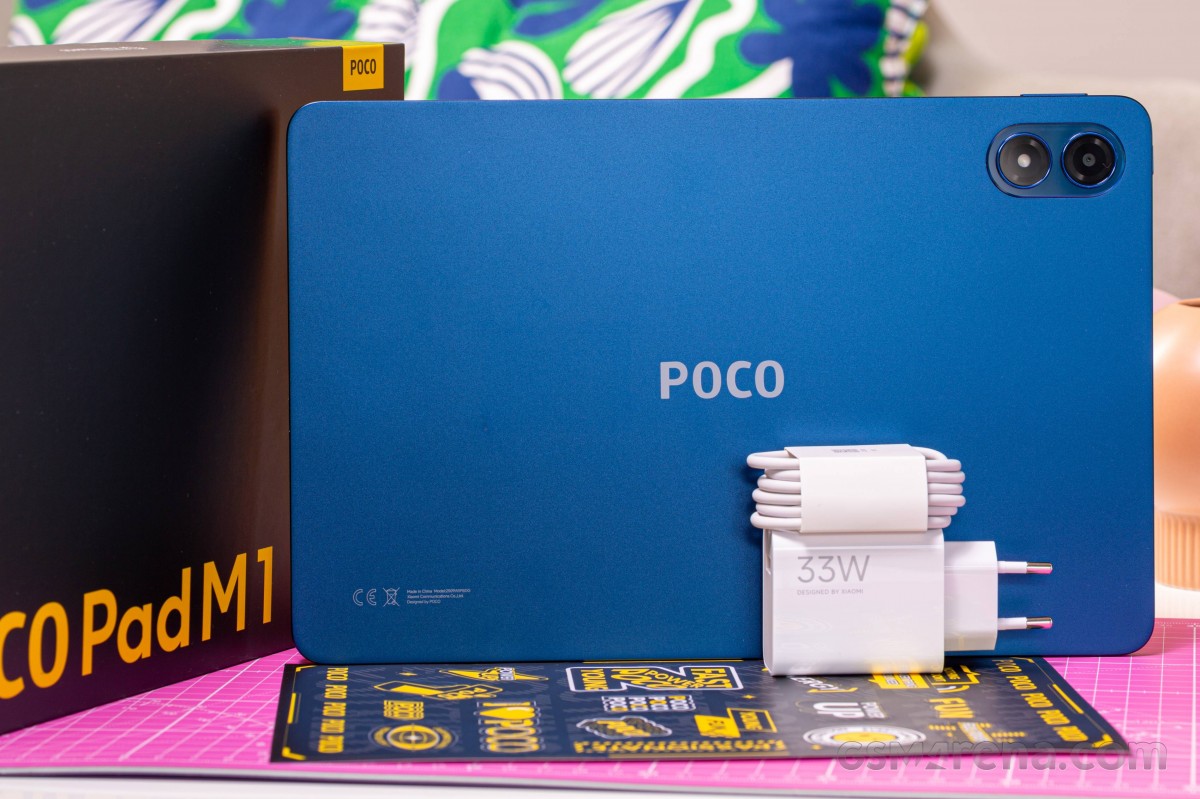
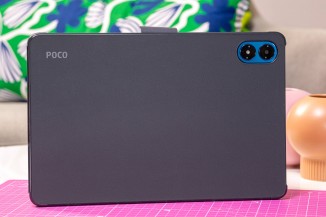
The Poco Pad M1 comes in this uncharacteristic (of Poco) blue color, and it’s drop-dead gorgeous. It’s a subtle shade of blue that comes alive under direct light.
The tablet’s spec sheet reads a 12.1-inch 1600x2560px 120Hz IPS LCD with 600 nits of brightness, a 4nm Snapdragon 7s Gen 4, 8GB of RAM, and a 12,000mAh battery. The battery is nicely large, and Poco says it can stand up to 83 days on stand-by. The pack charges up to 33W and can even charge other devices back at 27W.
The Poco Pad M1 in beautiful Blue
You can accessorize the Poco Pad M1 just as well as you can its upper-class sibling, the Poco Pad X1.
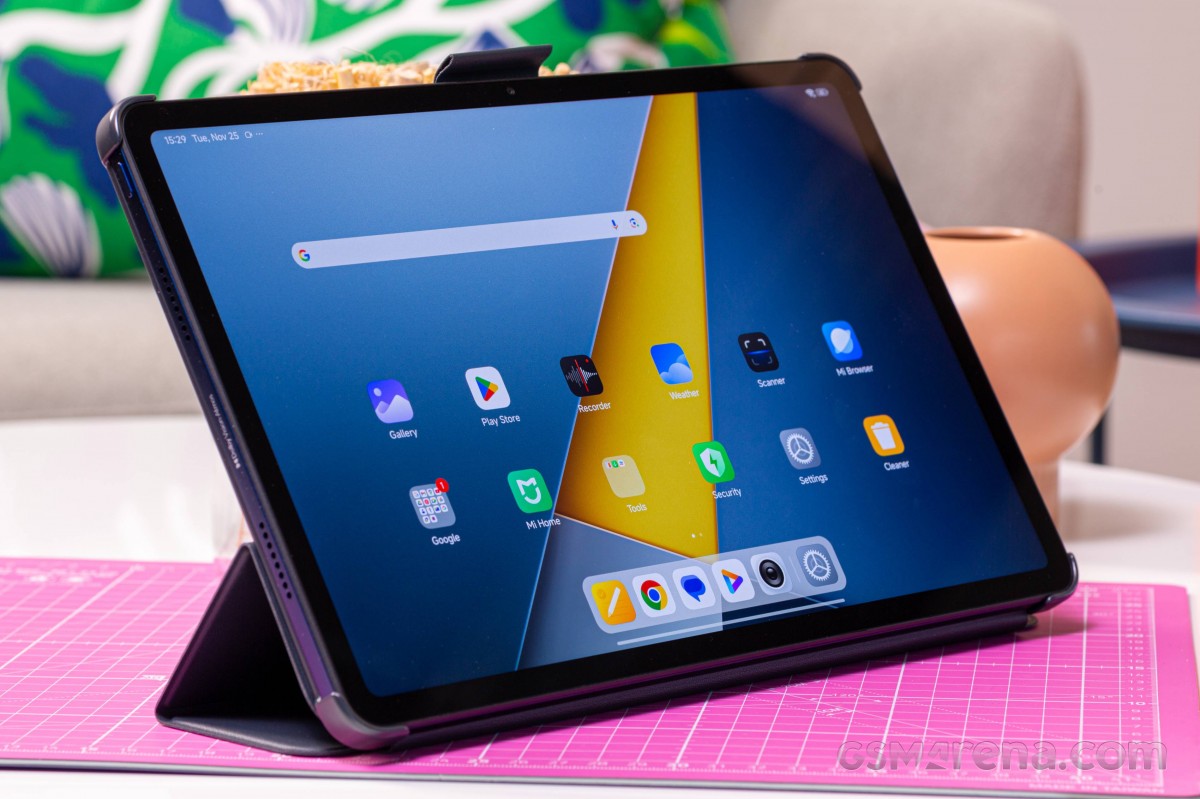
This is the Cover case. It lacks the clever origami folding mechanism of the X1’s Cover, but still gets the job done!
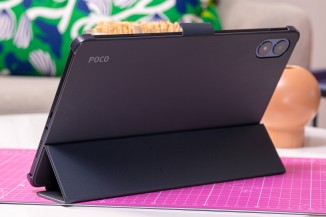
The Poco Pad M1 Cover
The theme continues with the Keyboard case. It lacks a few of the niceties of the X1’s keyboard case – you clip the tablet in, it doesn’t attach magnetically. And there’s no trackpad.
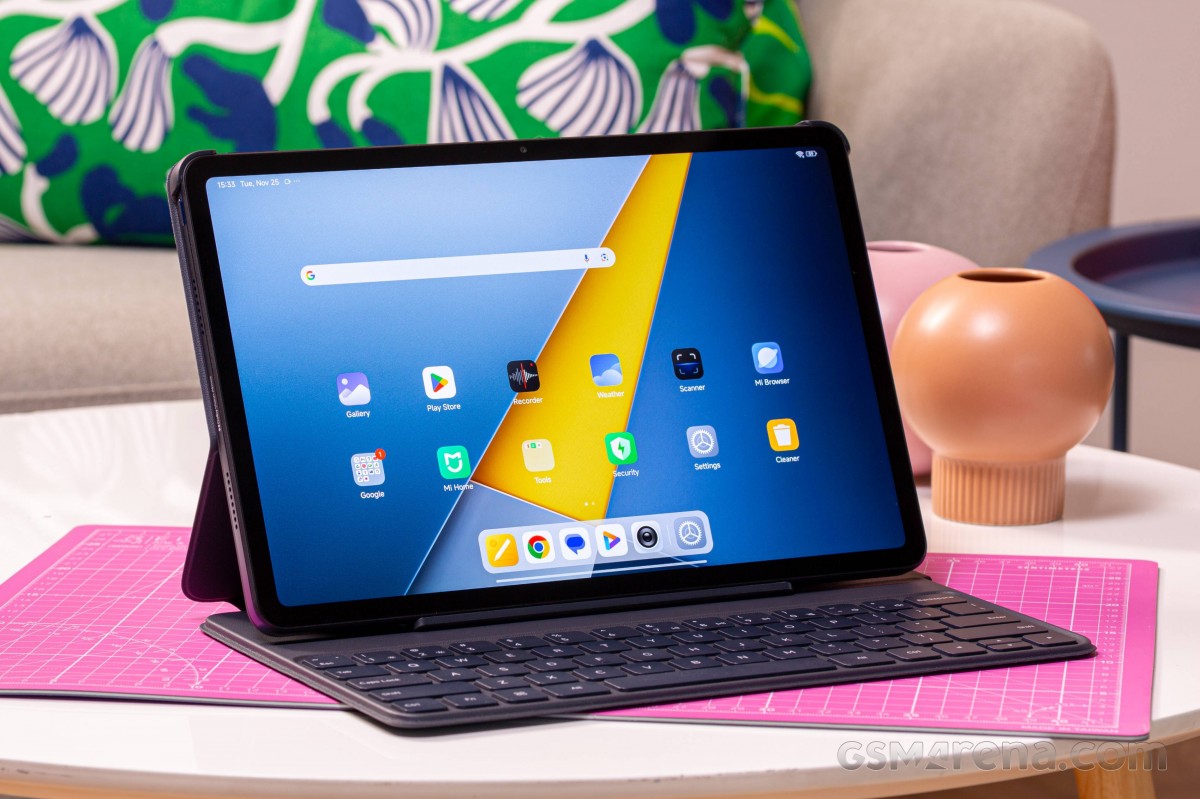
But this keyboard is still nice to type on. The kyes have impressive travel, which frankly surprised us a little bit.
This isn’t a floating design, but the tablet sits very securely in its place. Couple that with the data and external storage-capable USB-C port, and the Poco Pad M1 could replace your laptop or Chromebook for a spot of light online work.
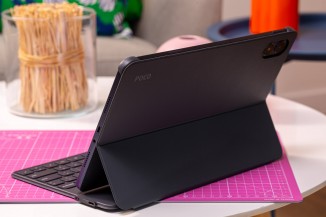
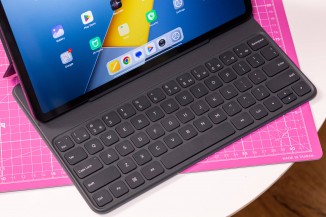
The Poco Pad M1 Keyboard
