


Android 16 arrived last month, and users have been enjoying new features including live updates from apps like food delivery or ride hailing, audio sharing so you can listen to music with friends over Bluetooth, and support for adjusting screen refresh rates to keep up with newer displays. However, there have been a few annoyances with the new features too, like issues with the haptic feedback. Now, Google is rolling out a new beta version of the OS, Android 16 Beta 3.2, to address these issues.
The fix for haptic feedback is the biggest change in the new release. In Android 16, Google added more options for developers to control the way your phone buzzes when taking certain actions or getting certain notifications. The light vibrations help with navigation and awareness, though these aren’t changes to the Android notification system itself — rather, there are now more options for app developers to make use of fine-grained haptics.
However, there were issues with the new haptic system, with users of some Google Pixel phones in particular complaining that their phones were vibrating too hard. The haptic vibrations were much stronger than previously, particularly when typing. And this didn’t appear to be an intended change, as it only impacted users of certain phone models.
Now with the release of the new beta version of Android, Google says it is “[fixing] an issue that caused haptic feedback to be miscalibrated in some cases.” That will be welcome news to the Pixel users who have been annoyed by this change.
Other updates in the new beta include fixing a battery drain issue and fixing a screen flickering issue when using the camera. If you’re in the Android Beta Program you can download the new version now, but if not then you shouldn’t have to wait too much longer for these small annoyances to be fixed.

Georgina has been the space writer at Digital Trends space writer for six years, covering human space exploration, planetary…
Your Google Assistant just lost a bunch of features ahead of the move to Gemini

We’ve only just learned that Google Assistant is being replaced with Gemini, and now, it turns out that some features are being quietly retired as a result. Some will be available as part of Gemini, but devices that don’t yet have access to Google’s latest AI companion may not have an immediate replacement. Here’s what’s going away.
As spotted by 9to5Google, Google Assistant will lose a total of seven features, and this will affect Android, Nest Hub, and Nest speakers users.
Read more
Your custom Android clock could soon show on the notification panel

Your Android clock customizations could soon extend beyond your lock screen. Mishaal Rahman from Android Authority found the feature in the code of the latest Android 16 Beta, and while it’s not yet live, he was able to get the feature working long enough for a demonstration.
The first change you’ll notice is that the Quick Settings and Notifications panels have been split. Swiping from the right brings up Quick Settings, while swiping down from the left shows Notifications. There are also several different options for how to swap between one or the other, including tapping the icons at each corner of the screen.
Read more
Google’s going to let you replace Gemini with other assistants on Android
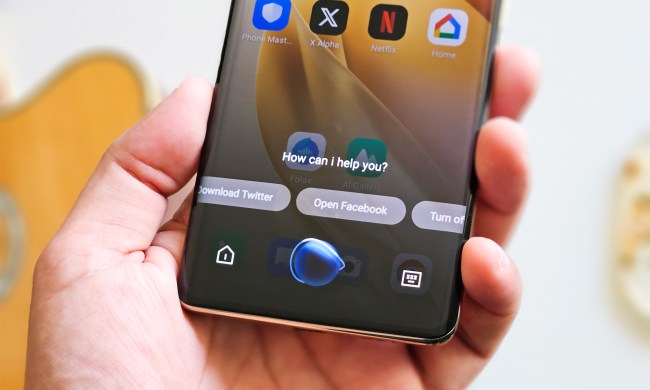
If you are an Android user wanting to avoid Google Gemini as your default digital assistant, you’re in luck! The latest beta version of ChatGPT allows you to set it as your default.
Android Authority first explained that setting ChatGPT as the default digital assistant makes it easier to access. Once configured, you can bring up ChatGPT by pressing the home button long. If you use gesture navigation, swipe up from the bottom corner of the screen. If enabled, you can also launch ChatGPT by long-pressing the power button, which activates its voice mode.
Read more
