LineageOS 24 PC port brings Android 17 to your spare laptop
Affiliate links on Android Authority may earn us a commission. Learn more.
LineageOS 24 PC port brings Android 17 to your spare laptop
Nov 27, 2026 — 2:26 PM ET
- Developer Mateus Seiboth has put together a port of LineageOS 24 for x86 PCs.
- The release can run of a USB stick, and supports systems with as little as 4GB of RAM.
- GPU support is a little more hit-and-miss, with AMD cards currently favored.
Android fans have a new device category to put on their holiday shopping lists this year, with Googlebook deals already arriving for Black Friday, but if you can’t afford to pick up some new hardware right now, we just found what might be the next best thing, courtesy of a project to bring LineageOS 24 to your existing PC.
It’s only been a little over a month now since we saw LineageOS get its big Android 17 update, and today we spotted a project that developer Mateus Seiboth is sharing over on Reddit: a version of LineageOS 24 for your x86 computer.
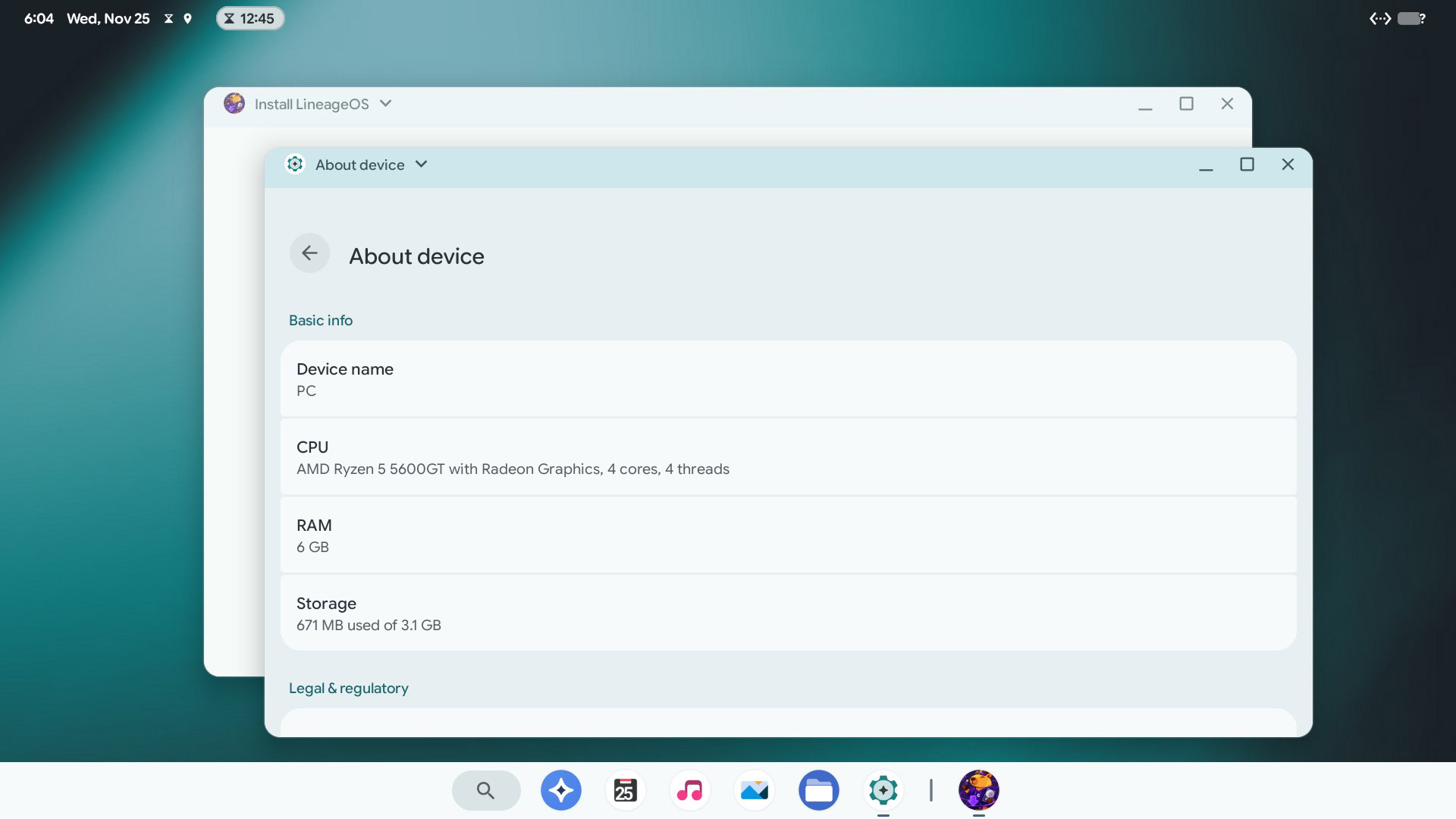
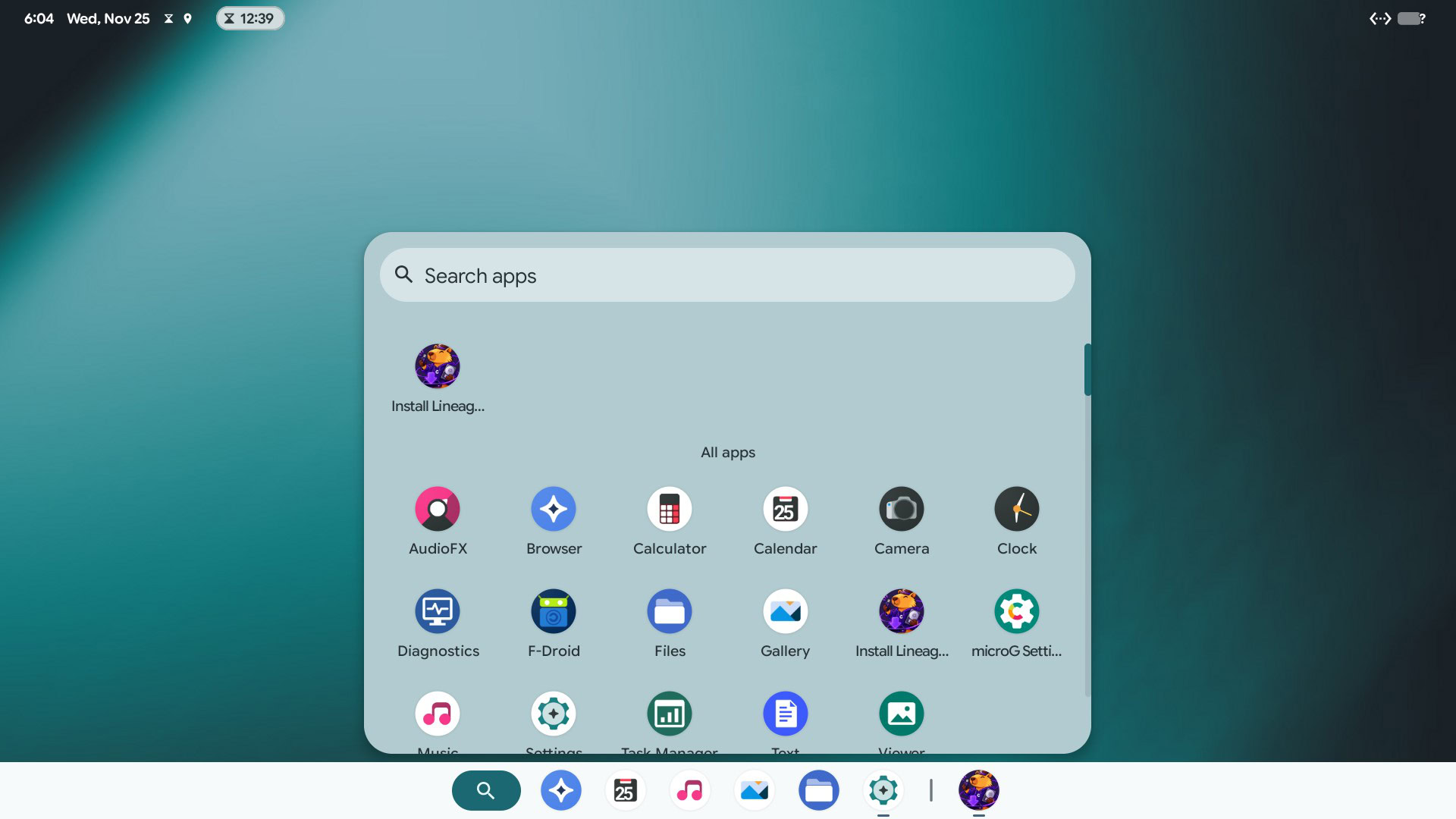
CapivaOS, or LineageOS 24.0 for x86_64 PCs, as it exists on GitHub, is still very much a work in progress, and Seiboth warns that there are plenty of issues and limitations, both known and unknown, but if you’ve been frustrated by the lack of good, modern Android ports for PC hardware, this could be right up your alley.
Specifically, it sounds like GPU support is still a little bit iffy, with newer Intel and AMD solutions supported, but NVIDIA cards or older Intel graphics potentially causing problems. The good news there is that you can easily try it out without making any permanent modifications to your system, and an ISO image available on SourceForge supports running live off removable media.
On the plus side, CPU support looks quite more robust, and the release even should run on systems with as little as 4GB of RAM — although 8GB is recommended.
Obviously, there’s a lot less polish here than you’ll see on a Googlebook, and you won’t find Google apps and services baked in across the platform by default. But if you’re just interested in “Android on a laptop” and aren’t looking to pick up new hardware dedicated to that experience, this sounds like it could at least be worth checking out.
In addition to porting the OS itself, Seiboth has also crafted a collection of basic apps that should make the platform feel a little more like a proper computer, including a text editor, file manager, and system resource viewer. Regular ARM apps are run through Google’s libndk_translation layer for x86 compatibility — there’s also Linux app support present, and that’s an active area for ongoing development.
If you’re curious enough to give it a try, let us know how the experience went for you (and share your hardware details) down in the comments.
Source: Read original article


Comments ()