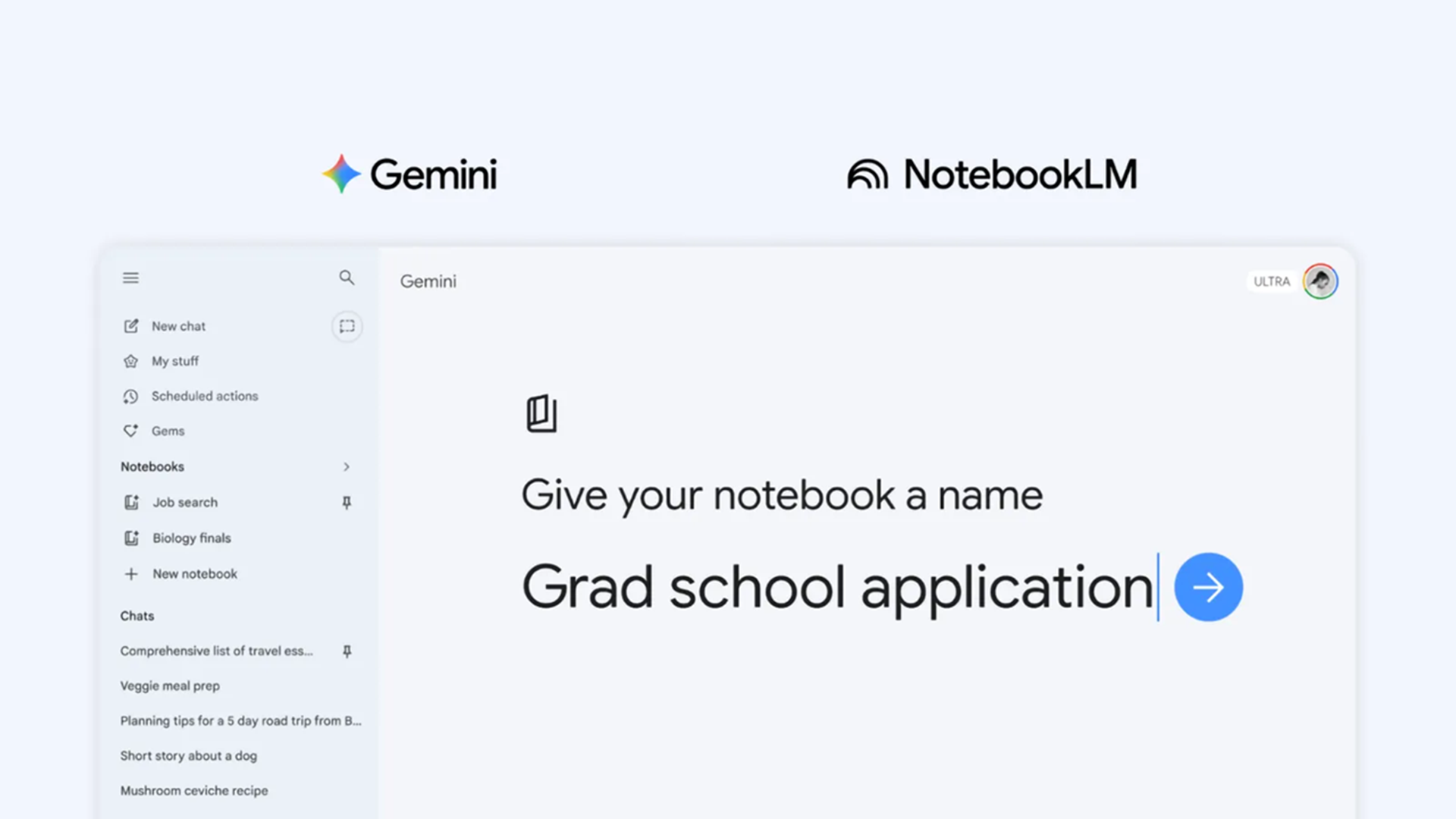
- Google has introduced a new notebooks feature to Gemini
- Notebooks keep chats, files, and projects organized in one place
- Gemini uses notebooks to apply context and give more relevant, up-to-date help
Google has a new way for people to use Gemini models to organize their digital lives. The new “notebooks” feature inside the Gemini app provides a central depot for storing conversations, files, and instructions for ongoing projects.
Gemini then uses the notebooks, chats, and documents to give more context for its answers. Google calls them “personal knowledge bases,” but basically, it makes Gemini better at remembering details in the long term. The notebooks feature is rolling out first to paying subscribers on the web, with broader access coming soon.
The appeal is immediately obvious if you’ve had conversations with an AI chatbot pile ever higher. With notebooks, Google promises you won’t have to constantly re-explain your project to Gemini. That space does more than just store information. Once a notebook is set up, Gemini can pull from those saved chats and files alongside its usual tools like web search.
Article continues below
If you are studying for exams, you can load in class notes, readings, and previous questions, then return later and ask for a structured essay outline or revision plan. If you are learning a hobby, the same notebook can hold guides, personal notes, and ongoing questions, all feeding into future responses.
The connection to NotebookLM is what makes this more powerful than a simple organizational tweak. NotebookLM has already built a reputation as a kind of AI research assistant capable of summarizing documents or turning them into AI podcasts, videos, or presentations.
Now, notebooks sync between the two systems. Add a source in Gemini and it appears in NotebookLM. Start in NotebookLM and pick up in Gemini. That continuity means you can move between different modes of thinking without losing your place. You might begin by dumping research into a notebook, switch to NotebookLM to generate a podcast-style explanation of it, and then return to Gemini to draft something more structured from the same material.
Long-term AI
Imagine planning a trip. Instead of juggling browser tabs, saved links, and scattered notes, you build a notebook with destinations, booking details, and ideas. A few days later, you can ask Gemini to suggest a day-by-day itinerary based on everything already stored there.
Or you could collect articles and write out personal fitness goals and put them into one notebook. Then, instead of asking a generic question about workouts, you ask for a plan that reflects your actual history and preferences.
Google is moving its AI away from being a tool you visit when necessary and making it instead something that is embedded in all your ongoing projects. Google Gemini is already designed to handle all sorts of input. The notebooks give it more structure.
If it works as intended, it changes the rhythm of using AI. You don’t need brilliant prompt design. The system remembers what you have already asked.
Follow TechRadar on Google News and add us as a preferred source to get our expert news, reviews, and opinion in your feeds. Make sure to click the Follow button!
And of course you can also follow TechRadar on TikTok for news, reviews, unboxings in video form, and get regular updates from us on WhatsApp too.