Samsung Galaxy phones lack guest mode, but Maintenance mode comes surprisingly close
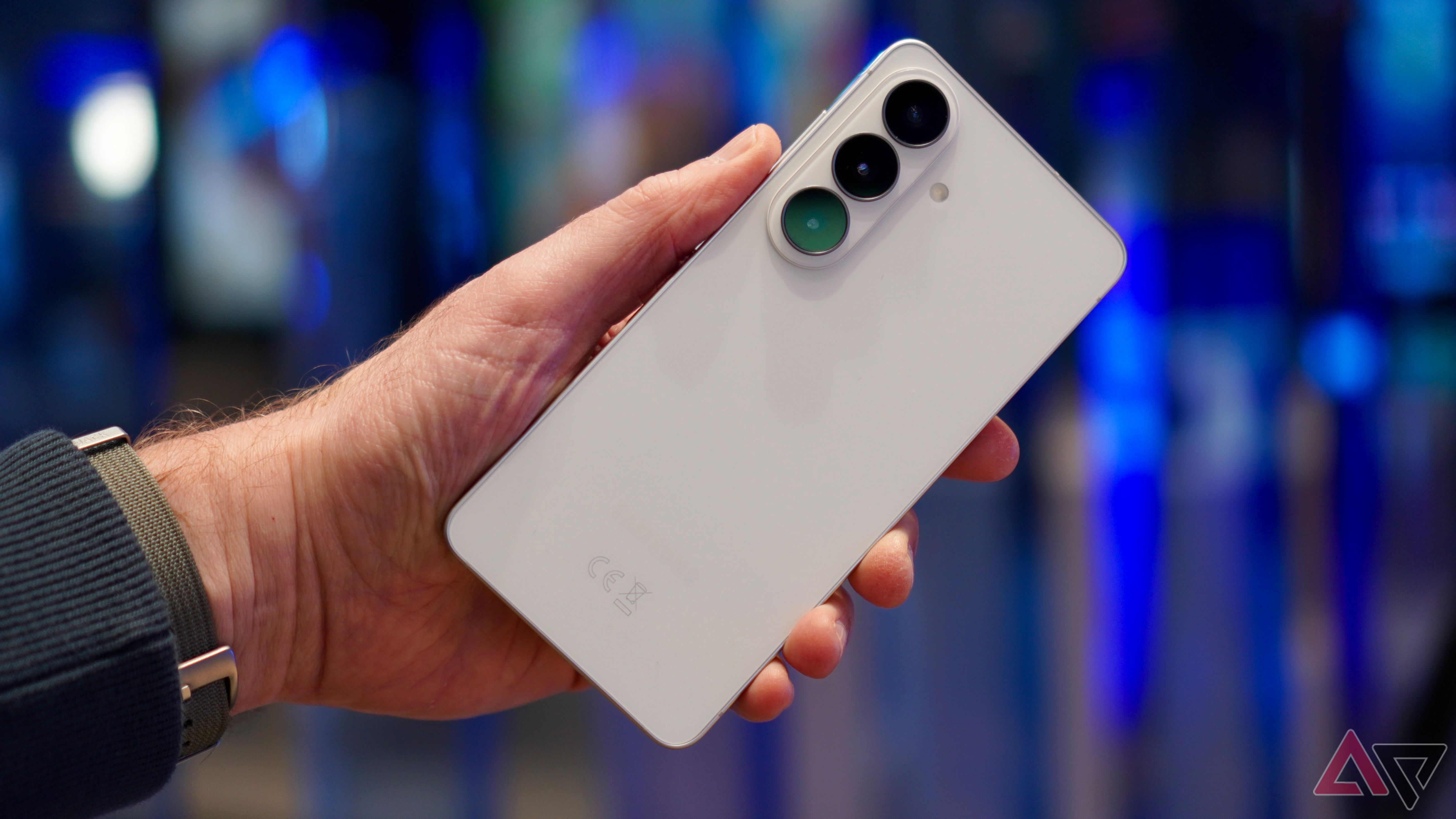
You've probably had someone borrow your phone at some point, like a younger relative who wanted to play games or watch videos.
In my case, I check in on their activity occasionally, but not for the reason you think.
I'm usually not worried about them snooping, because I hide private stuff behind an app PIN or in Secure Folder. I'm more concerned about them accidentally deleting something important.
It's even worse if I don't notice until I need it. So I went looking for guest mode on my Samsung Galaxy for situations like that. I found Maintenance mode instead, and it's not quite the same.
Almost every Android phone has a guest mode
Even phones from brands you've never heard of
I actually assumed every Android phone had a guest mode.
I've used obscure brands like Leagoo and Oukitel, and they had guest modes.
Even the Gionee phone I shared with my sister when we were younger had one. I remember how I created a separate profile that I used when the phone was with me, and my sister was completely clueless.
She thought we shared the same space. But I knew in my mind that I had my full privacy.
The feature was added to Android in 2014 with Android 5.0 Lollipop, so Google Pixel phones have it. Even some Galaxy Tabs have the feature.
That's what makes it surprising that Galaxy phones don't have it, and Samsung hasn't said why.
Interestingly, though, Samsung has tried a couple of times but removed the feature.
The Galaxy S6 got guest mode with Android 5.1 in 2015, but Samsung removed it later. Also, in 2022, Multiple users showed up in a One UI 5 beta for the Galaxy S22, but it was gone by the fourth beta version.
Samsung phones have a Maintenance mode
And it looks too much like a guest mode
After getting over my initial amazement at the lack of a guest mode, I did some digging and found Maintenance mode on my Galaxy S22+.
Samsung says it was built to allow smartphone technicians to work on your device without having access to your data.
The feature works by restarting your phone into a separate, empty profile, where none of your photos, messages, or accounts can be accessed.
That was not the impression I got when I first discovered Maintenance mode. The first line on the settings page of my phone says: "Maintenance mode protects your privacy while someone else is using your phone."
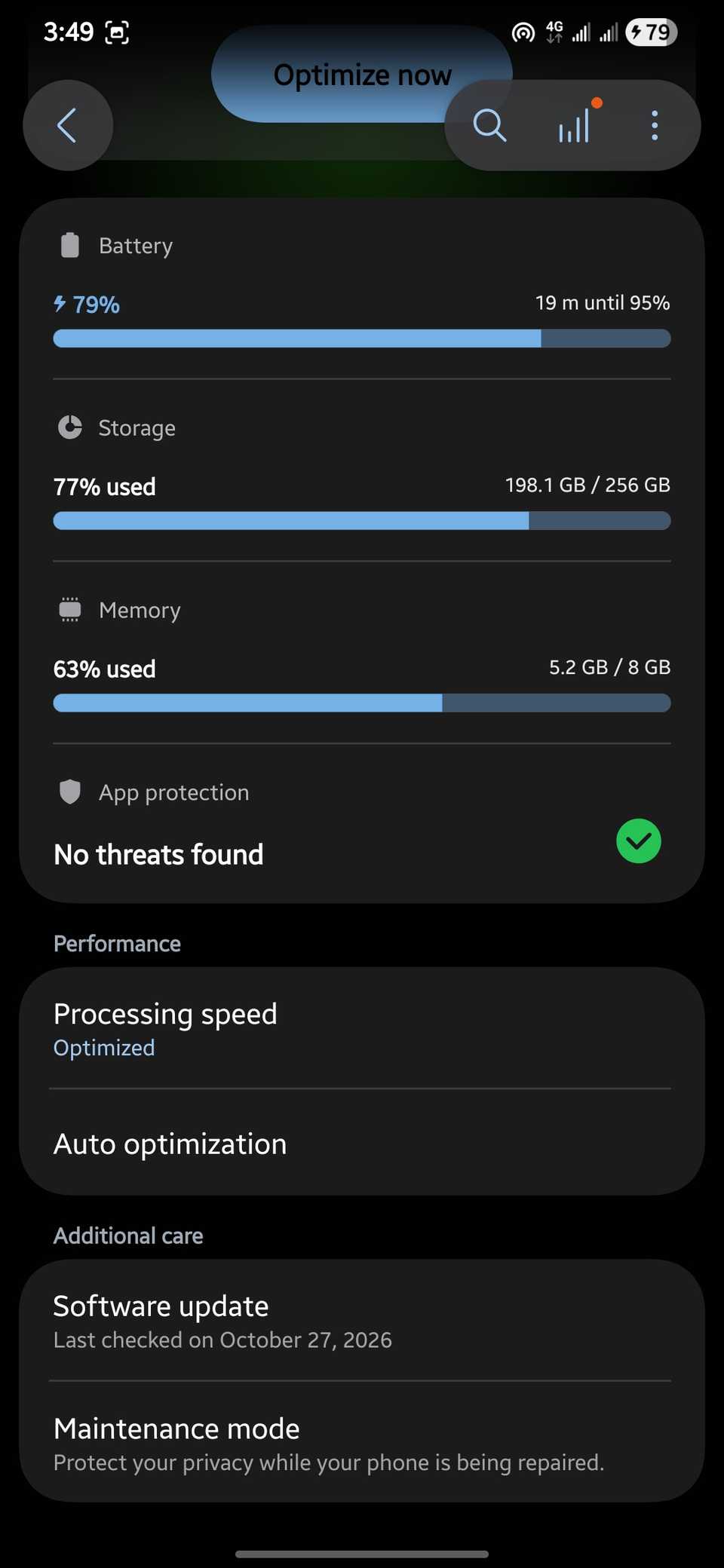
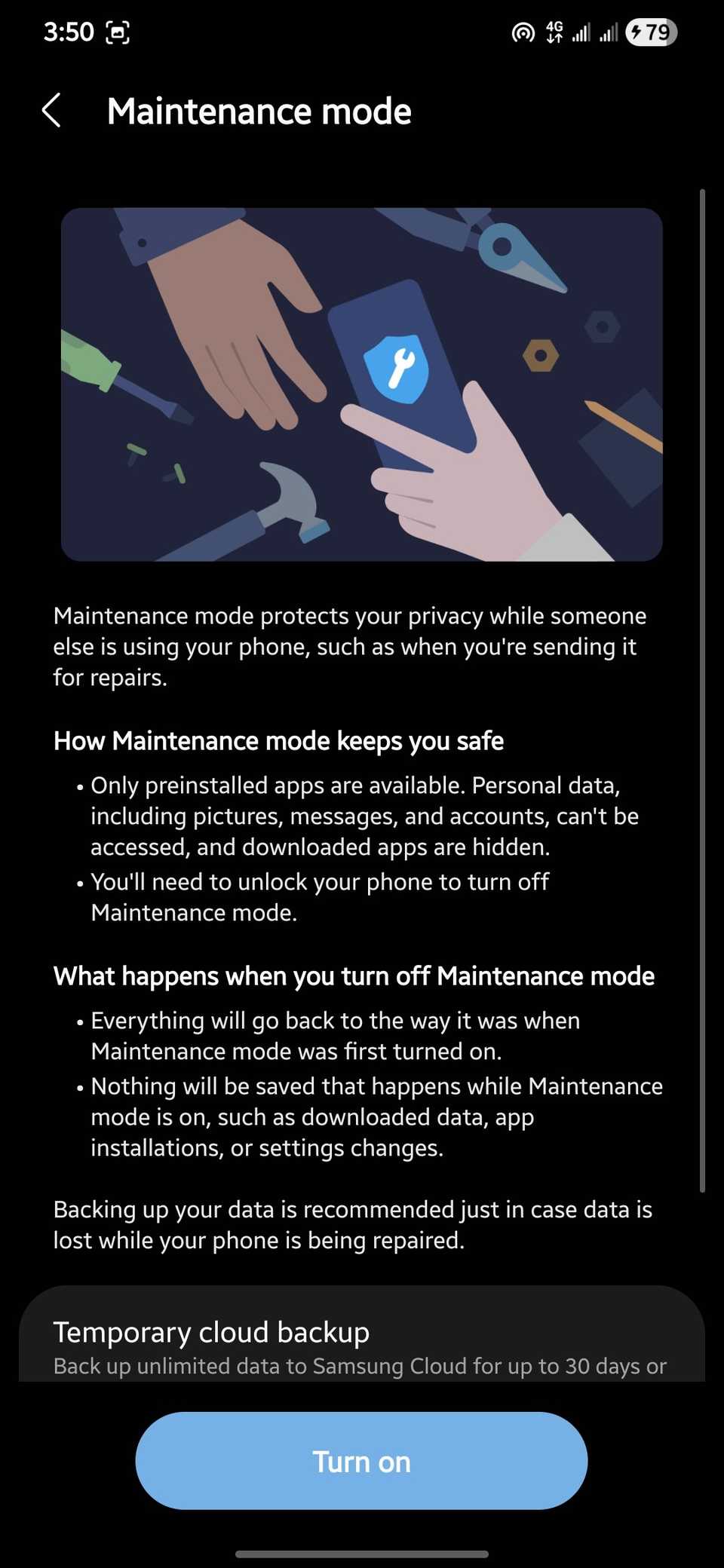
That last part had me thinking Samsung just dressed guest mode up as Maintenance mode. So I tested it.
To turn it on:
- Open Settings and go to Device care.
- Under the Additional care section, tap Maintenance mode.
- Tap the Turn on button at the bottom of the screen. You can skip the two backup options above it; they're meant for repairs.
- You can leave Create log and restart ticked, then tap Restart.
- Enter your PIN when the phone asks for it.
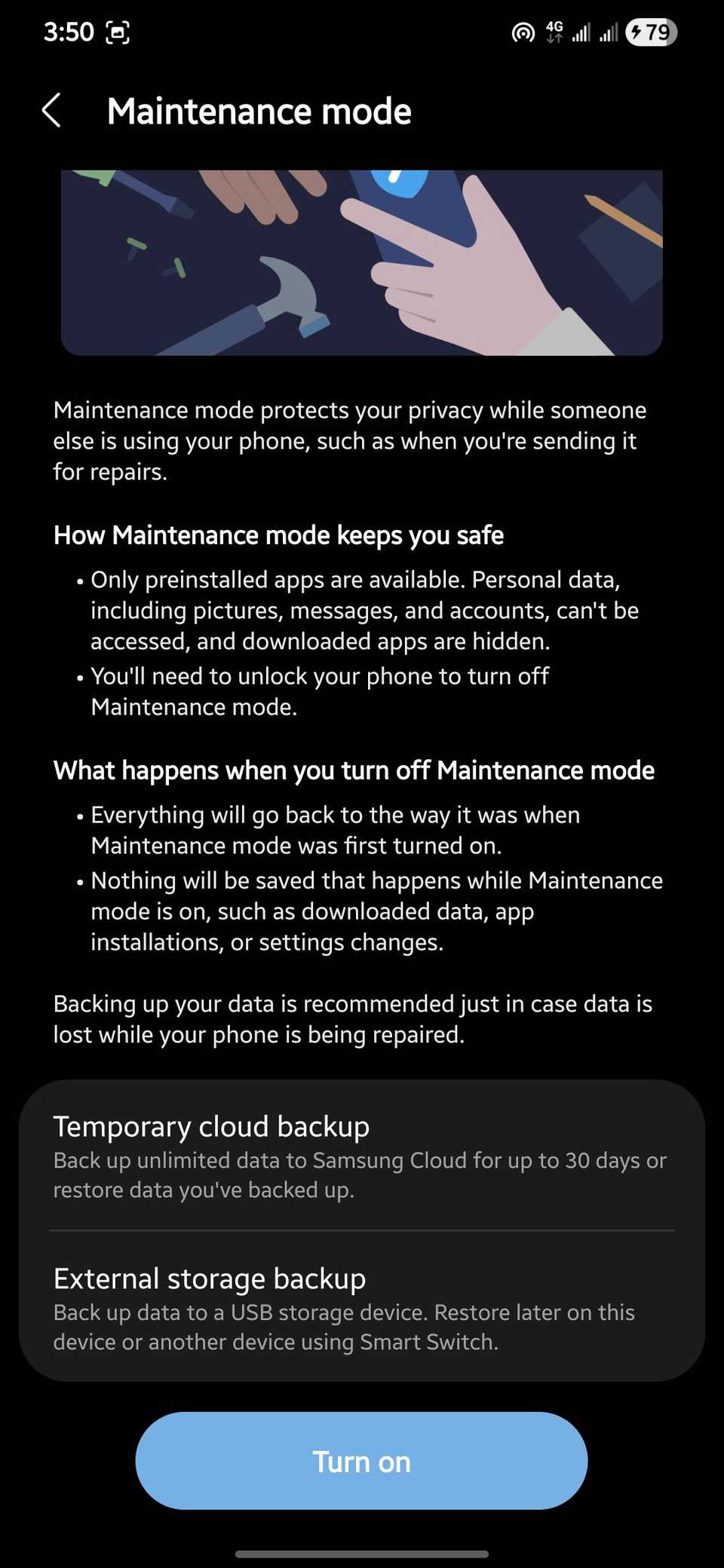
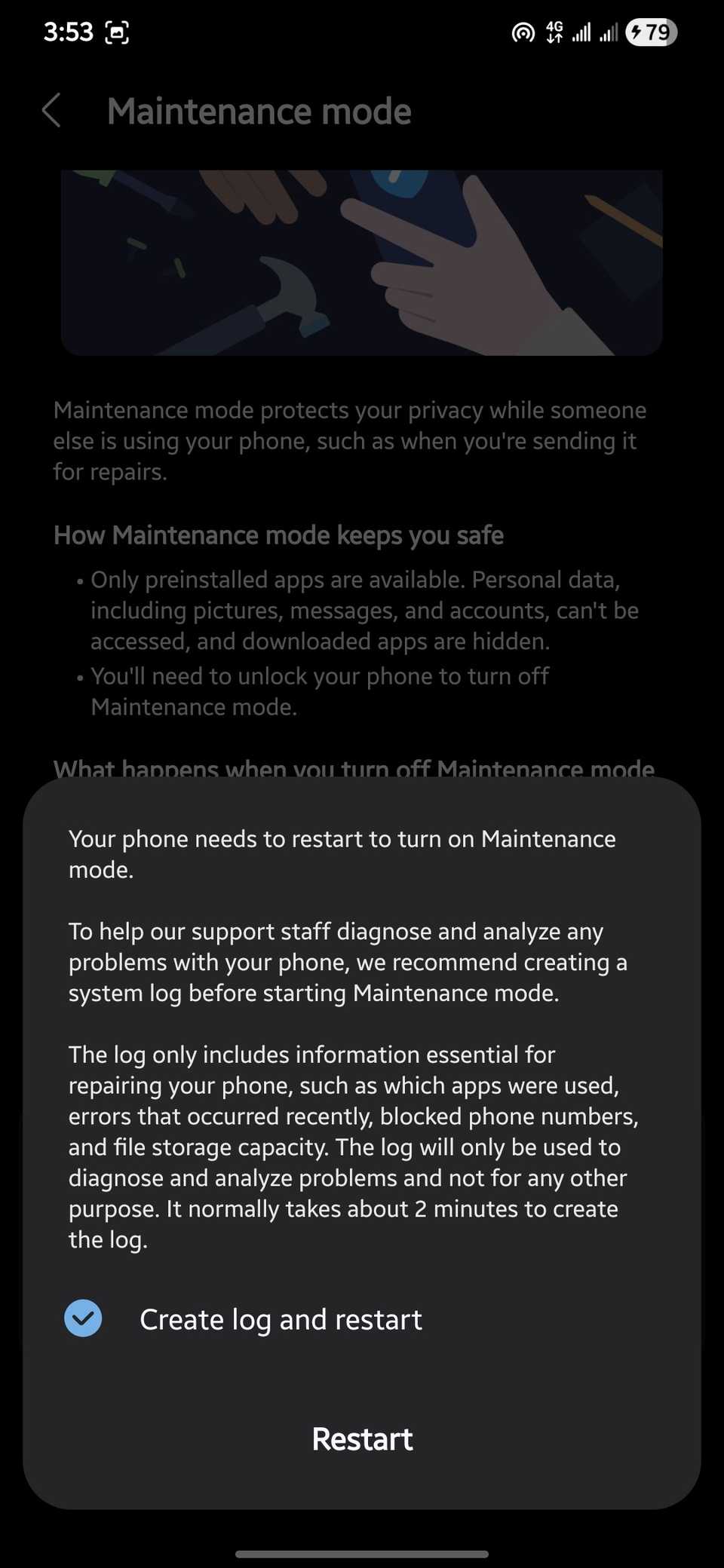
With the log option ticked, my phone took about two minutes to restart into Maintenance mode.
The log option stores important information that could help with repairing your phone, like recent errors, blocked phone numbers, and storage capacity. It takes about two minutes to create.
How Maintenance mode actually works
Your phone basically pretends to be brand new
When my phone rebooted into Maintenance mode, it looked completely different. It had only the apps the phone came with and none of the ones I installed.
Gallery was empty. It simply showed "No pictures or videos," and My Files showed no recent files and displayed "No downloads."
As for the Messages app, it didn't open at all. It simply showed "This app isn't allowed by the device owner." Chrome and the Play Store weren't signed into any accounts.
Calls came through without the name of the caller showing, because there was no signed-in Google account to sync my saved contacts.
With the camera app, I could take pictures and delete them freely.
Maintenance mode is not a guest mode wrapper
My first impression was wrong, but not totally
What makes true guest mode useful is that each user keeps their own files saved on the phone. Maintenance mode lacks that.
The separate space it gives you is temporary. So whatever picture you take, app you install, or setting you change is lost when you leave.
Samsung's exit screen says changes made inside, such as downloaded data, installed apps, or settings changes, aren't saved.
To leave the mode, I had to tap the Maintenance mode notification and enter my PIN. My phone restarted in about 30 seconds, back to my normal profile.
Everything I'd done inside Maintenance mode was gone without a trace.
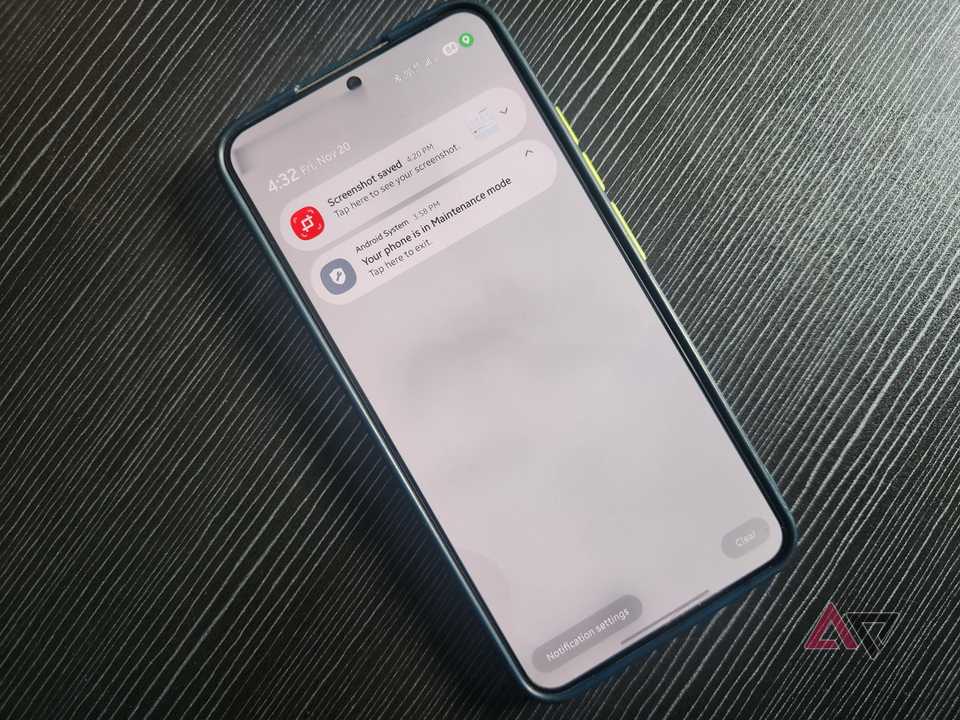
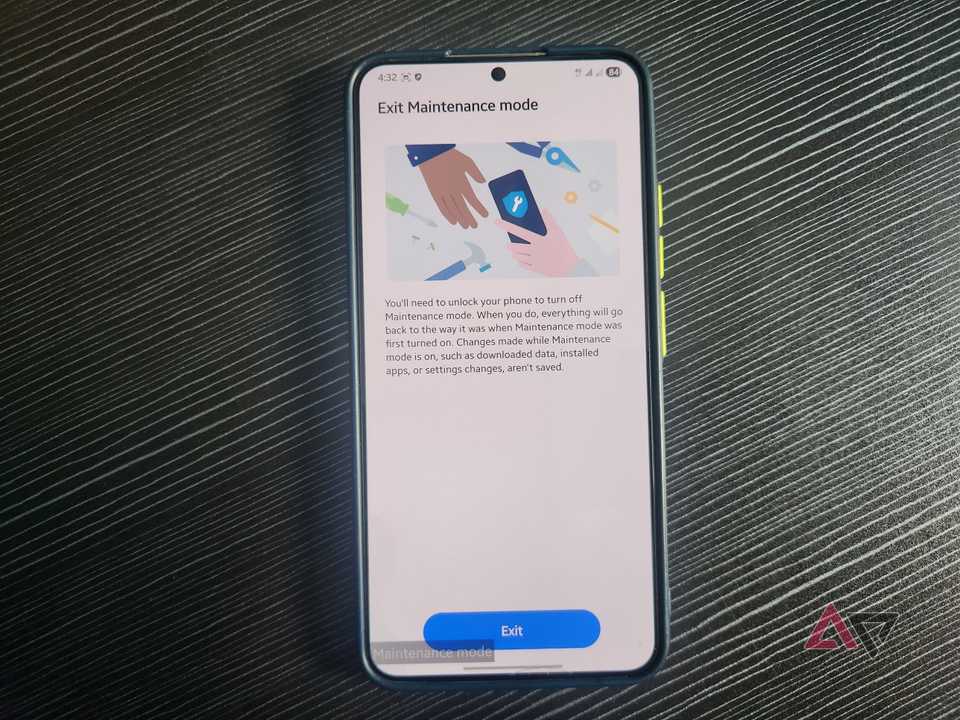
Maintenance mode gives borrowers a clean slate, not a second home
Maintenance mode isn't a direct replacement for extra users. Anything you create in it is wiped when you leave.
That's quite different from extra user profiles, where the extra user gets the choice to keep their files saved on the phone, in their separate space.
For most casual lending, I'd just continue handing my phone over as it is, with my sensitive apps and files in Secure Folder.
I'd only use Maintenance mode when I don't want the person I'm giving my phone to access anything on the device at all.
Source: Read original article

Comments ()