I replaced PowerPoint with Gemini Notebook to generate accurate slide decks from my own notes
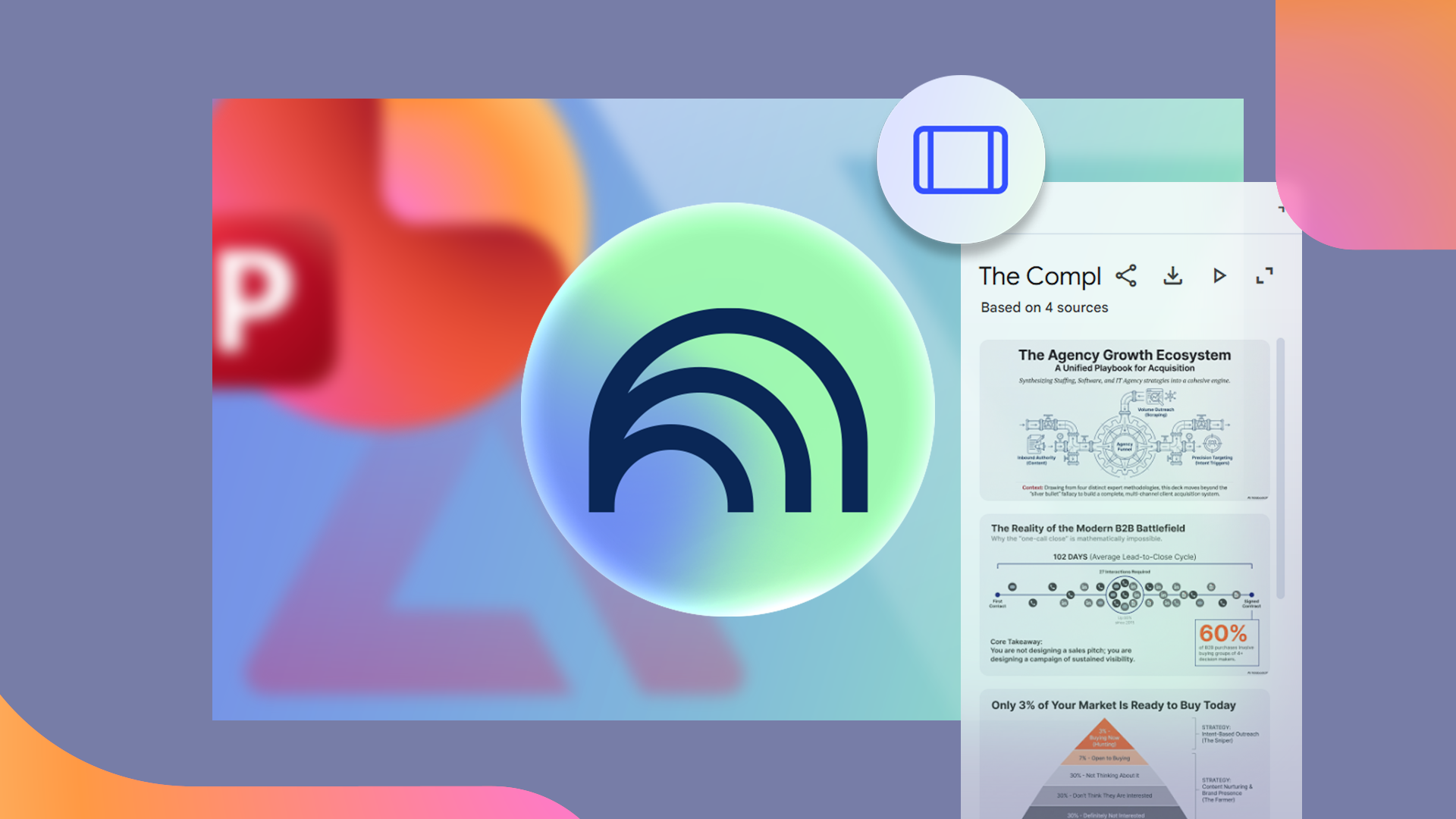
As a small business owner, presentations are a big part of my life. I make them every few days for pitch decks, reports, and more.
But here's the thing. Making presentations is tiring. While the goal is to get information across, making a good presentation has other elements, including design.
You might think the hardest part is gathering information, but for me, it's putting it together in visual form. It's time-consuming and annoying.
This takes time and effort, and a lot of work with PowerPoint's various tools. So, I decided to try Gemini Notebook's AI-accelerated presentation-building tool to generate slide decks from my notes.
AI presentations fall into two categories. Either these presentations look great but butcher the messaging, or they get the content right but fail to nail the design.
Gemini Notebook, which focuses on using only the information you give it, gets both right.
Now that I've been using it for a couple of days, I have little reason to go back to PowerPoint.
Gemini Notebook presents a different way of thinking about presentations
Information is the source of truth
Working with Gemini Notebook to make presentations represents a big shift in your thinking process.
Unlike PowerPoint, where you work on the presentation's design and the material at the same time, Gemini Notebook lets you focus on your notes, PDFs, articles, and perhaps an outline.
When you ask Gemini Notebook to create a slide deck, it works only with the data inside your notebook instead of researching the broader internet or inventing content.
That distinction matters when you're making a presentation, and it changes everything.
Traditional presentation tools assume that making the presentation is the primary objective. While that's true, the goal is to convey information.
Gemini Notebook changes that perspective by making the information the source of truth, and the deck is just a representation of it.
In practice, this means you can focus on your research without worrying about things like presentation structure and design.
Put all your notes in one place, then ask Gemini Notebook to generate a deck.
The output quality is surprisingly good and usually mirrors how I'd arrange the deck myself. That makes sense since it follows my train of thought and how I've structured my notes.
This approach also ensures that your data is well represented.
When you make a presentation manually, you must get the framing right and make sure you've included everything.
Anyone who has made a presentation knows that things can and do slip through the gaps.
When Gemini Notebook makes the presentation, it includes all the primary talking points.
Plus, it saves you time and effort.
Most AI presentation tools miss the point
Gemini Notebook isn't perfect, but it's faster than starting from scratch
I've tried a bunch of AI-powered presentation tools, and none of them managed to stick to the landing.
In my experience, most focus too much on impressive designs rather than accuracy or information density.
That information constraint, by not allowing Gemini Notebook to run amok using internet-based sources, also means that it is more focused on clarity than on creating a deck from scratch.
It also adds to the trust signal. Your presentation will only be as good or as bad as the data and content you give it.
This means that you can't expect it to make a presentation out of the blue. Without the data you give it, there is no presentation.
However, Gemini Notebook does a surprisingly good job of maintaining tonality. That makes sense, since it picks up the source of true information from your writing and data.
I've found it to be an excellent productivity multiplier compared to working with PowerPoint.
With the latter, even if you start with a solid set of notes, you have to work around fitting things within templates. That can hamper your sentence structure or force you to split slides.
The output isn't perfect here. You'll still need to review the deck before emailing it.
It's not necessarily presentation-ready off the bat, but it's a great way to speed things up.
Most presentations don't need PowerPoint anymore
Gemini Notebook's slide deck tool won't replace PowerPoint for every use case. However, it doesn't need to.
PowerPoint is still useful where you need precise control or complex layouts. Plus, you can download Gemini Notebook slide decks as .pptx files and edit them further in PowerPoint.
But for most presentations where you're just putting data in a more visually interesting format, you'll be surprised by how well Gemini Notebook performs.
Source: Read original article


Comments ()