How to use Google Maps' social features
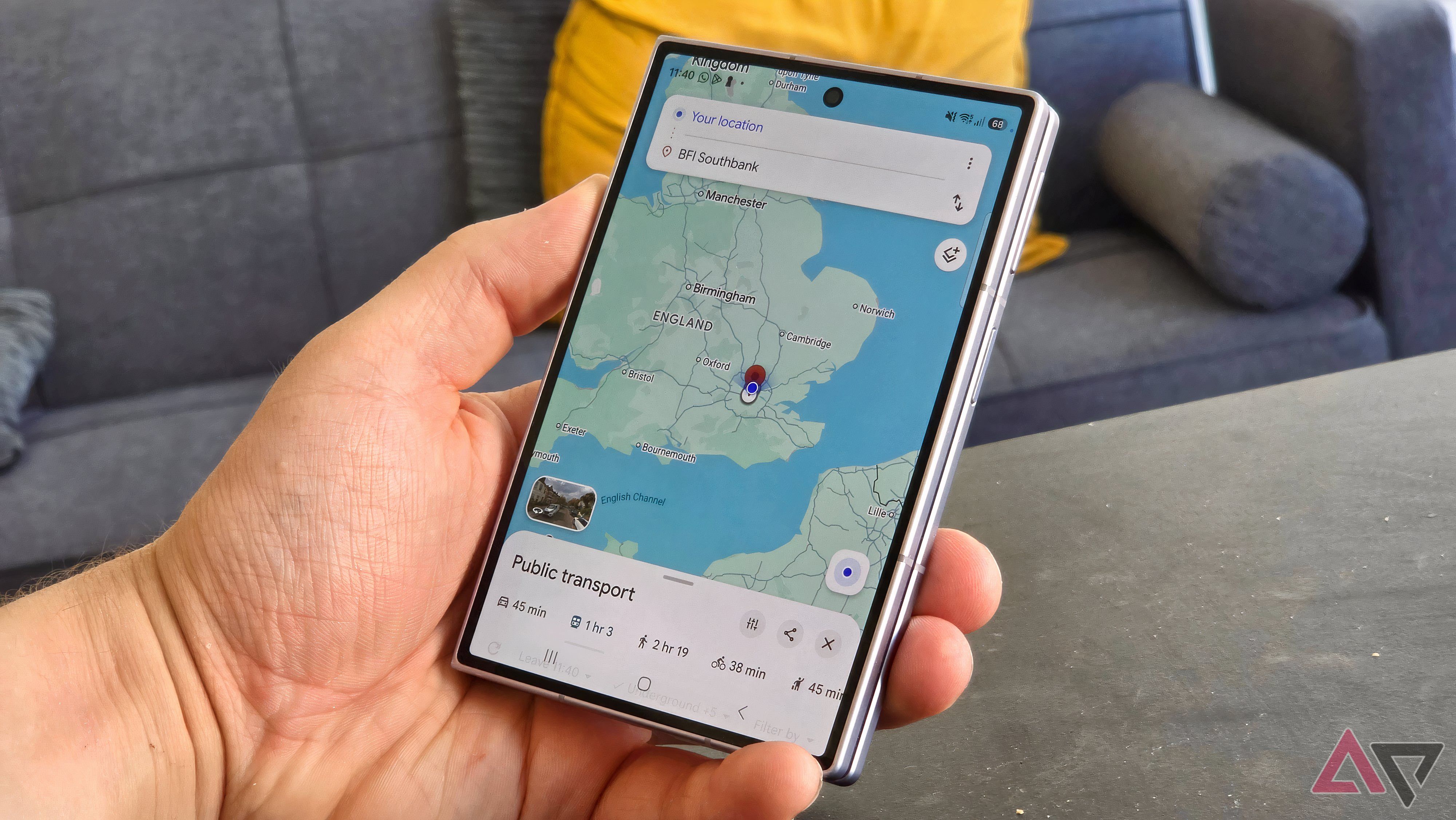
It's remarkable how much my use of Google Maps has changed over the years. I remember when I used it only to plan trips and print directions. Today, I can use it to check museum reviews, book tables, and discover the local vibe (whatever that means).
But I rarely use it for directions anymore. Instead, I rely on Google Maps for its social features, for which it is indispensable.
Location sharing is the perfect way to organize nights out
No need to worry about lost friends
We've all been in that situation. Everyone's at the pub, having a great time, then someone says we should move. The group's heads shake or nod. Someone groans. An argument breaks out.
'We'll meet you there!' somebody pipes up. The shaking and nodding of heads resumes.
Consensus is reached. Half the group gets up and leaves. Later, we meet up again. But there's a problem.
One (or usually two) people are missing. Where are they? A quick phone call reveals that they are halfway across town at the wrong bar. Groans ensue. Any pretense of organization is thrown aside.
Instead, I get everyone to share their locations on Google Maps in our group chat. Somebody gets separated? We know exactly where they are. Rather than fruitlessly explaining directions, they can simply text "I'm here," and we troop to their location if it's better.
Plenty of other apps have location sharing features, but Google Maps' is the most reliable.
Location sharing in Google Maps lets me automatically plot directions to my friend's location, and there's even a nifty notification feature.
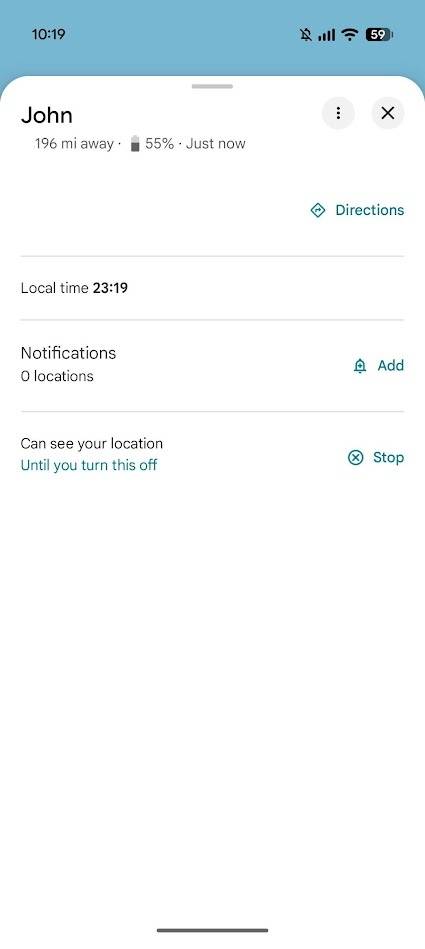
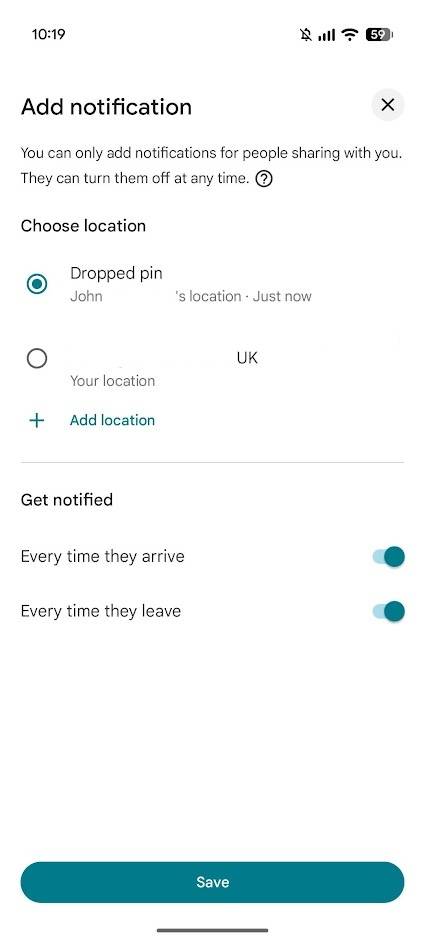
Rather than someone texting me that they've left, I can set up a notification to alert me when their location changes.
Less texting, less confusion, just consistent location advice. I love it because after everyone turns it on, there's zero confusion about where everybody is.
I love collaborating on lists and using them for nights out
Ask Maps makes them even more useful
I only recently discovered how in-depth Google Maps' lists feature is. I've been adding my favorite restaurants and bars to a local list for years, but I also love using the collaboration feature.
It's exactly what it sounds like. Create a list, invite someone to edit it, and then you can build the list together.
Here's where it gets interesting. Firstly, I can reorder lists with someone. I have a big list of restaurants I go to with my partner. When we want to choose a place, I ask her to rank her top five choices from the list. I then choose my favorite from those.
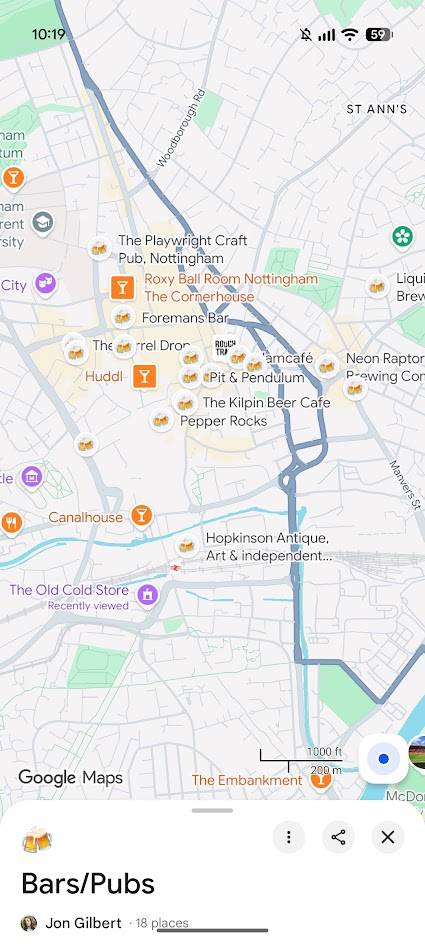
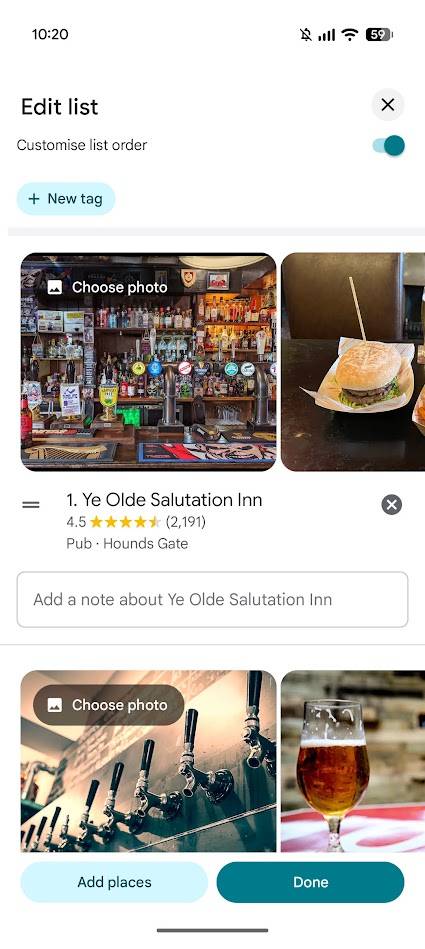
Or when I'm out with friends, I can check which of my favorite bars are closest by sorting the list by distance.
Lists also have Ask Maps integration, so I can check which of my favorite restaurants have the shortest wait right now.
My favorite thing to do is use Ask Maps to create the shortest route between every location on my list.
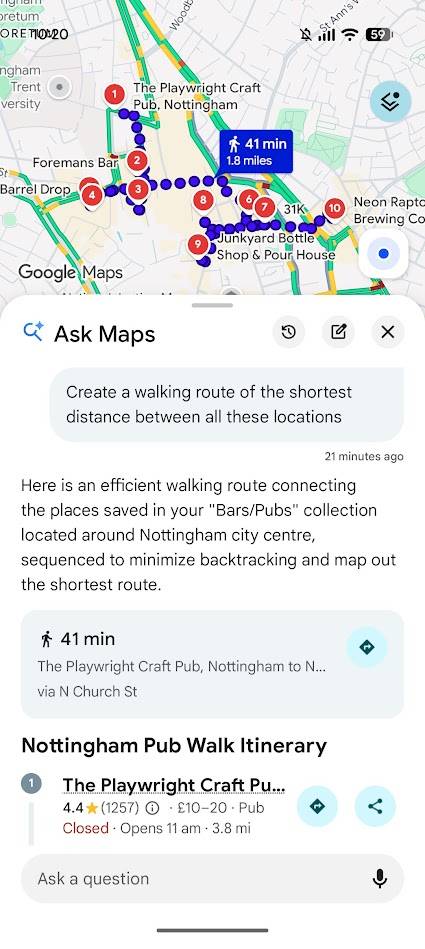
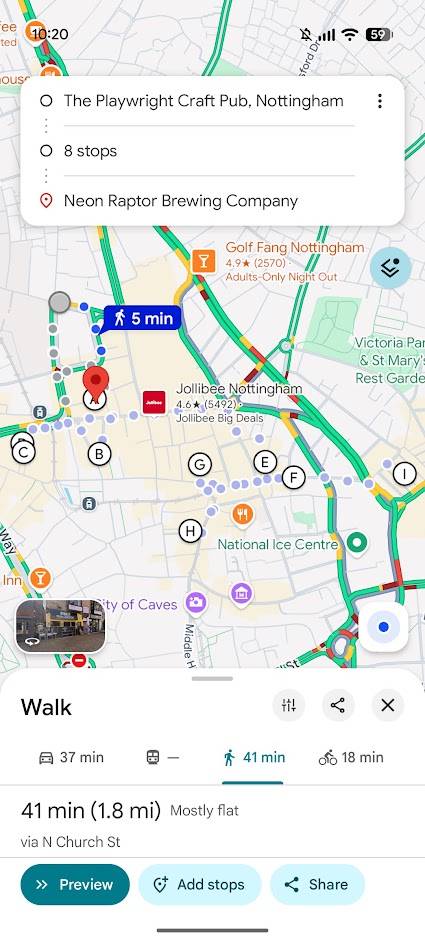
Perfect bar crawl, instantly. It even divides the route by area. I can then export the list as a route I can share and add stops to.
Lists is one of the most underrated and powerful features in Maps. It's not just a place to dump recommendations; it's a tool for planning nights out and helping friends decide where to eat.
With Ask Maps integration, it's probably my favorite tool in Maps.
Google Maps isn't about navigation for me anymore
I'm fine with that
Every time I use Google Maps to navigate, it's for a social gathering. This isn't a bad thing; it's just a sign of how Google Maps has changed.
Navigating in Google Maps isn't bad. It's great for simple journeys. But the app is so cluttered with social tools that it doesn't feel like that's what it's meant for.
After I started thinking about Google Maps as a social app, not a navigation app, I started using it more. That's when it started working for me, not against me.
For me, it's a tool to plan where to go, not how to get there. Unless I'm relying on the bar crawl generated by Ask Maps, I switch to another app for navigation.
I use a dedicated app for navigation
If I want to drive somewhere, I use Waze. If I want to walk or use public transport, I use Citymapper. Both apps are laser-focused on their purpose; there are no social features that distract from that.
Using the three apps together is perfect. I like that Google Maps is more of a social app than a navigation app now. Other apps help me navigate better; Google Maps should keep focusing on its strengths.
Source: Read original article

Comments ()