How to transform years of Google Maps bookmarks into a seamless itinerary
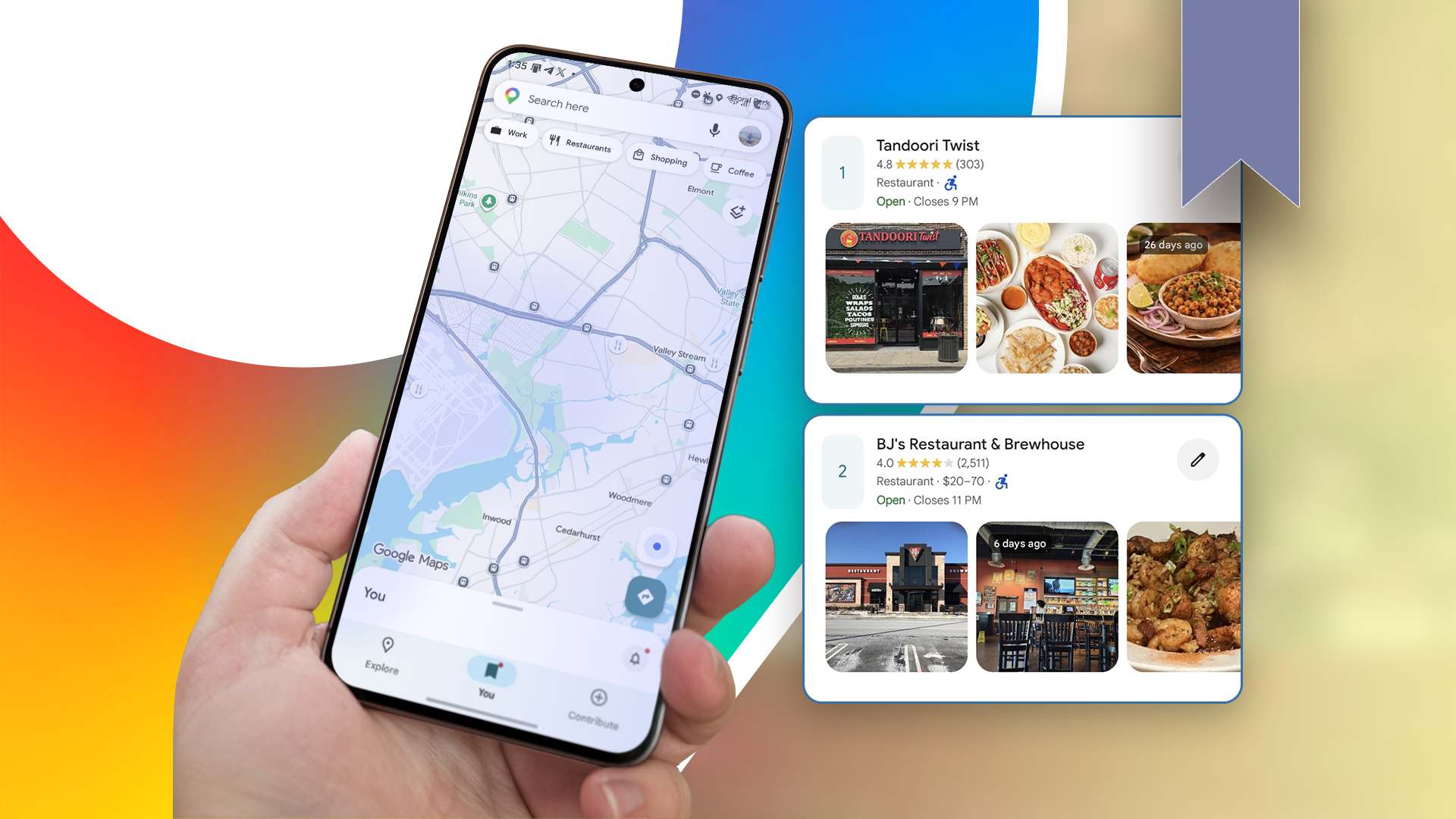
I've been saving places in Google Maps for years. Whether they are restaurants I want to visit, coffee shops friends recommend, tourist attractions for a future trip, or places that look interesting when I'm browsing the map, I save them all.
The problem is that I rarely remember which list contains the place I'm looking for, let alone whether somewhere I saved months ago is suitable for the occasion.
That changed with Google Maps' latest Ask Maps update. Maps can now search through your saved lists, helping you find places you've already bookmarked without manually opening lists, scrolling through entries, or remembering exactly where you saved something.
It's a surprisingly practical addition to Google Maps, especially if you've spent years building up a collection of saved places that you rarely revisit.
Maps can search through all my saved places
I can easily find my saved spots
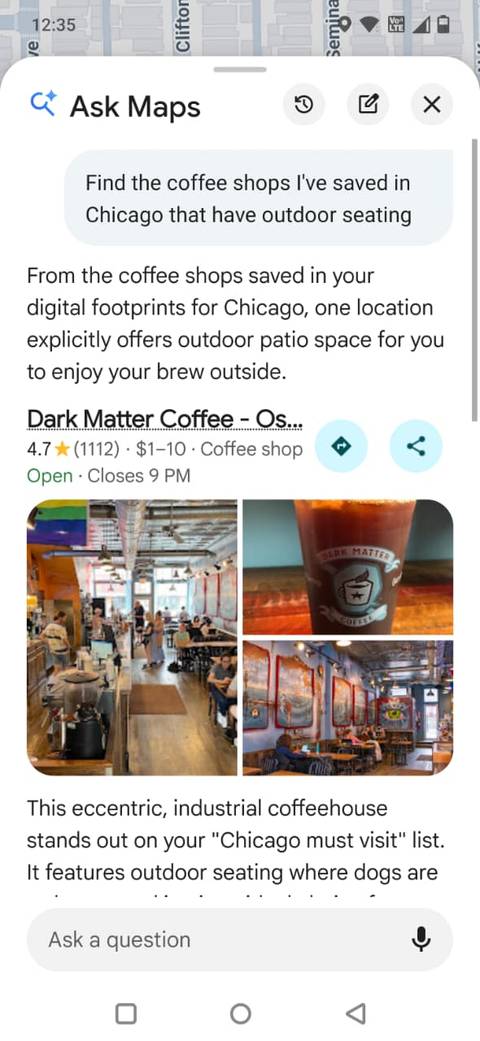
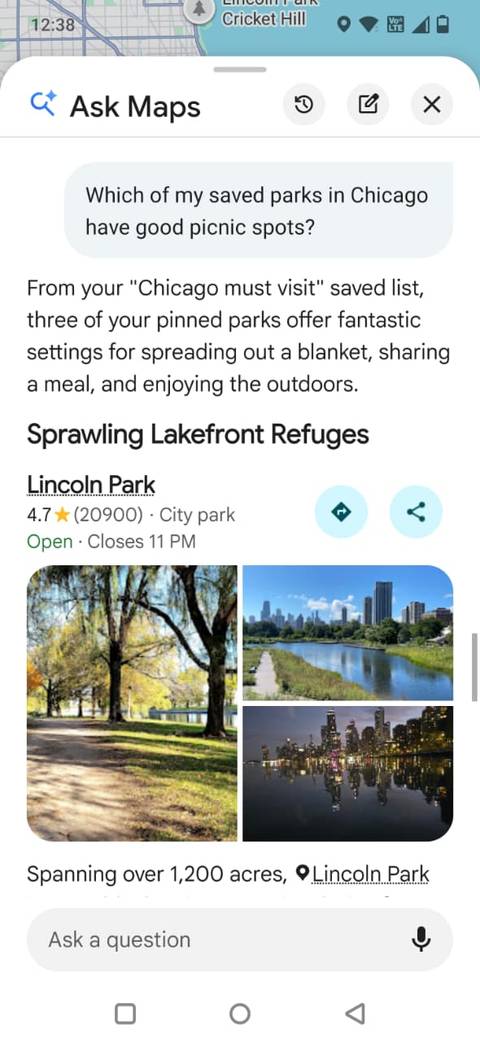
Instead of opening my restaurant list, scrolling through dozens of entries, and checking each one individually, I can ask a question that describes what I need.
To use it, open Google Maps on your phone or a desktop browser and select Ask Maps. Type your question or use the microphone to ask it aloud.
For example, if I'm visiting Chicago and want to grab coffee outdoors, I can ask, "Find the coffee shops I've saved in Chicago that have outdoor seating."
If I'm in the mood for a picnic, I can ask, "Which of my saved parks in Chicago have good picnic spots?"
I can also use this to rediscover places I saved for a particular occasion. If I have a collection of restaurants and attractions from a previous trip, I can ask Maps to find relevant spots instead of going through each list manually.
Ask Maps can check availability, too
I don’t have to open every listing
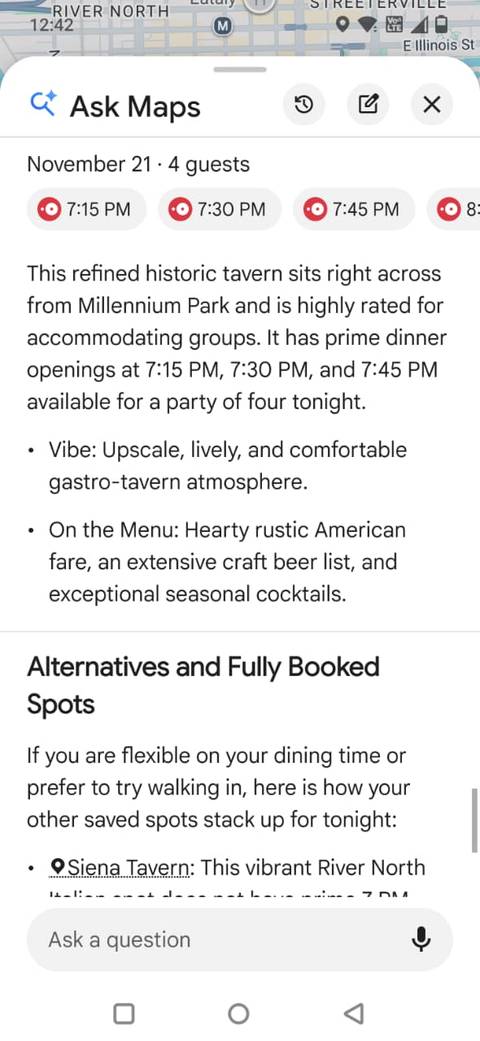
One thing I've always found frustrating about saving restaurants in Google Maps is that a bookmark doesn't tell me whether I can get a table when I want to visit.
I might have a dozen restaurants saved in an area, but if I'm heading out for dinner with friends, I still must check which ones can accommodate us. That means opening individual listings, checking reservation options, or contacting restaurants to see if they have space.
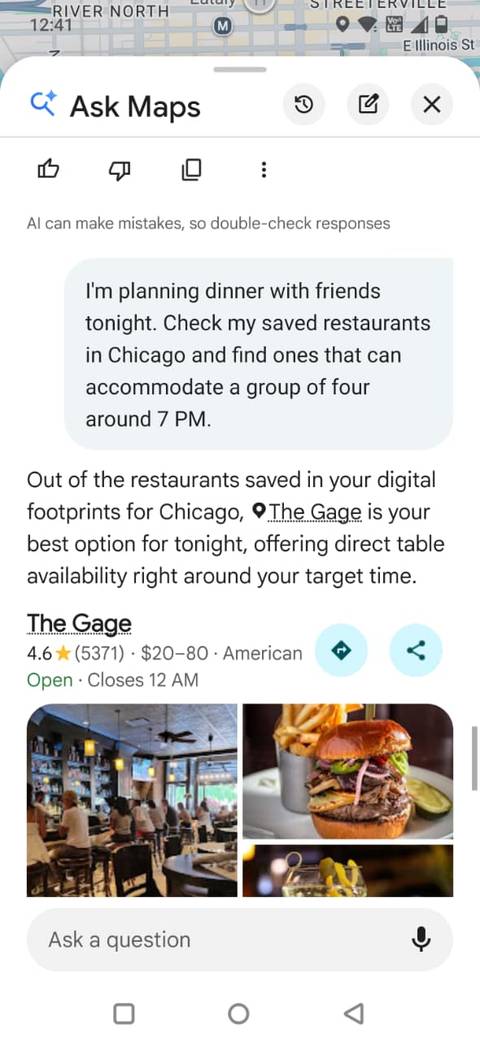
Ask Maps makes that process easier by checking live availability at places in my saved lists. I can tell it how many people I'm planning for and when I want to visit instead of browsing every restaurant individually.
It then searches my saved places and verifies which ones have availability.
For example, I can say, "I'm planning dinner with friends tonight. Check my saved restaurants and find ones that can accommodate a group of four around 7 p.m."
Turn saved places into plans
Maps organizes my next day out
Searching through my saved places is useful, but Ask Maps can also help me turn a rough idea into an outing. I don't have to start with a list of specific destinations or figure out the order in which to visit them.
I can describe what I want to do, mention the places or types of stops I'm interested in, and let Maps put together an itinerary.
For example, if I'm planning a weekend exploring a nearby city, I could ask, "Plan a two-day trip with a mix of interesting attractions, local food spots, and somewhere relaxing to spend the afternoon."
If I already have a few destinations in mind, I mention them and ask Maps to organize the stops into a sensible itinerary.
Ask Maps creates a schedule with stops and numbered pins on the map, making it easier to visualize the outing and see how the destinations fit together.
For longer trips, it can organize the itinerary by day. I can also continue the conversation to refine the plan. If I want to add a lunch break, include another attraction, or swap a stop, I use ask Maps to adjust the itinerary.
I wanted to share the itinerary I created, but I couldn't find a sharing option in the Google Maps app. I switched to Google Maps on my desktop browser, where I found a Share icon on the itinerary.
Clicking it gave me three options: open the itinerary in Google Docs, copy the response, or save all the places.
When I'm ready to head out, I can reopen the itinerary on the Android app through the badge in my Ask Maps chat history.
My Google Maps bookmarks finally have a purpose
I've accumulated plenty of bookmarks over time, but I often forget the lists I rarely open. Ask Maps makes it easier to go back to them.
I can search for a place based on what I'm in the mood for, find saved restaurants that can accommodate my plans, or turn a rough travel idea into an itinerary. I don't have to remember every place I've bookmarked or search through individual lists anymore.
Source: Read original article


Comments ()