Android is still missing self-deleting screenshots, but this free Play Store app fills the void
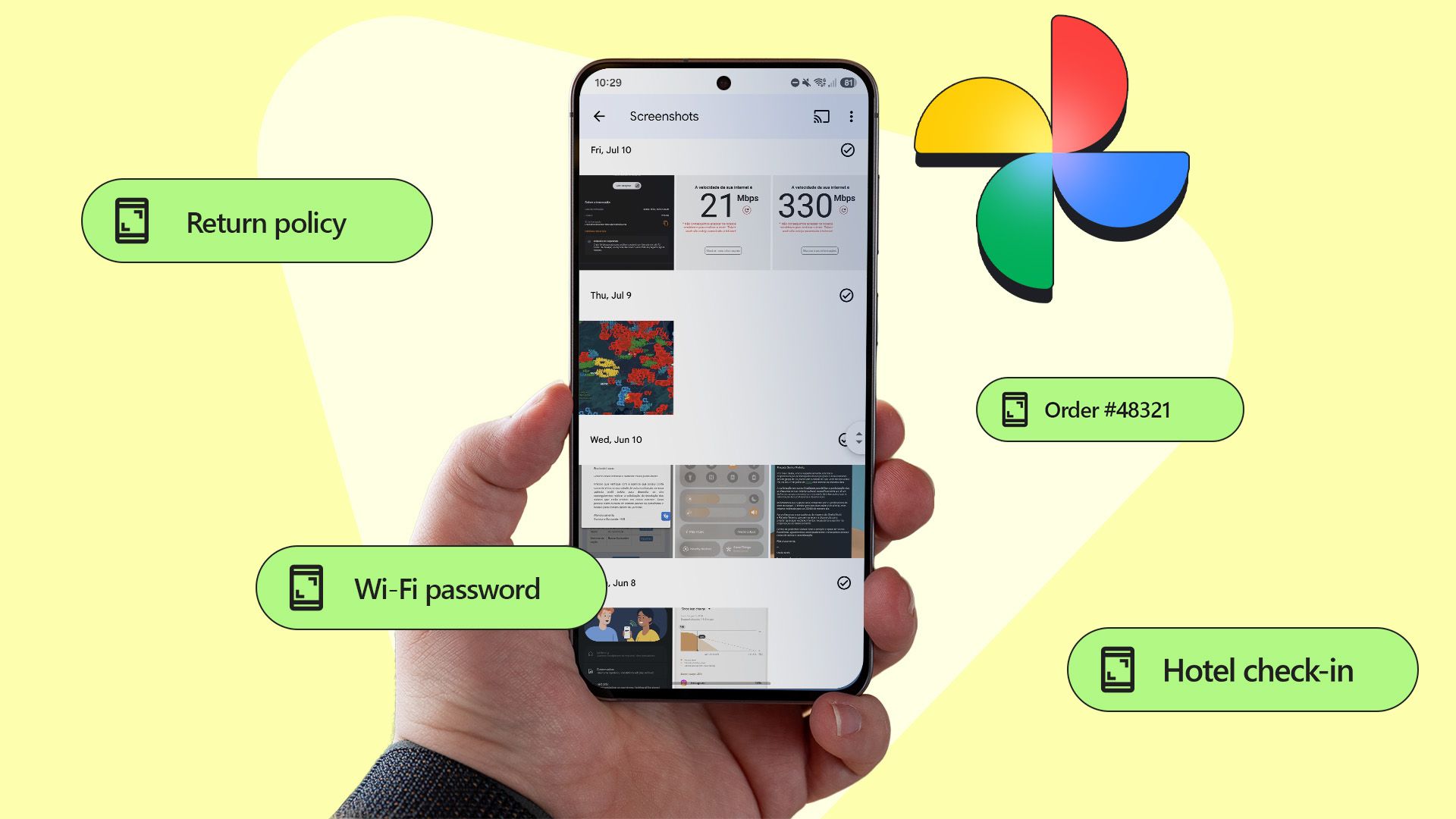
Screenshot timers should be a native feature on Android by now because of the systematic clutter that comes with taking screenshots.
Most of my captures are useless within an hour, but I don't always remember to delete them, or have the willpower to.
I often have to erase them in bulk when they become a brimming threat to my storage or set them to go away when I share them with other apps on my OEM phones.
These days, I'm making a significant mark on my screenshot pile with an app similarly named Mark. Pun aside, it's among the best utilities I've downloaded this year. Here's why.
Mark knows when to evict my temporary screenshots
No squatters are allowed in my storage anymore
Mark is an automatic screenshot deleter that sets a timer on screenshots and deletes them when it runs out.
It's free with ads, and Premium costs $11 in my region as a one-time purchase on the Google Play Store, although regional pricing may differ.
Setup asks for five permissions before the app works. First, I pick my screenshot folder through Android's file picker.
On my Google Pixel 8, it's /storage/emulated/0/Pictures/Screenshots, which the file picker shows as Internal storage > Pictures > Screenshots, and not DCIM.
DCIM itself is short for Digital Camera Images and is a naming standard that cameras and phones use for photos and videos they capture.
Screenshots aren't camera captures, so stock Android saves them under Pictures with other saved images. However, some phone brands may save them differently.
My Infinix GT 50 Pro also has a Screenshots folder inside DCIM. The next permission to grant is battery optimization, which I made sure to set to No restriction, so Android doesn't obstruct Mark's performance.
Overlay permission lets the app appear over other apps, while Notification access helps it detect new screenshots. Read Screenshot, set to Allow all, gives it access to every image instead of selected ones.
The app doesn't collect or store screenshots, but its ad, analytics, and crash-reporting partners may collect limited device and diagnostic data.
It has three tabs: Home, Screenshots, and Search. Home sets the default timer, and the free tier allows 15 to 45 minutes.
Premium unlocks shorter and longer timers, hour and day units, and two extra time chips set to 2 hours and 3 days.
A Refill card lets me unlock these Premium features for 20 days by watching an ad, with a maximum of 40 days.
The app gave me the full 40 days by default, which is how I was able to set the lowest timer to 5 minutes.
Further down the Home tab is the Scheduled Screenshots section that counts what's queued for deletion, and a tracker shows how many captures Mark has deleted. It also shows how much space it frees.
Silent auto-delete mode and Share & Delete are the two extra features that need the complete purchase, even with a refill.
The former deletes every new screenshot after a set time, one day by default, without asking. But you can cancel any deletion before it happens.
The latter removes a screenshot an hour after you share it, and the hour is adjustable.
A pop-up workflow keeps my gallery clean
It forces me to make my procrastinated keep-or-shred choices immediately
On my Pixel 8, Mark works perfectly. I tap the Schedule Time box to type any number and pick minutes, hours, or days.
I take most of my screenshots with Quick Tap, which turns a double tap on the back of my Pixel into a shortcut.
When each one is saved, Mark's pop-up appears on the screen showing a small preview of the capture and a shredder animation.
Below it are buttons with my specified time values, alongside the option to Keep the screenshot, which doesn't apply a timer at all.
You must select an option, or the pop-up doesn't go away. It feels intrusive initially, but it forces a decision you would otherwise put off forever.
I choose depending on the screenshot and how important it is to me. After I make a selection, the screenshot goes into the Scheduled Screenshots queue.
The Screenshots tab shows all my screenshots in a grid grouped by date, including ones taken before I installed Mark. I love that I can tap and hold to select several, then set a timer.
A clock icon marks the ones with timers, and you'll even see the exact deletion time when you select the info button using the upper-right three-dot icon.
The Search tab finds screenshots by the text and objects in them after Mark indexes them. It's hit or miss, but fairly effective. When I searched for "food," it showed several screenshots of meals, along with some unrelated strays.
"People" didn't bring up anything, even though plenty of my screenshots show faces. "Tomorrow" pulled up every screenshot where the word appeared.
So its intelligence likely leans on reading text more than understanding what's in an image, despite the sparkle icon beside the magnifier hinting at artificial intelligence.
The animated gear in the upper-right corner opens settings. There, I get a Mark Service toggle, a link back to permissions, an app walkthrough, language settings, and options to buy Premium or remove ads.
I wish I could say the app worked just as smoothly on my Infinix phone. Even with the same settings and permissions, no pop-up appears when I take a screenshot, so I never get to pick a timer.
Plus, my latest screenshots don't appear in the Screenshots tab, though older ones do. I can still open the app and set timers by hand, but that brings back the manual chore Mark was supposed to replace.
It's possible that non-Pixel phones are more aggressive about closing apps in the background to save battery, which could affect Mark's performance.
Small apps can leave big marks
I've been patiently waiting for Google to release the Pixel Screenshots app to more phones. But to my disappointment, it's still exclusive to the Pixel 9 series and newer, excluding the budget A-series models.
Unfortunately, it needs the newer multimodal Gemini Nano model. But it's nice that I no longer have to hold my breath.
Mark is a better Pixel Screenshots alternative for what I need, even though Google's app has reminders and improved AI search. Plus, Mark is lighter.
Pixel Screenshots is, ironically, 1GB large, while Mark is only 16MB.
Source: Read original article

Comments ()