

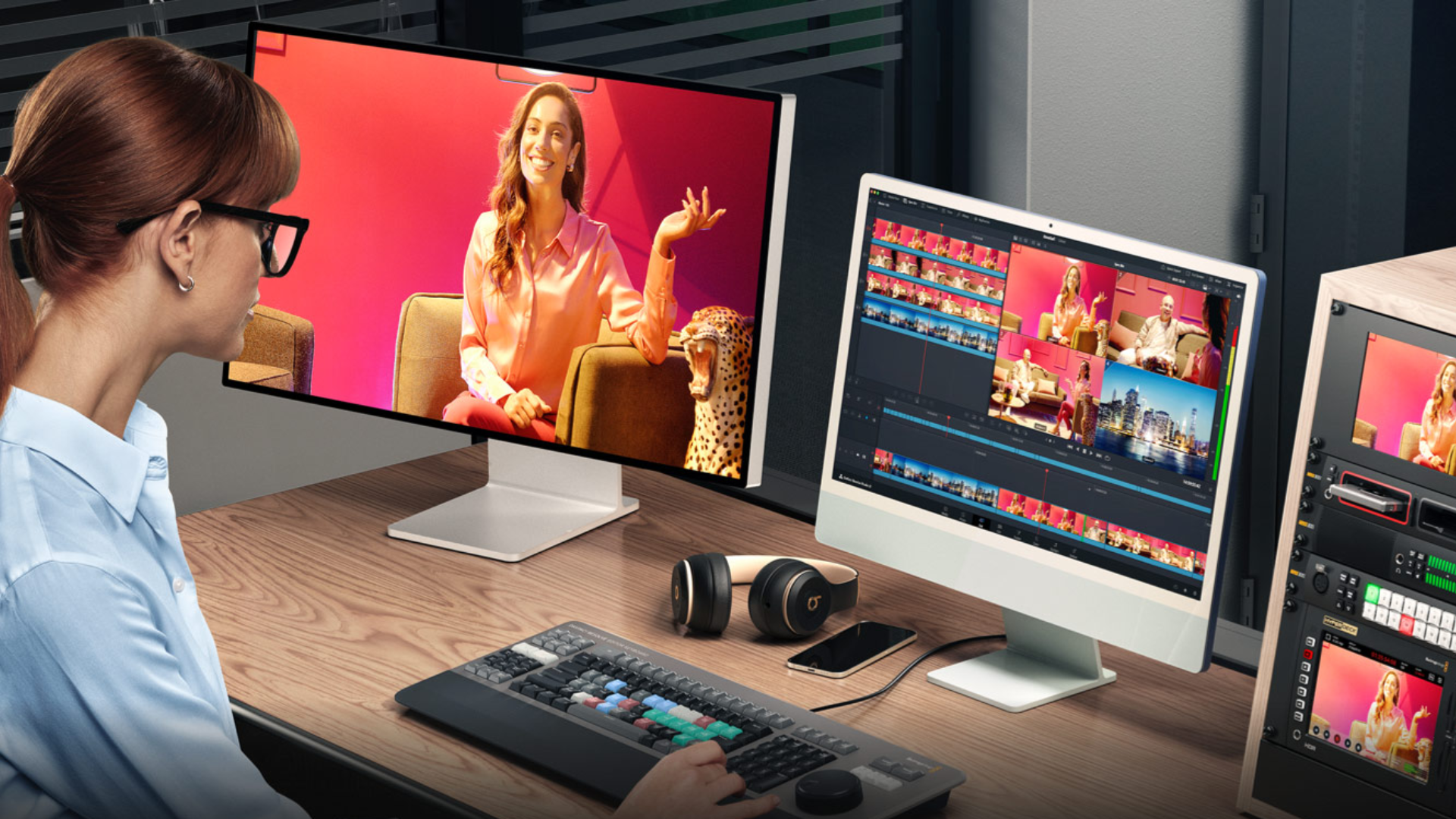
DaVinci Resolve 21 has recently gone into public beta – you can download it by clicking here, and we’ll have a review coming shortly. But there are some big new features now available, including motion graphic effects, and AI tools like IntelliSearch and CineFocus, which took our fancy.
One of the most exciting changes to the video editing software is the new release of the Photo Page. This is essentially a Lightroom-style tool that, according to developers Blackmagic Design, brings “Hollywood’s advanced color tools to still photos for colorists and photographers.”
Why was now the right time to add a dedicated Photo Page? Is the line between photographer and filmmaker effectively gone in 2026?
The way people create has changed. They are shooting campaigns, social content, interviews, short films, events and photography from the same production.
Users have been able to use the color tools in DaVinci Resolve on their RAW photos before; however, it was very much a workaround. They were limited by timeline resolutions, so they never saw their photos in the full-scale image. All of this now goes away and users can view and work on their photos as full-res images.
The way people create has changed. Many users are no longer working only in stills or only in video. They are shooting campaigns, social content, interviews, short films, events and photography from the same production. DaVinci Resolve has always been about giving people a complete creative workflow. The Photo page is a natural extension of that. It means stills can now sit alongside editing, color, VFX, audio and delivery in the same application.
That line between photographers and filmmakers has not disappeared entirely, but there is much more overlap now. We are seeing more creators and production teams who need stills and motion to share the same look, color pipeline and delivery process. Resolve 21 is designed with that in mind.
For over a decade, Adobe Lightroom has been the industry standard for photographers. Is the new Photo Page designed to be a companion to Lightroom, or are you giving users permission to cancel their Adobe subscription entirely?
We are giving photographers, filmmakers and hybrid creators the same advanced color tools that Resolve users already rely on
Essentially, we are giving photographers, filmmakers and hybrid creators the same advanced color tools that Resolve users already rely on for moving image work.
The Photo page makes stills part of the same workflow as editing, color, VFX, audio and delivery. Users can manage RAW images, develop looks and maintain consistency across motion and stills, all inside DaVinci Resolve.
For creators working across video and photography, that means more of the project can remain within a single creative environment, with color at the center of the workflow.
If users would like to try adjusting their photos in Resolve they can import a Lightroom Catalog if they wish.
Resolve 21 has new AI tools like Blemish Removal and Ultra Sharpen. Are these designed to help professionals work faster, or are they meant to make professional-looking results possible for beginners who do not have years of training?
It is both, but the goal is not to replace craft. The goal is to remove some of the slower, repetitive work so users can spend more time on the creative decisions.
For professionals, tools like Blemish Removal, UltraSharpen, IntelliSearch and CineFocus can speed up tasks that would normally take longer to set up manually. For newer users, those same tools make advanced workflows more approachable.
The important thing is that the user stays in control. Resolve’s AI tools are there to help people work faster and get to a better starting point, but the creative judgment still comes from the editor, colorist, photographer or filmmaker.
Most video content today is consumed vertically on a phone. How does Resolve 21 make life easier for a hybrid creator who needs to deliver the same project for a 4K TV, a YouTube widescreen and a TikTok vertical feed all at once?
Stills, motion, graphics, audio and delivery are all part of the same workflow.
Creators are now expected to deliver the same project in lots of different formats. That can be very time-consuming if each version has to be treated as a separate job. Resolve is designed to keep that work together. Users can edit, grade, finish and deliver multiple versions from the same project, whether that is a 4K master, a widescreen YouTube version or a vertical social cut.
With Resolve 21, that becomes even more useful because stills, motion, graphics, audio and delivery are all part of the same workflow. A creator can build the look once, keep the project organized, and then adapt it for different platforms without starting from scratch each time.
DaVinci Resolve now allows separate timeline settings for each deliverable output, which can then be queued for delivery. Timelines can simply be copied for each deliverable, so no separate editing is required. Likewise, the new MultiMaster Trim Manager will allow users to do this from the color page, using the same timeline for every deliverable, by simply changing the output resolution for each trim.
Lightroom’s biggest strength is handling thousands of photos at once. Can Resolve 21 handle a similar volume, or is the Photo Page more of a boutique tool for perfecting a handful of hero shots?
The Photo Page is designed so that users can import large numbers of stills, including RAW files and then organize and review them using albums, metadata, tags and ratings.
But the main difference is that those stills are part of a Resolve project. Once they are in the software, they can be taken into the same color workflow as moving images, using the same grading tools and creative approach.
Can a creator with a standard mid-range laptop still run Resolve 21 effectively, or is the software starting to require supercomputer specs to handle these new features?
Resolve is designed so people can build workflows that match their system.
DaVinci Resolve is used by a very wide range of people, from individual creators on laptops through to high-end post facilities. That has always been important to us.
Of course, performance depends on the type of work being done. A large RAW photo library, complex grades, high-resolution timelines and AI tools will benefit from a more powerful GPU and more system memory. But users do not need to use every feature at once, and Resolve is designed so people can build workflows that match their system.
DaVinci Resolve is also optimized for modern hardware, which is why it runs perfectly well on an iPad. Obviously, the more effects applied, the more strain on the system, but users can use many of the features on an entry-level Mac or PC.
We’ve also introduced things such as Metal processing for Speed Warp and an incredibly powerful AI retime feature. This used to be a heavy process for any machine, but now a mid-level MacBook can achieve real-time playback using this effect.
Resolve is now a massive all-in-one tool for photos, video, audio and visual effects. For a beginner opening the app for the first time, is there a risk of it being too much? How are you making the learning curve less intimidating for the next generation of filmmakers and photographers?
We offer an extensive range of training materials users can access for free.
Resolve is very powerful, but users do not have to learn everything at once. One of its strengths is that Resolve is organized into pages. A beginner can start on the Cut or Edit page, then move to Color, Fairlight, Fusion or the new Photo page when they need those tools.
So, as the user grows in confidence in one aspect of Resolve, they do not have to leave the application to learn a completely different workflow for another part of the chain. They can start with basic editing or photo work, then gradually move into more advanced color, audio, VFX and delivery tools when they are ready.
There is also the ability to hide pages in Resolve, so if users find it distracting to have many pages open, they can simply show only the ones they use and hide the others. The software can be a little intimidating at first, which is why we offer an extensive range of training materials users can access for free to help them learn at their own pace and get to know the software better.
On a related note, Blackmagic Design told me its running a series of free training webinars over the coming months – registration links below.
- DaVinci Resolve for new users | May 22: Register here
- Creative photo processing with DaVinci Resolve 21 | May 29: Register here
- Work smarter with AI tools in DaVinci Resolve | June 19: Register here
