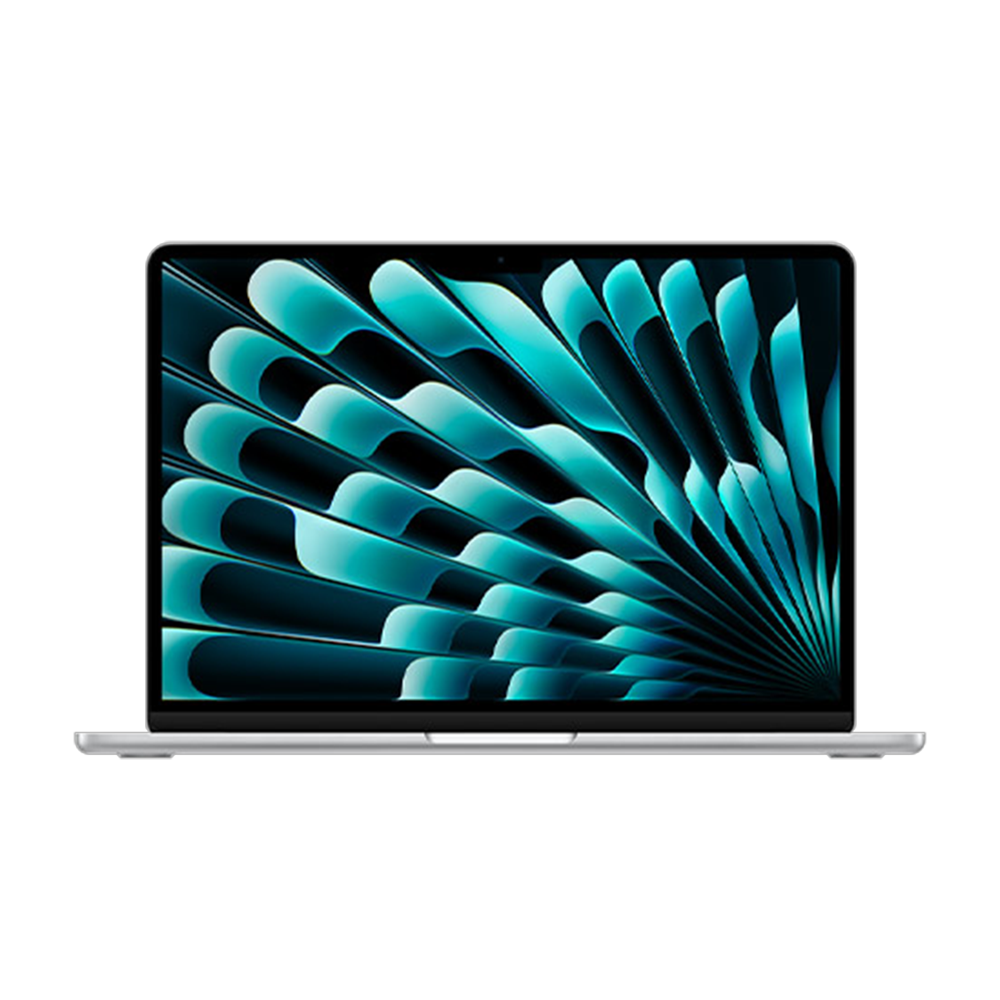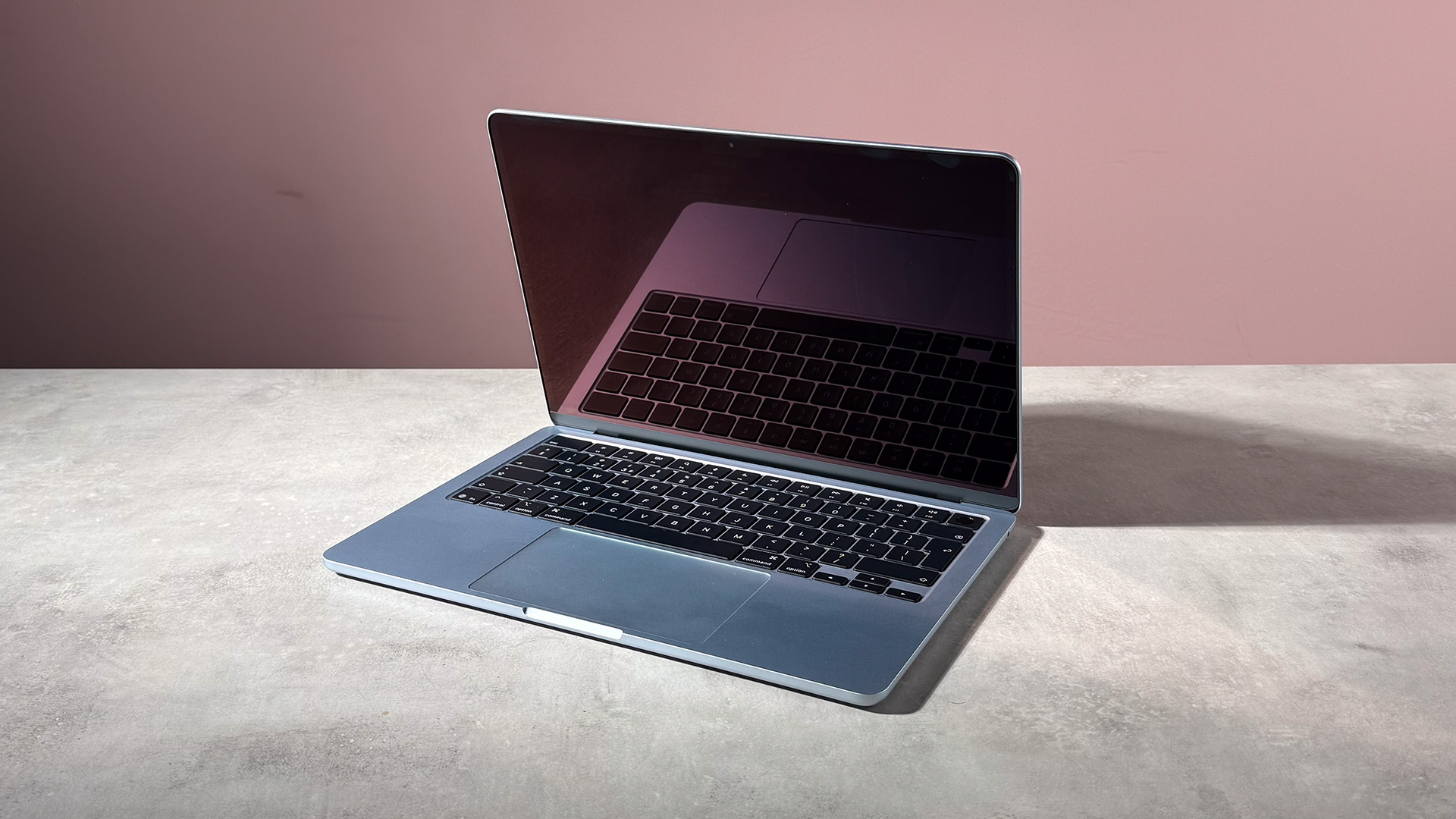
If you’ve read many of my pieces on TechRadar, you’ll know I’ve been threatening to buy a new MacBook for a long while now. In part, this is because my laptop was a MacBook Pro 13-inch 2017 and its performance was getting decidedly dicey during demanding tasks. A far bigger motivation was the professional embarrassment of still using an Intel-based machine almost six years after the brand switched to using its far more powerful Apple silicon chipset.
So when the MacBook Air M5 was announced, I knew I was going to be pulling the trigger. Not only was every MacBook Air M5 review I read glowing, but I knew it was such a substantial step up from my existing machine that I would be getting enormous value out of every dollar I spent.
After much deliberation — by which I mean two weeks solid of full-blown choice gridlock — I finally settled on my chosen spec. Upgrading to 24GB of RAM was a bit of a no-brainer. While the MacBook Air 13-inch’s default 16GB is already double that of my last MacBook Pro, I wanted to make sure I was fully future-proofed for increasing software demands.
Article continues below
And thanks to the enormous size of some music-making tools and audio sample packs that I use regularly, I’ve had issues with SSD space in recent years, requiring regular trawls of my files to find things to delete. In light of this, skipping over the base 512GB drive to the 1TB seemed to make perfect sense
Now that’s not the cheapest spec for one of the best laptops by any means. In fact, it set me back a cool $1,499 / £1,499 / AU$2,399, which is a fair step up from the $1,099 / £1,099 / AU$1,799 charged for the base edition. But coupled with the M5 chip, that gives me a whole lot of power to play with, especially compared to a model so old that it was still running an Intel-based chipset.
My mind finally made up, I finally ordered my new MacBook Air after more than a year of posturing. And just two days later, my brand-new laptop was tossed over my neighbor’s hedge on my doorstep.
Starting up
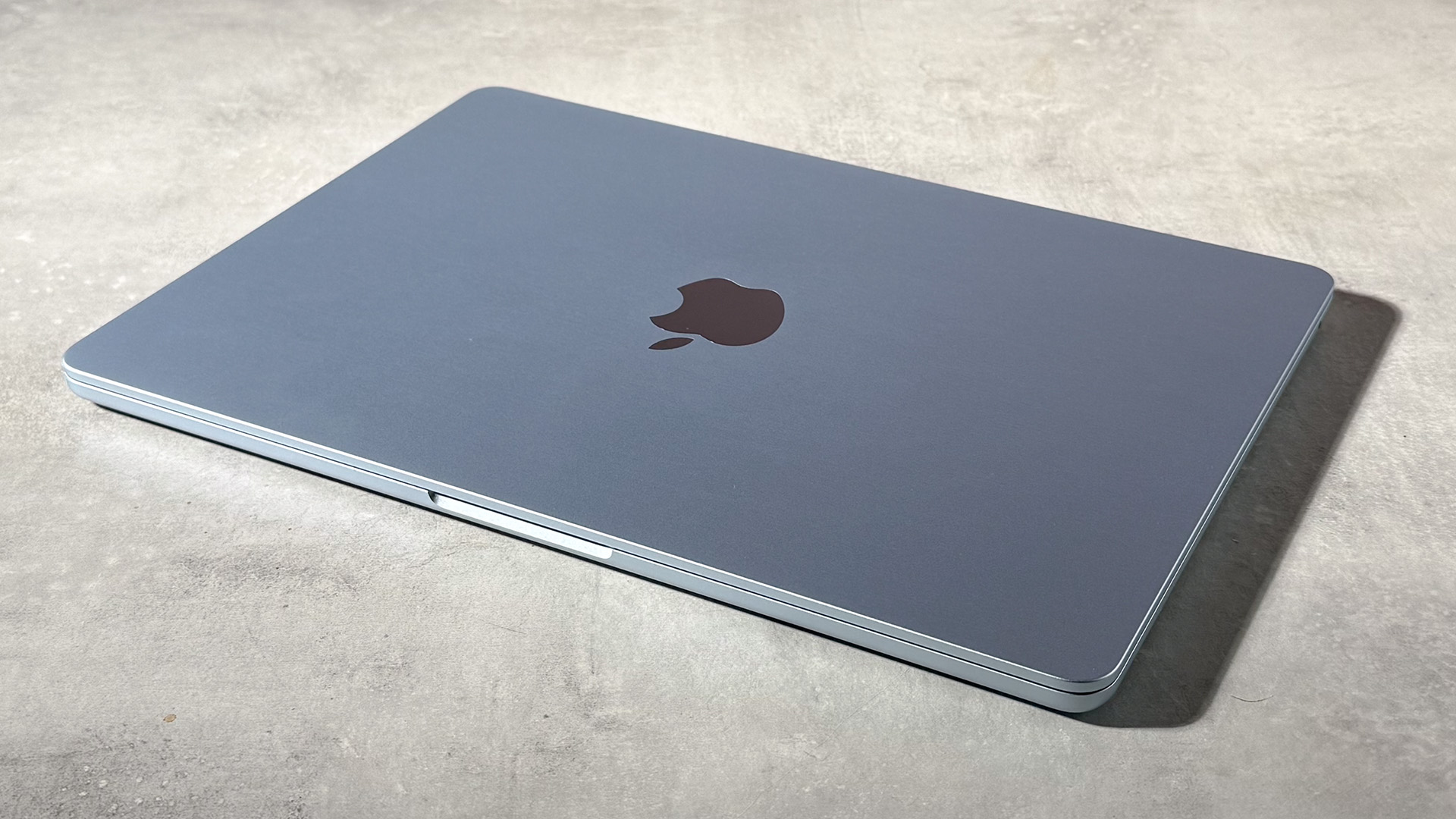
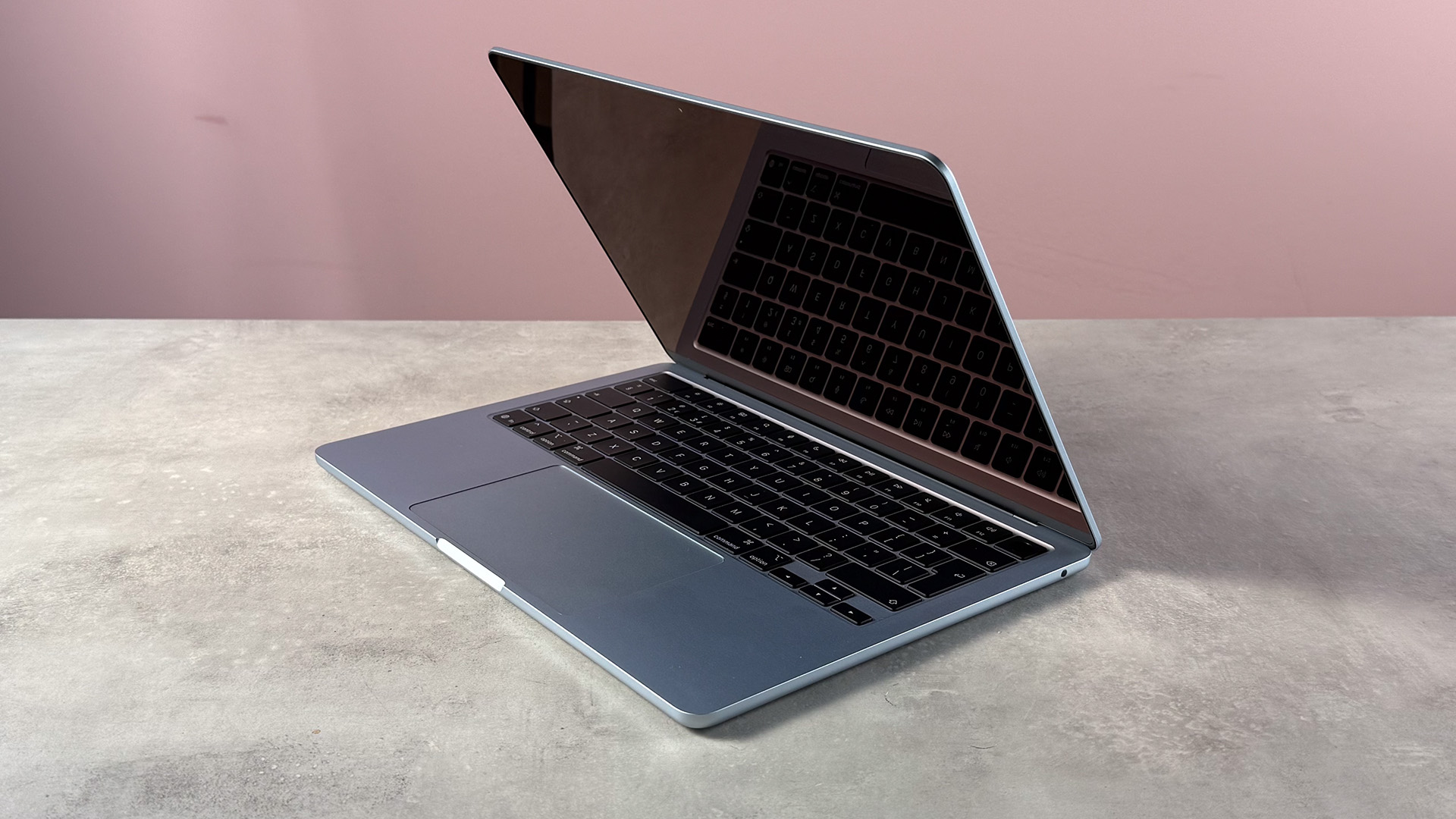
Not gonna lie: unboxing my new MacBook Air genuinely gave me a bit of a buzz. Partly that’s because it’s a gorgeous piece of kit, with the sky blue colorway I opted for looking subtle and metallic while offering just a hint of hue that makes it stand out. But a far bigger factor is I’m in my 40s and this is what passes for excitement at my age.
Getting the MacBook Air set up was as easy as ever with Apple’s hardware. Once I’d set basics like region and language, all I had to do was connect both my machines to the Wi-Fi, fire up Migration Assistant and start transferring all my apps and files over. After just 90 agonizing minutes, I was all good to go on my new machine.
So how does the experience of using the MacBook Air M5 compare to my creaking old Intel-based MacBook Pro? Well, I don’t know whether anyone’s ever hit upon this hot take before but… Apple Silicon seems kinda fast.
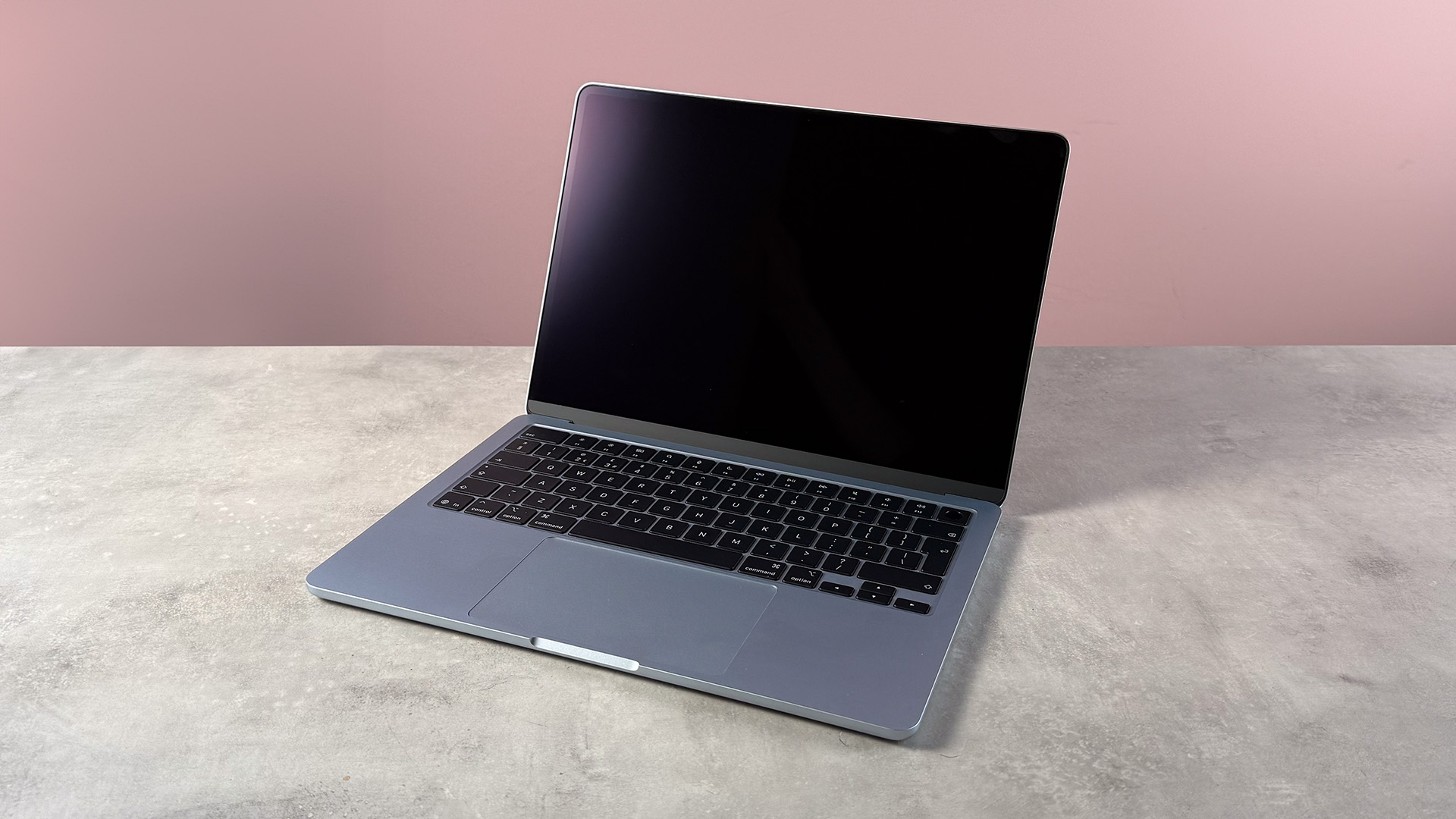
Booting it up takes me just 30 seconds — and that includes the 15 or so seconds it takes me to fumble in my password. Everyday apps like Apple Music or Safari open in under a second, meaning my MacBook has usually loaded them faster than my rusty reaction times have had a chance to grind into gear. That’s a pretty big step up from my former MacBook, which definitely needed a bit of a runup to even open fairly undemanding apps.
This speedy performance extends to productivity as well. Don’t get me wrong: my old MacBook was no slouch when it came to web browsing and Google Drive work, but Chrome is not the lightest-weight browser ever conceived, so it can occasionally cause serious CPU constipation. But there’s no hint of this on my new MacBook Air. Even with many windows, each with a dozen tabs open — look, writers aren’t exactly renowned for our orderly workspaces — this kind of everyday usage feels lightning-fast.
Performance art
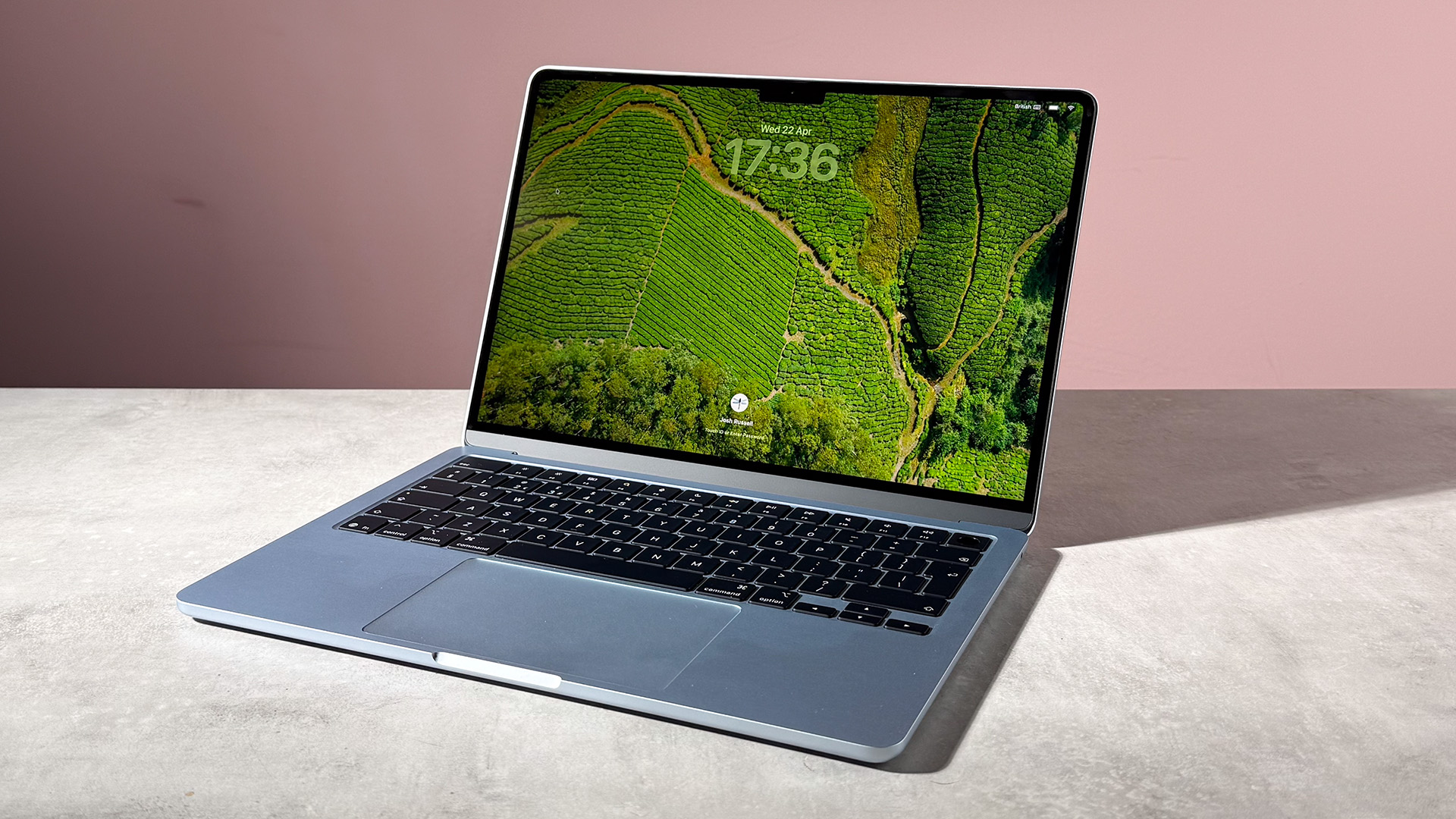
But these kinds of trifling tasks are a bit of a waste of the M5 chip’s talents — where I really noticed a difference was using apps like Photoshop. Not only does Photoshop boot on my MacBook Air M5 within 10 seconds rather than the minute it used to take, I can sketch on a hi-res artwork with more than 20 layers without any appreciable lag. And while I don’t use generative AI tools on principle, a quick test of generating a hi-res image using the built-in Image Playground tool of macOS took less than five seconds. Given Photoshop used to make my MacBook Pro 2017 wheeze like an emphysemic bellows, this is seriously impressive performance.
However, while I dabble in digital art, the main reason I decided to upgrade is for improved performance while making music. Before upgrading, even with a third of my channels mixed down to audio, many of my tracks would regularly see my CPU usage spike to 120% (macOS has a funny way of displaying CPU usage per core, leading to weird results like that), while their RAM usage sat at around double my physical 8GB RAM allocation. You don’t need to be great at math to see why this might be a problem.
By contrast, the new MacBook Air M5 peaked around 60% CPU usage and at about 130% of my 24GB physical RAM — and that’s with all my midi channels and effects running in real time. That’s a significant improvement and means that I’m no longer red-lining my CPU just to add a little polish to my beats.
Even though I’ve barely scratched the surface of what the M5 chip can do, so far it’s proving significantly speedier than any laptop I’ve owned before. But that new chipset isn’t the only factor that’s making an enormous difference to my productivity — the more expansive MacBook SSD is a huge help as well.
While a few people balked at the increased price when the latest MacBook Air was announced, I’m firmly of the opinion that the little bump in cost was more than justified thanks to the increased 512GB storage capacity. After many years of micromanaging my storage and deleting or offloading every single file I could possibly spare, I’ve been desperate for more space on my laptop. That new 512GB baseline would have taken the pressure off considerably, while my 1TB SSD should mean I don’t have to worry about space again for years to come.
So after less than 24 hours with the MacBook Air M5, I’ve been suitably impressed with what it can do. But what I’m looking forward to most is putting that power to work and really pumping some fuel into my creative engine. From what I’ve seen so far, I have zero regrets about my purchase.

Follow TechRadar on Google News and add us as a preferred source to get our expert news, reviews, and opinion in your feeds.