

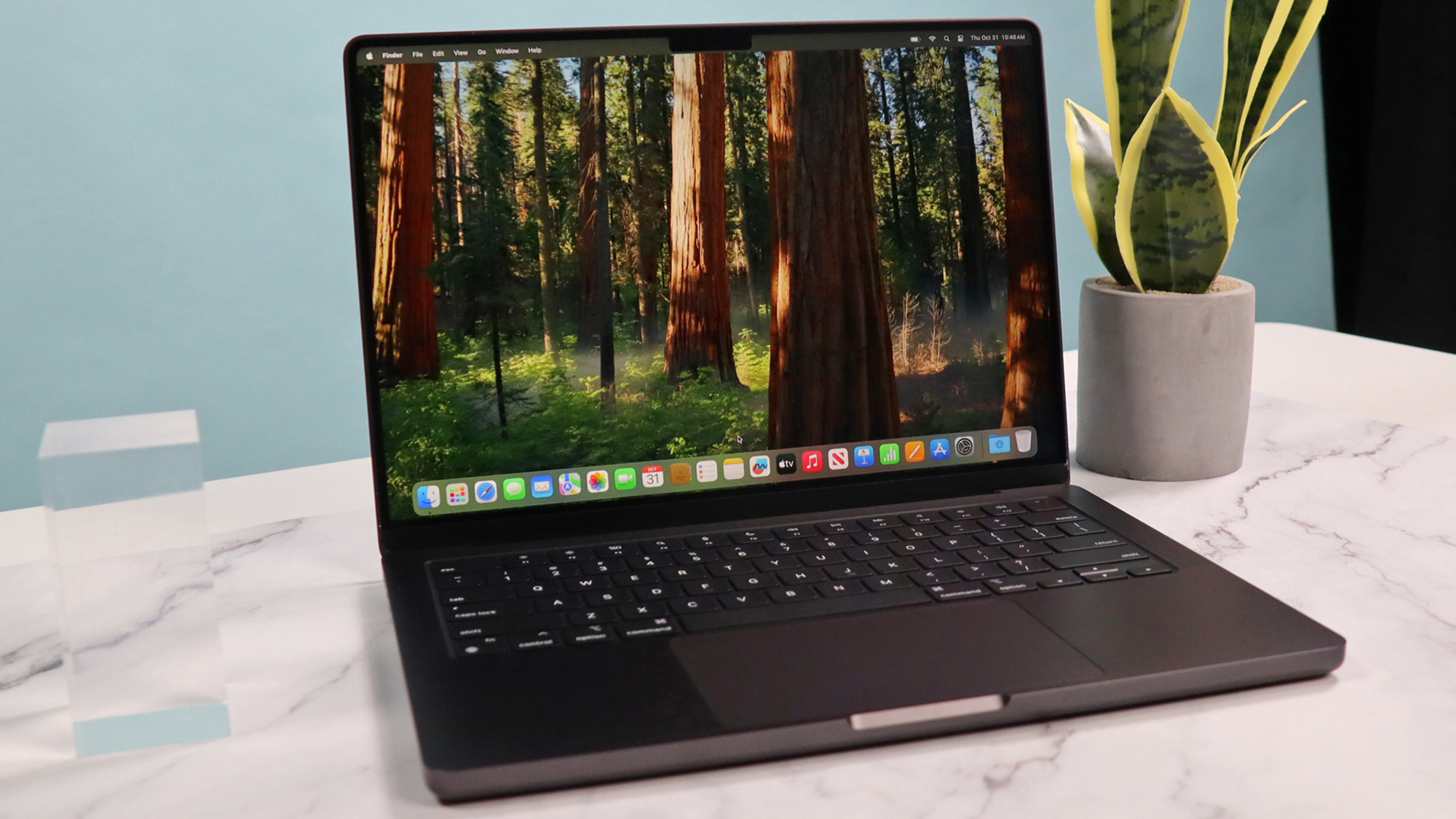
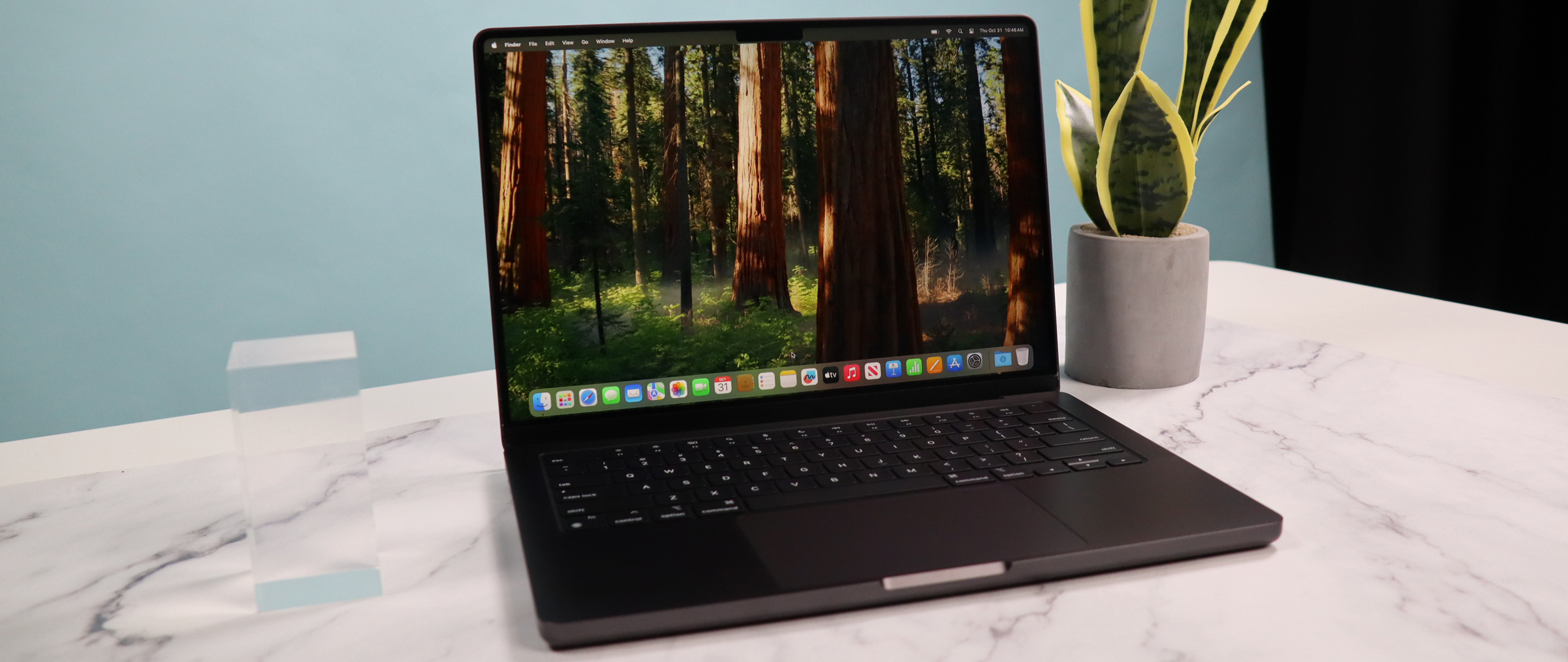
Apple MacBook Pro (14 inch, M4)
Pros
- M4
- Nano-texture screen
- Centerstage camera
- Excellent design
Cons
- No design updates
- No Wi-Fi 7
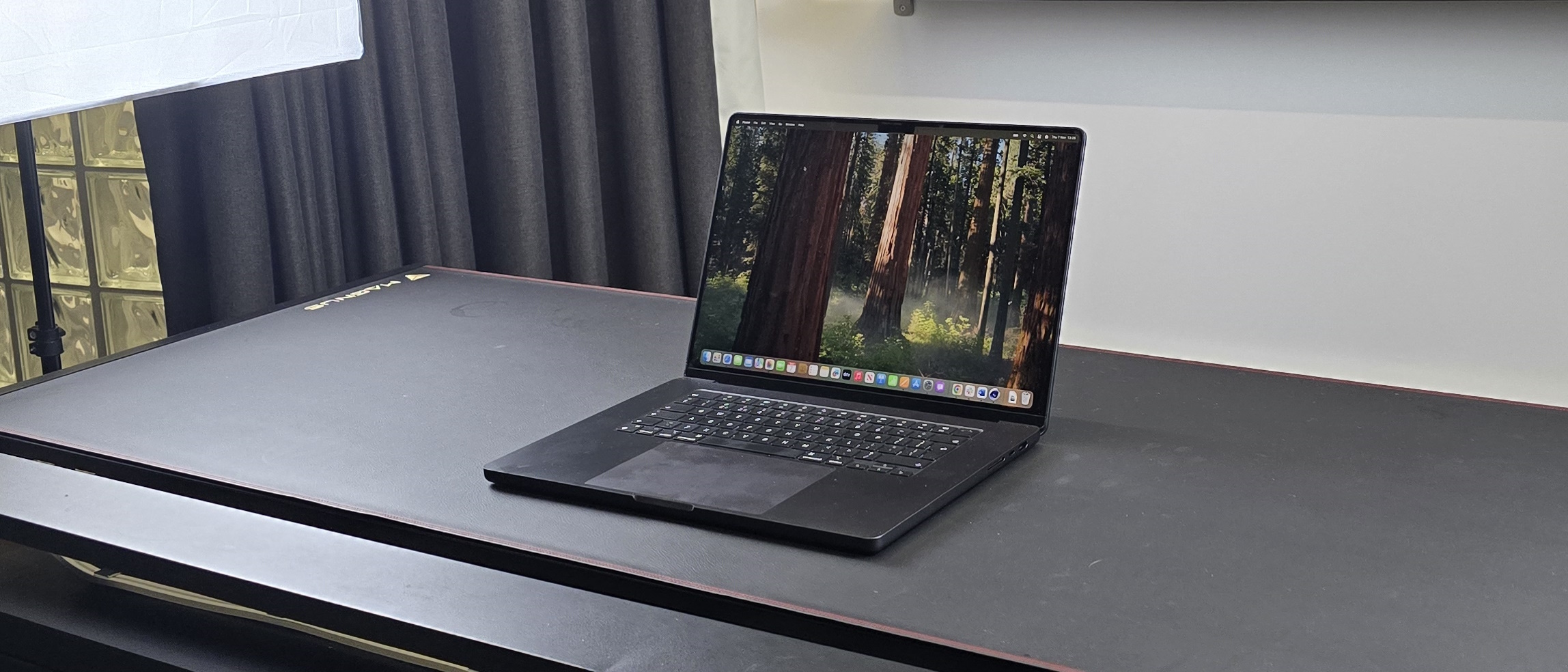
Apple MacBook Pro 16-inch (M4 Pro, 2024)
Another leap for Apple silicon
Pros
- Another leap in performance
- Still a great display
- Thunderbolt 5 support
Cons
- No new design
- Very expensive
MacBook Pro 14-inch (M4) vs MacBook Pro 16-inch (M4): Specs
Swipe to scroll horizontally
| Row 0 – Cell 0 |
MacBook Pro (14-inch) |
MacBook Pro (16-inch) |
|
Display |
14.2-inch |
16.2-inch |
|
Type |
Liquid Retina XDR display |
Liquid Retina XDR display |
|
Refresh rate |
ProMotion technology for adaptive refresh rates up to 120Hz |
ProMotion technology for adaptive refresh rates up to 120Hz |
|
Processor |
M4 or M4 Pro |
M4 Pro or M4 Max |
|
Memory |
Up to 128GB |
Up to 128GB |
|
Storage |
Up to 8TB |
Up to 8TB |
|
Ports |
Three Thunderbolt 4 (USB-C) ports or Three Thunderbolt 5 (USB-C) ports, HDMI port, and SDXC card slot |
Three Thunderbolt 5 (USB-C) ports, HDMI port, and SDXC card slot |
MacBook Pro 14-inch (M4) vs MacBook Pro 16-inch (M4): Prices & availability
The 14-inch MacBook Pro (M4) is available with either an entry-level M4 chip or mid-range M4 Pro chip. After deciding on which chip you want, you can also adjust the machine’s RAM and storage.
Article continues below
Expect to pay around $2000 / £2000 depending on the configuration. For comparison, the base model of the latest MacBook Pro (M5) costs from $1699 at Apple, and from £1699 in the UK.
When purchasing a 16-inch MacBook Pro (M4), you can choose between an M4 Pro or M4 Max model. From there, you can select your RAM and storage.
Prices are typically around the $2300 / £2300 mark here. If you’re buying the M5 version direct from Apple, prices start from $2699 in the US and £2699 in the UK.
MacBook Pro 14-inch (M4) vs MacBook Pro 16-inch (M4): Portability
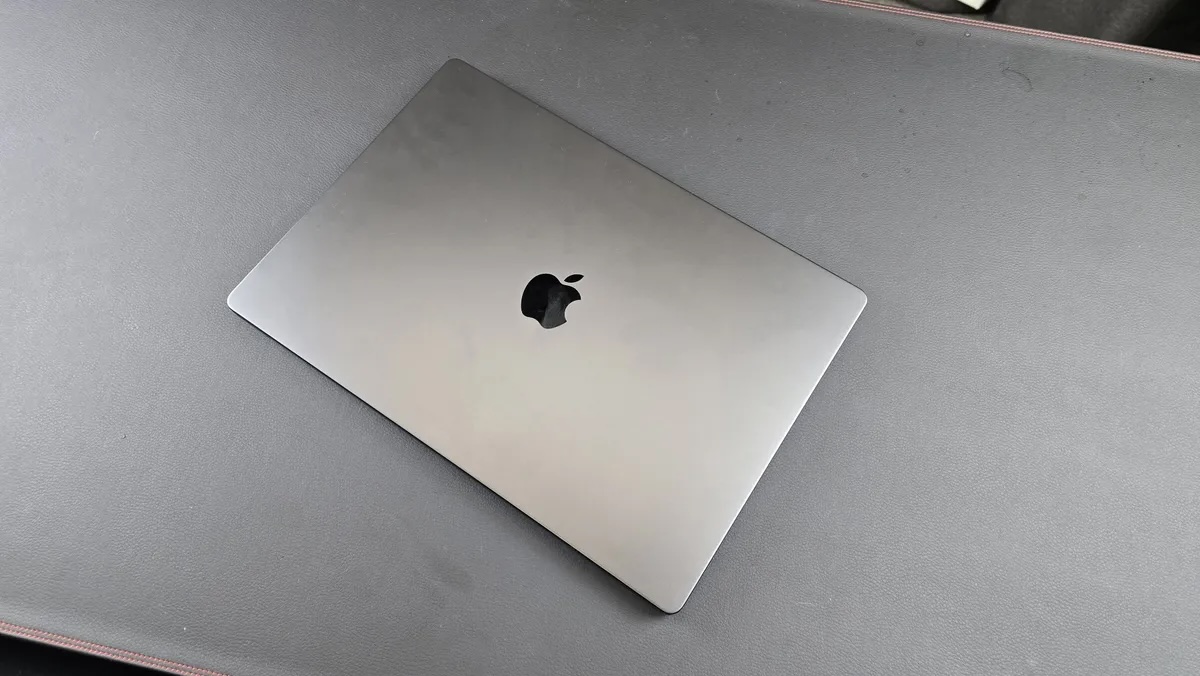
Regarding portability, the 14-inch MacBook Pro has the upper hand. Its smaller size and lighter weight make it much easier to slip into a bag and carry around, whether commuting, traveling or simply moving between workspaces. While the 16-inch model is still manageable to transport, its larger dimensions and additional weight can become noticeable, especially during extended use or travel. This difference might not matter to everyone, but for those who prioritize portability and frequently move around with their device, the 14-inch model is undoubtedly the more convenient choice.
However, it’s essential to consider how you typically use your laptop. If you primarily work at a desk and rarely take your computer on the go, the 14-inch model’s portability advantages may not be as significant. Ultimately, the best choice depends on your individual needs and preferences.
Winner: MacBook Pro 14-inch (M4)
MacBook Pro 14-inch (M4) vs MacBook Pro 16-inch (M4): Performance
Regarding raw performance, the 14-inch and 16-inch MacBook Pro models offer similar capabilities; however, the experience largely depends on your chosen chip. The 14-inch model has either the entry-level M4 chip or the more robust M4 Pro. In contrast, the 16-inch model offers mid-range M4 Pro or high-performance M4 Max options.
Apple’s M4 series chips significantly improve performance and energy efficiency for Mac computers, reflecting the company’s commitment to pushing the boundaries of computing technology. Each chip in this lineup is designed to meet varying needs and budgets, ensuring users can find a model that suits their requirements.
The M4 chip is the base model, striking an excellent balance between power and efficiency. It is ideal for everyday tasks such as web browsing, email management, and light productivity. Users who primarily engage in routine computing will find the M4 sufficient for their needs, providing smooth performance for day-to-day applications.
Upgrading to the M4 Pro significantly enhances performance, particularly in graphics processing and multi-core tasks. This chip is tailored for professionals who engage in more demanding workflows, such as video editing, 3D modeling, software development, and other intensive applications that require robust computational power. The M4 Pro’s ability to handle complex processes makes it an excellent choice for creative professionals and developers seeking to push their limits.
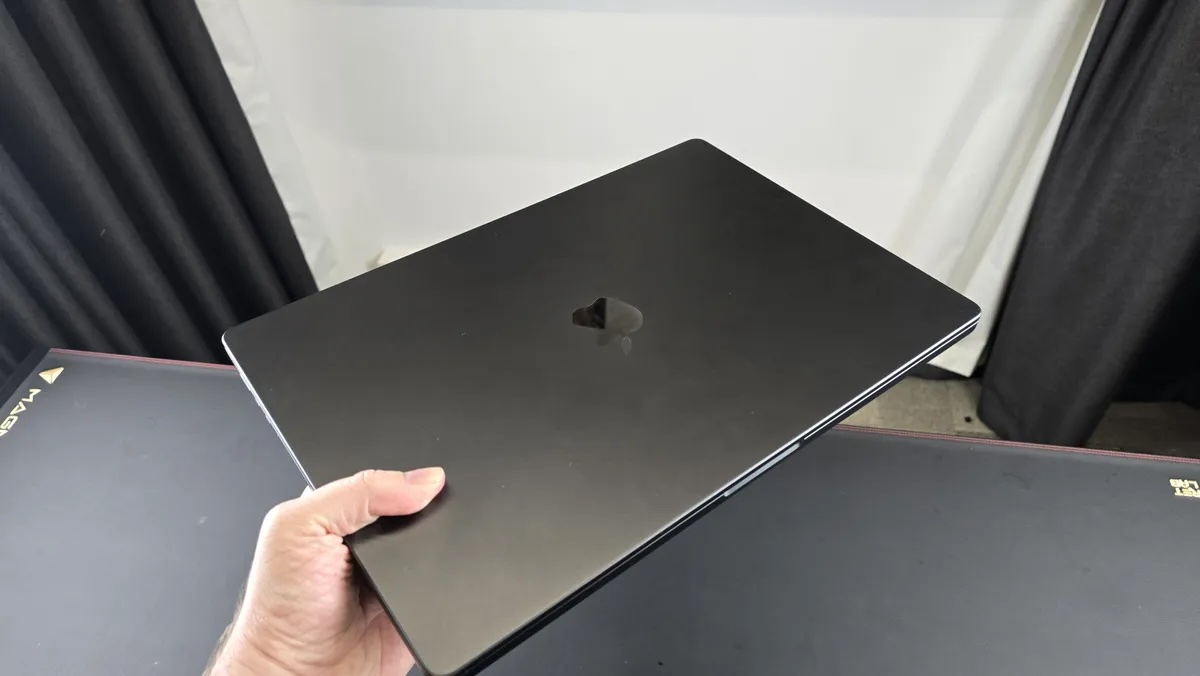
At the top of the lineup lies the M4 Max, designed for those who demand the absolute best from their machines. With increased CPU and GPU cores and superior memory bandwidth, the M4 Max is a powerhouse capable of managing the most demanding workflows. Whether performing high-resolution video editing, running complex simulations, or conducting extensive scientific research, the M4 Max delivers unparalleled performance. Its architecture allows for exceptional multitasking and resource management, making it the ultimate choice for film production, data analysis, and AI development professionals.
Ultimately, the choice between these chips comes down to your needs, workload, and the power required for your daily tasks. Assessing the complexity of your projects and the intensity of your computing requirements will guide you toward the right MacBook Pro model, ensuring you have the performance necessary to excel in your endeavors.
Winner: It depends on the chip. The M4 Max is the “best,” but that doesn’t mean it’s the one most people need to buy.
MacBook Pro 14-inch (M4) vs MacBook Pro 16-inch (M4): Upgradeability
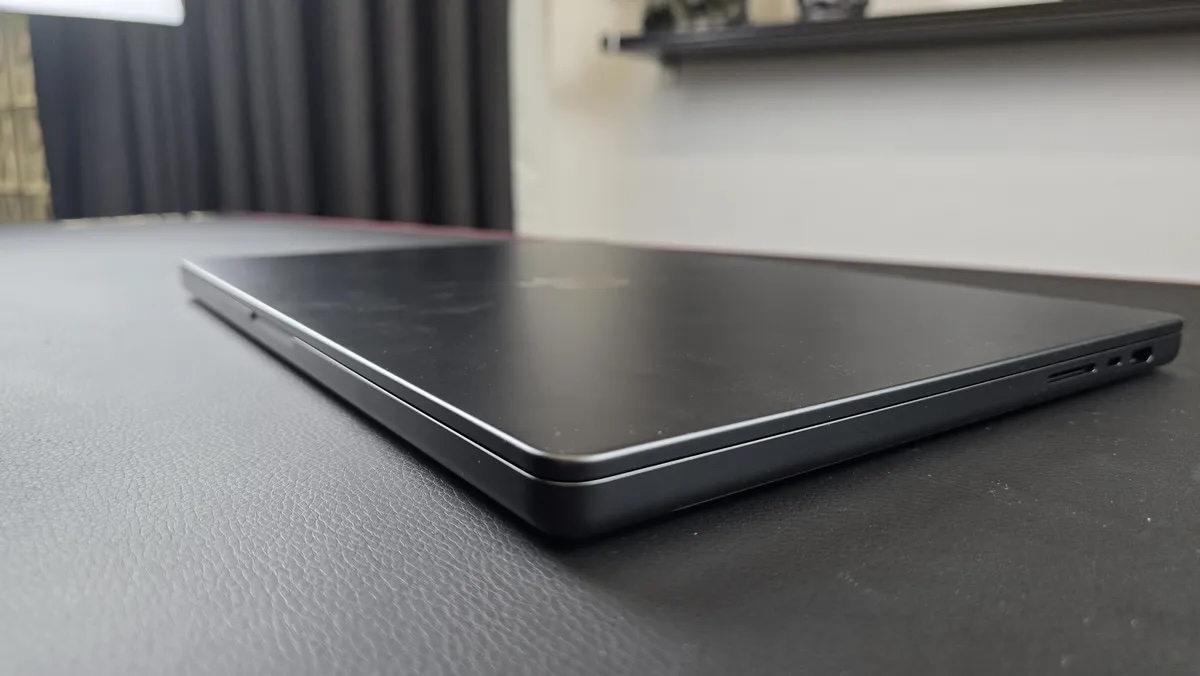
The 14-inch and 16-inch MacBook Pro (M4) models are virtually identical regarding upgradeability. Neither allows for user upgrades to RAM or storage after purchase. Both come with Apple’s unified memory architecture, which integrates the RAM into the chip. This design prioritizes performance and efficiency but eliminates the possibility of user-installed RAM upgrades. Similarly, the SSD storage is also soldered onto the motherboard, making post-purchase storage upgrades impossible.
Therefore, it’s crucial to carefully consider your RAM and storage needs before purchasing either model. Choosing the ricorrectonfiguration at the outset is essential, as you won’t be able to expand these components later. This limitation is consistent across the 14-inch and 16-inch models, so upgradeability shouldn’t be a deciding factor in choosing between the two.
Winner: It’s a draw
MacBook Pro 14-inch (M4) vs MacBook Pro 16-inch (M4): Connectivity
The 14-inch and 16-inch MacBook Pro (M4) models are essentially identical in connectivity. Both offer a comprehensive suite of ports, including three Thunderbolt ports, an HDMI port, an SDXC card slot, and a 3.5 mm headphone jack. They also support Wi-Fi 6E and Bluetooth 5.3 for fast and reliable wireless connectivity. This extensive array of ports ensures compatibility with a wide range of peripherals and accessories, catering to the needs of professionals and creatives who often require diverse connectivity options.
The only minor difference lies in the power adapter. The 16-inch model has a more powerful 140W USB-C power adapter than the 96W adapter included with the 14-inch model. This allows for faster charging on the 16-inch MacBook Pro, which is beneficial given its larger battery. However, both models support fast charging via either MagSafe or the USB-C port, providing flexibility and convenience for users.
Winner: 16-inch MacBook Pro (M4)
MacBook Pro 14-inch (M4) vs MacBook Pro 16-inch (M4): Verdict
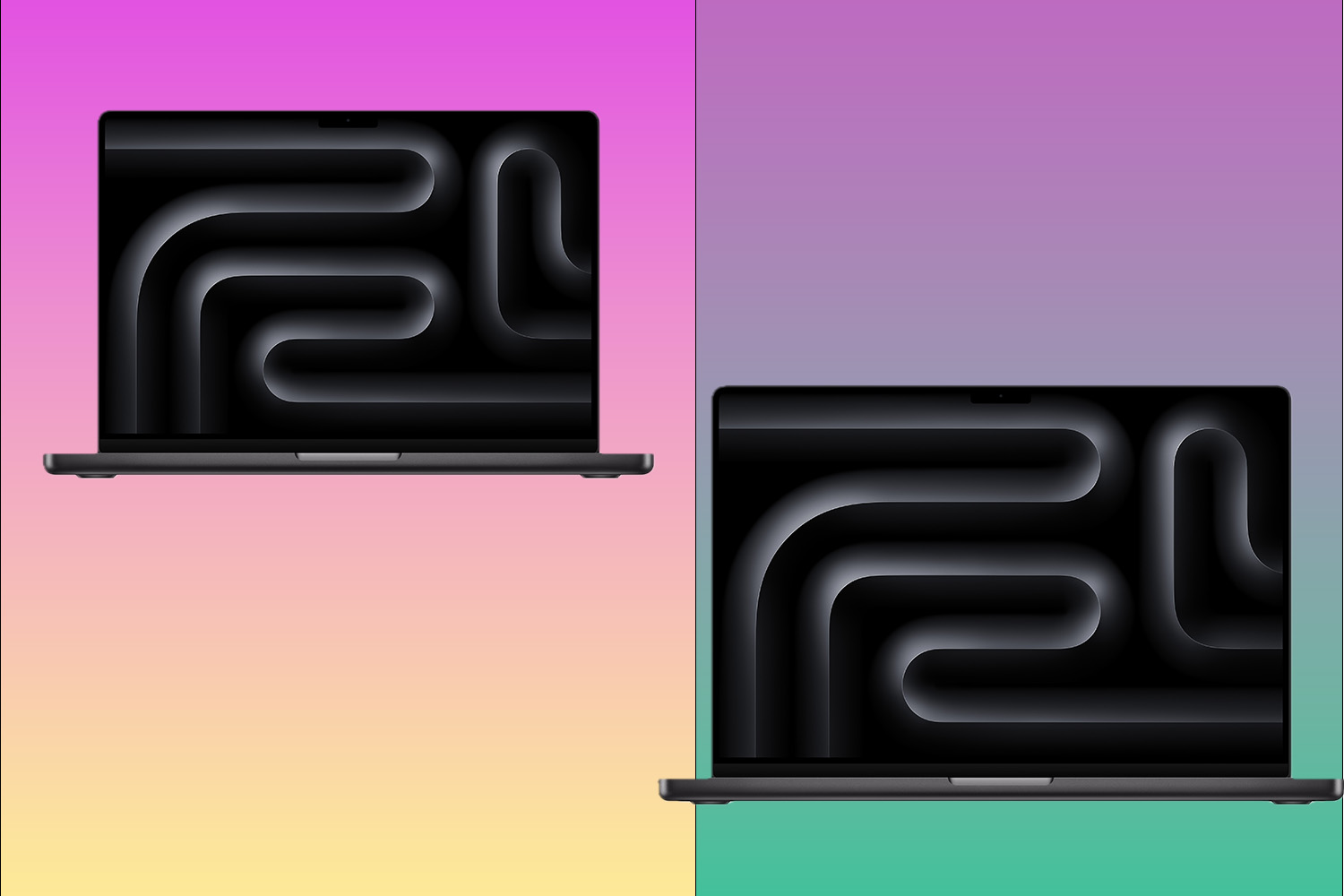
First, let’s assume you’re not upgrading to the M5 laptops – and, honestly, given the power inherent in the M4 MacBook Pro laptops, it’s absolutely not essential unless you want the latest in the line.
The 14-inch MacBook Pro (M4) is ideal for users who prioritize portability and value. Its smaller footprint and lighter weight make it a perfect companion for those who are frequently on the move or who prefer a more compact machine. Students, frequent travelers, and those who work in various locations will appreciate its easier handling and transport. Additionally, the 14-inch model offers a more accessible entry point with its lower starting price, making it appealing to budget-conscious users who still desire a powerful and capable machine.
While it lacks its bigger sibling’s slightly larger screen and enhanced thermal management, the 14-inch MacBook Pro doesn’t compromise performance. It still packs the potent chip, delivering exceptional power for demanding tasks. If portability and affordability are key considerations, the 14-inch MacBook Pro (M4) is the clear winner.
