

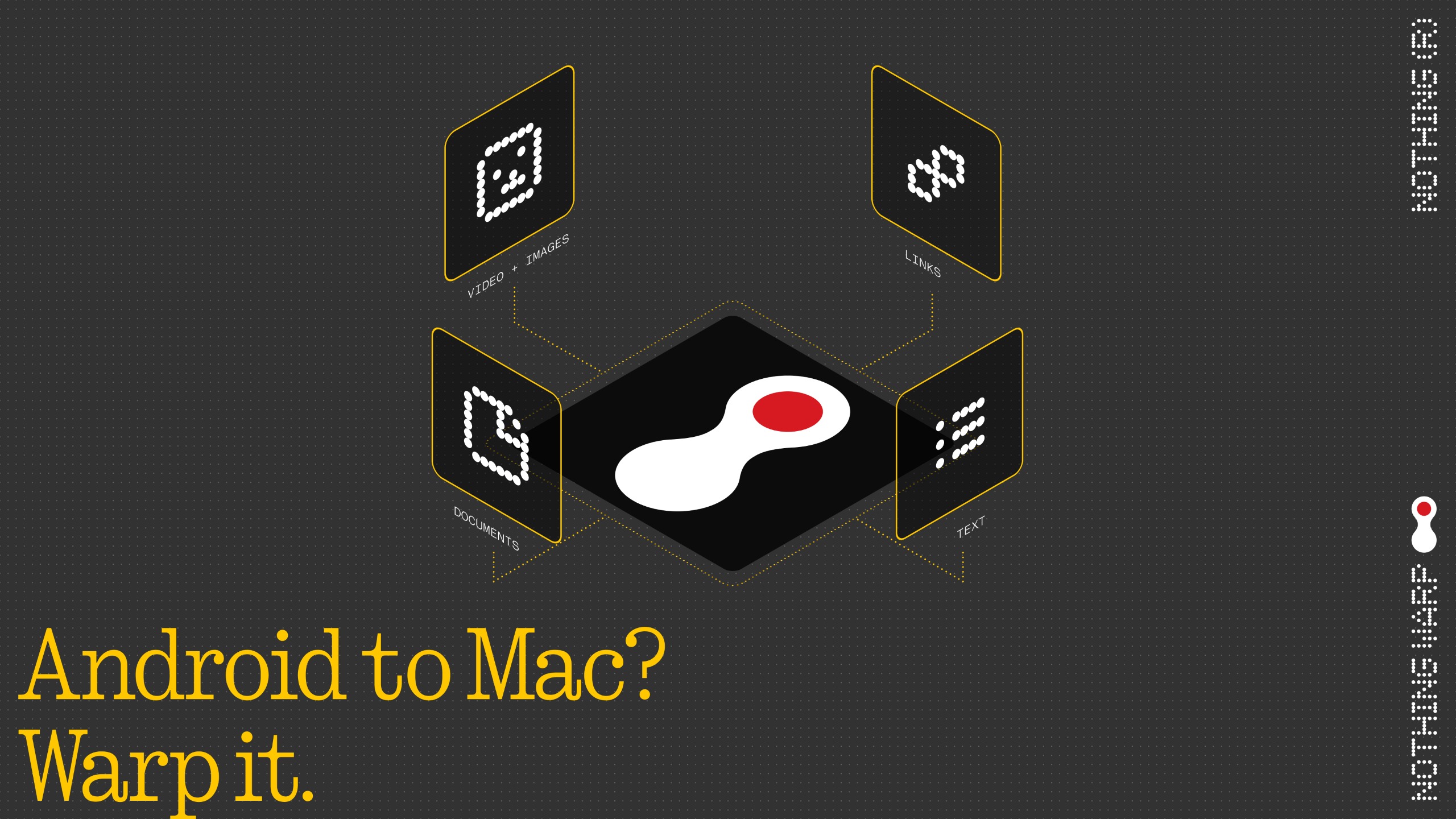
- Nothing Warp is a new file transfer app
- Less than 24 hours after launch, it has already disappeared
- The app allowed you to transfer files between an Android phone and a Mac, Windows, or Linux computer
Yesterday, Nothing unveiled a new Android app and Chrome plugin called Nothing Warp, which — once you had both — allowed you to seamlessly transfer files, links, copied text, and images between your Android phone and a Windows, macOS, or Linux computer.
Being cross-platform — and especially working between Android and Apple systems (albeit not iOS) — this tool could have been genuinely useful, but if you were hoping to try it, you can’t, because less than 24 hours after its launch, Nothing Warp is gone.
The Google Play Store listing has been deleted, as has the Chrome extension page, and even the blog post announcing Nothing Warp.
Article continues below
So, what’s going on? We don’t know. Perhaps Nothing faced legal concerns, or maybe the feature simply turned out not to be polished enough to launch yet. But at least for now, it’s no longer possible to download this tool.

Not quite warp speed
We’ve reached out to Nothing for comment and will update this article if the company responds, but it feels like this is something that’s probably not coming back. Still, it might not be the greatest loss, as 9to5Google tried the service before it disappeared and found that it was quite slow.
This is presumably because of how it works, with Nothing Warp essentially just uploading files to your Google Drive account on one device, and then downloading them from there to another, rather than sending things directly from one device to another.
It still has some advantages over manually uploading and downloading from Google Drive, as it’s a bit slicker and more seamless, but it sounds like AirDrop and Quick Share are probably better options, at least when moving things between platforms they support.
Indeed, while some users quite liked Nothing Warp in the brief time it was available, others were less convinced, with a Reddit thread containing positive comments like “amazing, I love using it”, and “pretty useful”, as well as more negative ones like “so Quick Share with extra steps.”

Follow TechRadar on Google News and add us as a preferred source to get our expert news, reviews, and opinion in your feeds.
