

For the past few months, I’ve been switching between different browsers.
Although it’s clear I won’t go back to Chrome anytime soon, I haven’t found a definitive alternative I can stick with long-term.
This time, I tested more options, pitting Brave, Vivaldi, and Firefox against each other, weighing the pros and cons of each to decide which browser to settle on.
The test, which I categorized with one winner for each, was pretty close, with all the browsers performing reliably, though they differed clearly in privacy and customization.
Even so, it was a neck-and-neck comparison, though I ultimately had to pick only one.
Everyday browsing speed
All three are fast and responsive
Speed is one of the biggest factors many users consider for a browser on Android, especially on modest or aging hardware.
In my test, all three browsers felt snappy, and I didn’t run into quirks even when loading heavy CMS tasks or playing 4K videos.
Sure, loading times will differ, but the differences are barely noticeable.
If there’s one browser I’ve always found stable and consistently fast, it’s Brave.
It’s lightweight because it strips out extras, unlike Vivaldi, which has more integrated tools, especially for customization.
Both also enable blockers by default, so they load pages impressively fast when you switch between tabs.
Firefox is also notably speedy.
It’s the only browser in this comparison that is based on the Gecko engine, and that’s a big difference.
However, the aggressive content blockers aren’t on by default, and I have to manually install extensions or add-ons to enable them.
That may add friction, since it takes more resources to load ads and trackers, while Brave and Vivaldi block most of them at the start.
If I had to pick a winner in this category, Brave would easily take the top spot, followed by Vivaldi.
Winner: Brave
Daily battery efficiency
Aggressive blocking improves endurance
Although Brave feels the fastest of the trio, it also optimizes battery use well. Its lighter install size might contribute to better power efficiency on my device.
I’ve had it as my default browser on my Google Pixel 9 Pro XL for a couple of weeks now, and it never aggressively zaps my device’s battery. Even when running in the background, it consumes very little power.
I can say the same for Vivaldi, which is my default browser on my Samsung Galaxy Z Flip 7. A full day with an hour of active browsing will only use a few percent of the battery.
Firefox does well on battery life, but it’s still below the other two.
I noticed it sends and receives more data packets than the pair, which could be why it’s less efficient.
Brave and Vivaldi tie on this one, each gaining one point.
Winner: Brave / Vivaldi
Display scaling
Genuine desktop layout

I read a lot of articles daily and casually stream on YouTube and Crunchyroll, so effective dynamic scaling is important for better text fit and alignment.
While both Brave and Vivaldi offer easy-to-access zoom controls, I find Firefox’s default scaling and legibility better.
It doesn’t cram too many words into a line or too many lines into a paragraph, which is easier on my eyes.
I also prefer it for desktop mode, especially when I’m navigating on CMS platforms and YouTube.
All elements appear properly and are accessible in a true desktop layout.
More importantly, the pinch-to-zoom gesture works smoothly in Firefox and isn’t hindered by scaling.
On sites like YouTube, after I zoom in, I cannot smoothly hover around the screen. Either touch input gets stuck, or Vivaldi and Brave don’t register swipe gestures.
Firefox also offers a true desktop layout, whereas Brave and Vivaldi noticeably scale elements as if they were an inflated mobile version.
Comparing the two, Vivaldi allows more granular zoom steps than Brave.
Still, I prefer Firefox’s scaling and desktop mode performance, but I wish it had a zoom shortcut in the main menu instead of hiding it in the accessibility section.
Winner: Firefox
Power user utilities
More extensions, the better
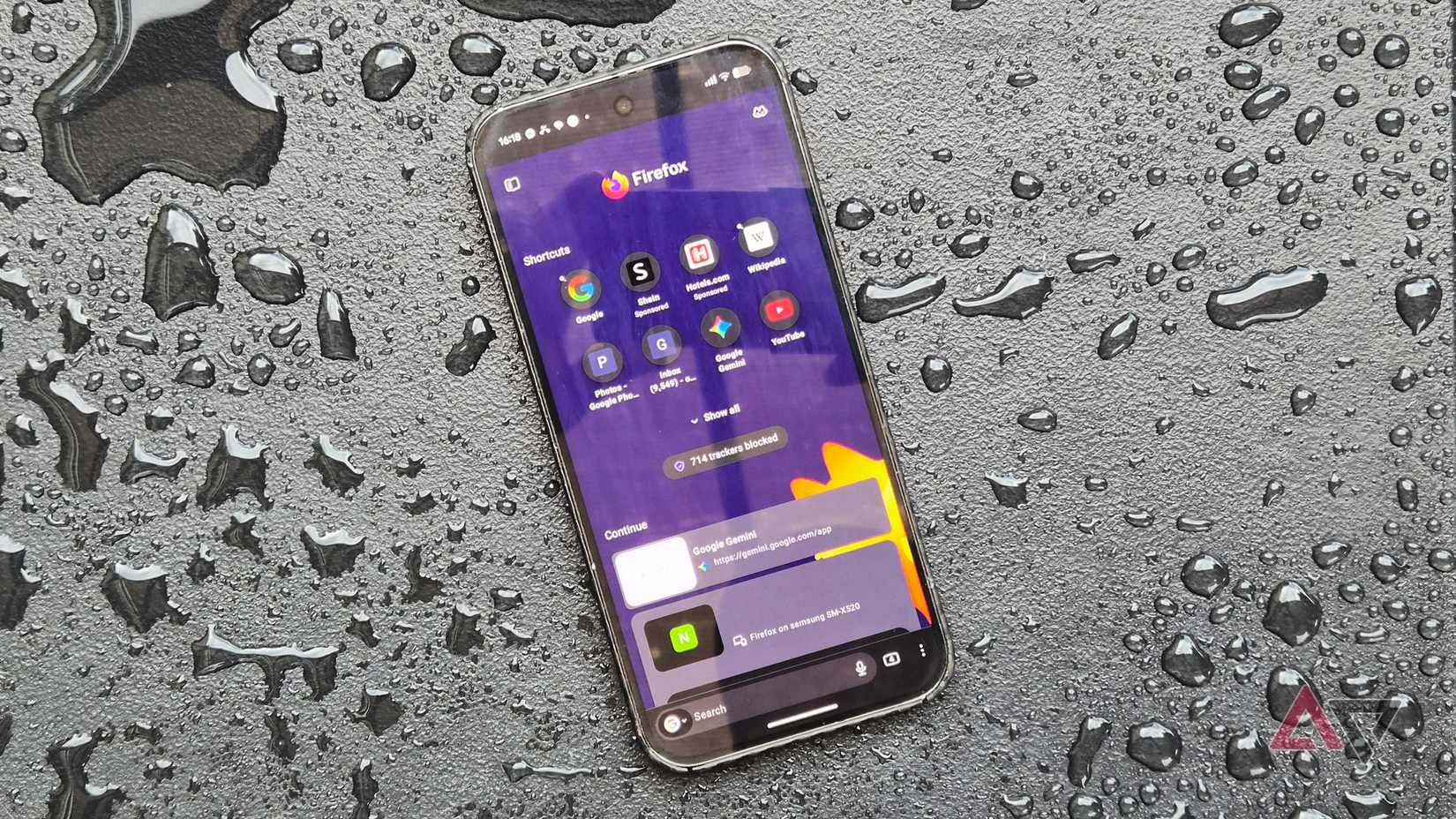
When it comes to utilities, each browser has the essentials, from tab management to a password manager.
However, Firefox offers desktop-level extensions and expanded sync, beating Brave and Vivaldi. For example, I can find and install popular add-ons like uBlock Origin and Bitwarden.
This is crucial for users with a multi-device, multi-platform setup who want a cohesive experience.
Firefox also offers productivity extensions, making it indispensable for power users. With that, it easily wins here as a true utilitarian browser.
A minor gripe with Firefox, though, is that it doesn’t support background audio playback, unlike with Brave or Vivaldi, where I can play YouTube Music via the browser while keeping my phone locked.
Still, that’s a minor tradeoff since I can still jump on the standalone app when needed.
Vivaldi is second, offering useful built-in tools like quick notes and calendar syncing. I also like that it doesn’t push unnecessary AI features.
Winner: Firefox
UI customization
Granular control for improving workspace
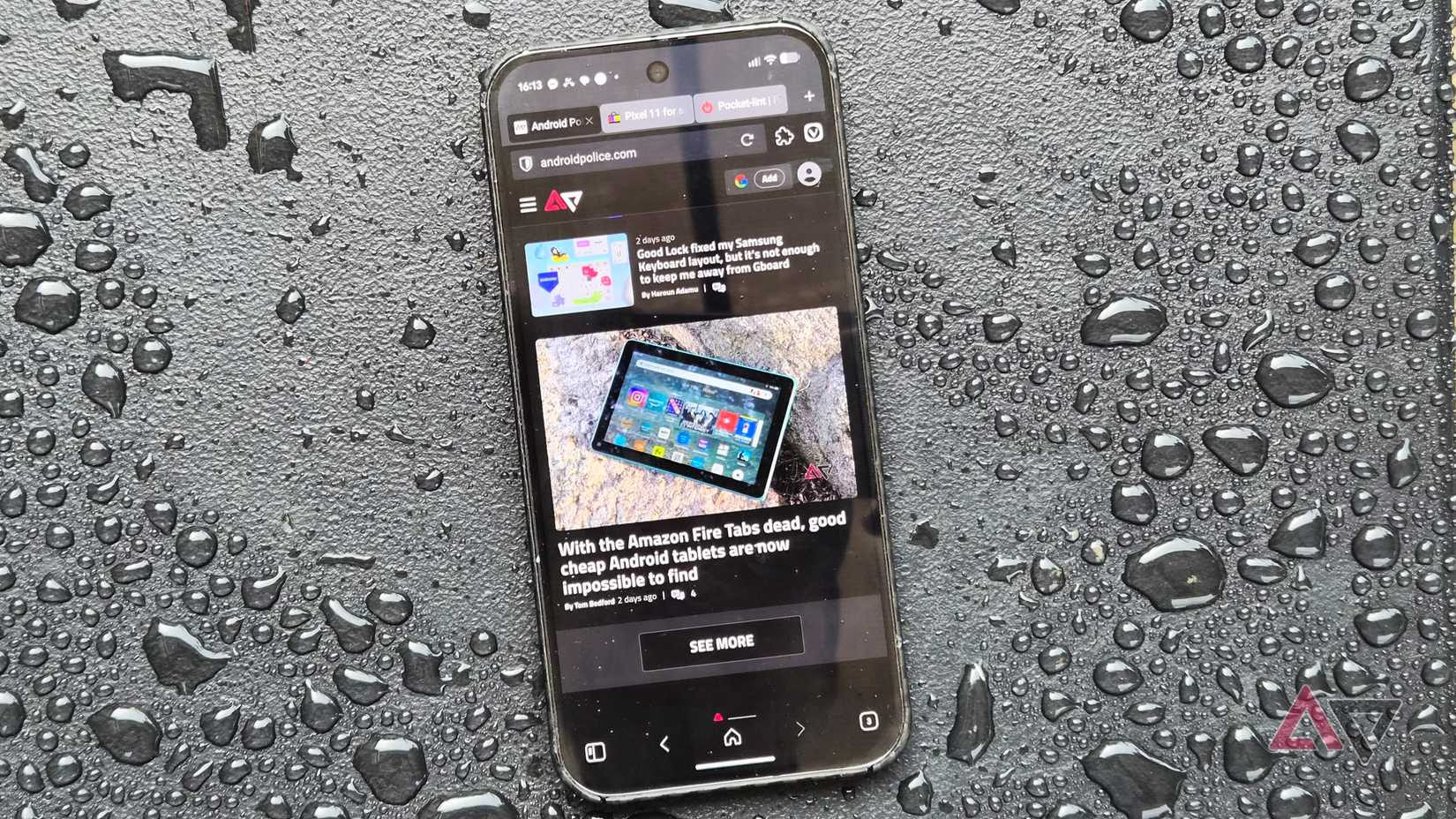
Having more options is always welcome.
Although the three browsers start light out of the box, I like that Vivaldi offers more customization for browsing management and appearance.
Its tab view mirrors a desktop layout, which is practical on large-screen devices like tablets and foldables.
It also supports custom wallpapers and lets you tweak the address bar and navigation buttons. But if you want a no-fuss setup, you can strip away these tools and shortcuts for a cleaner UI.
Vivaldi also offers a wide list of search engines, or you can add a custom one. Plus, its translation implementation matches Firefox’s, and it includes a nifty translation tab for selected text.
If you want comprehensive controls and deep modularity, Vivaldi is arguably at the top.
Winner: Vivaldi
Privacy and baseline security
Built-in defenses without tedious manual configuration

I value a browser with privacy and security features enabled by default. And Brave checks every aspect of user privacy and security.
It automatically enables tracker and ad blocking, protects against a wide range of fingerprinting techniques, and includes a native VPN and firewall.
Beyond its default security and privacy safeguards, it also has a one-tap Shred data button to clear browsing data, including malicious scripts that might have slipped past the filter.
Like other mainstream browsers, it prompts you to install security updates to address active threats and vulnerabilities.
Vivaldi and Firefox also have default privacy settings applied, but they are more conservative, requiring you to crank up the levers for more effective blocking.
For most users who want strong, effective protection, Brave shines here.
Winner: Brave
Brave actually understands what users want
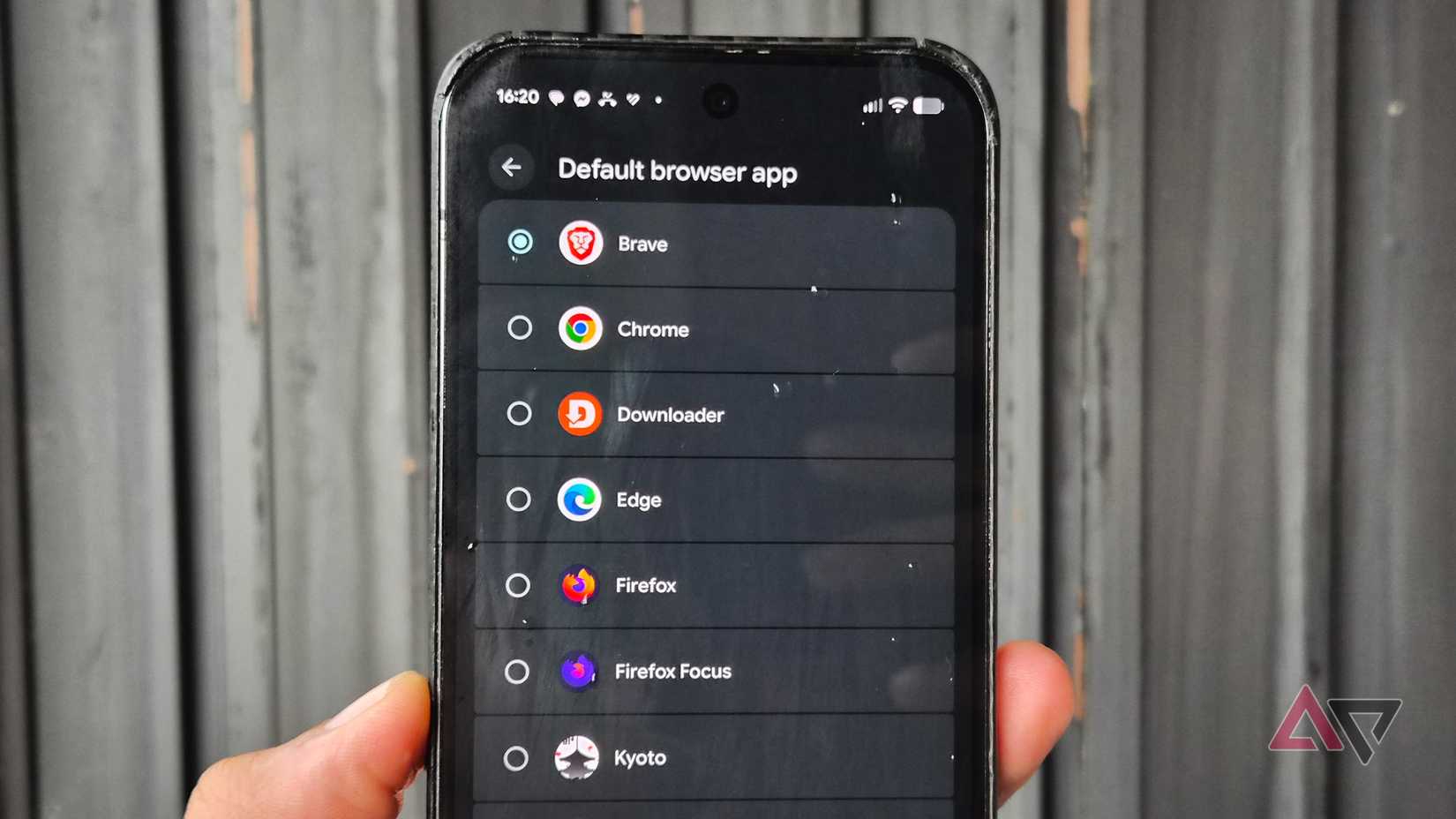
These browsers have proven to be stellar alternatives to Chrome.
They fill the major gaps and address my biggest frustrations with Google’s bloated browser.
With responsive speed and robust privacy as my top requirements, Brave is my best Android browser pick.
I only hope its cross-platform syncing and customization options improve in the future.
Regardless, I can easily recommend it to anyone who prioritizes performance and personal privacy protection over letting Google access their data every time they visit a URL.
